About this animation
A scroll-driven impact report with morphing particles and rolling statistics, with configurable chapters, title, fonts, and particle drift.
Why this one
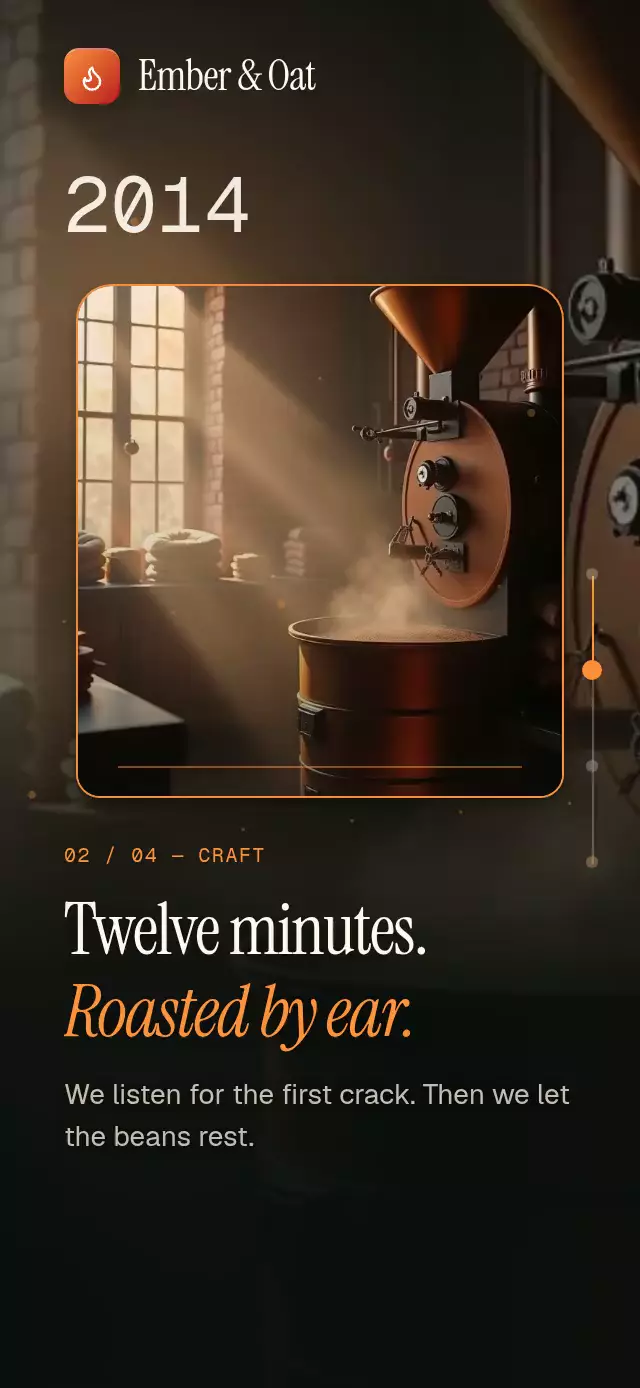
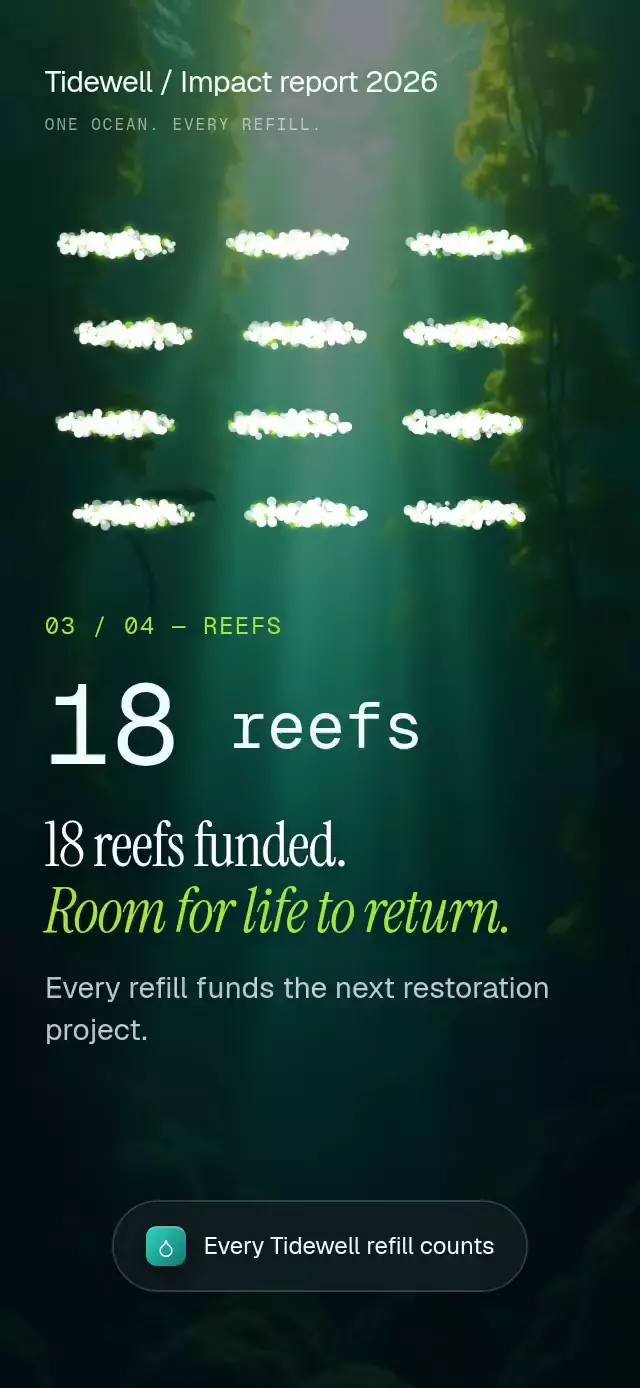
The same cloud becomes a bottle, a breaking wave, twelve swimming fish, and finally “2.4M.” The statistics become the visual story instead of sitting beside a generic counter. Local ocean photography, chapter accents, and a real glass footer give the demo a coherent world.
How it works
- Sample filled Skia paths once into four typed destination arrays.
- Derive one continuous chapter progress from the measured container height and native scroll events.
- Hold each particle pose for the first and last 20% of each segment. Smoothstep interpolation and individual perpendicular bends reorganize the cloud.
- Draw 15 batched
Pointsnodes in one Canvas. Exactly 20% of particles carry the chapter accent; radii range from 1.2 to 2.4 points. - Animate numeric values for 900 ms on chapter entry. Each digit column advances only during its carry, with distance fading and a clipped line box.
- Stack photos with entrance opacity, separate title entrance/exit windows, and place the final action inside the scroll content. The demo drives the scroll through the ref every 2.6 seconds and stops on touch.
Install
npx expo install @shopify/react-native-skia expo-blur expo-image expo-linear-gradient react-native-reanimated react-native-workletsCopy this folder without demo/. Load your fonts in the host. On web, initialize CanvasKit before mounting this component; an Expo host can use Skia’s WithSkiaWeb with a lazy component import. The catalog must register this Skia piece through its existing lazy Skia loader.
Icons: Lucide (ISC). Copied paths are in icons.ts; the source license is in the repository kit.
Usage
import ImpactNumbersScroll from './impact-numbers-scroll';

export default function Report() {
  return <ImpactNumbersScroll onJoin={() => openRefillSignup()} />;
}
const report = useRef<ImpactNumbersScrollRef>(null);
<ImpactNumbersScroll
ref={report}
chapters={fourChapters}
reportTitle="Annual impact / 2026"
fontFamily="YourSans"
serifFontFamily="YourSerif"
italicFontFamily="YourItalic"
monoFontFamily="YourMono"
counterDuration={900}
driftAmplitude={1.5}
ctaLabel="Start refilling"
onJoin={openRefillSignup}
/>;
// Call from an event or a timer:
report.current?.scrollToChapter(2);Props
| Prop | Type | Default | Description |
|---|---|---|---|
| chapters | readonly ImpactChapter[] | Four neutral chapters | Supply exactly four; silhouettes stay in their defined order. |
| reportTitle | string | Impact report | Upper-left label. |
| footer | ReactNode | Every refill counts | Content inside the blurred material. |
| ctaLabel | string | Make your next refill count | Final button and accessibility label. |
| onJoin | () => void | undefined | Final button action. |
| onChapterChange | (index: number) => void | undefined | Chapter-entry callback on JS. |
| onInteraction | () => void | undefined | Touch/drag callback for stopping host playback. |
| fontFamily | string | system | Body font. |
| serifFontFamily | string | system | Title font. |
| italicFontFamily | string | system | Accent title font. |
| monoFontFamily | string | system | Tabular statistics and chapter labels. |
| counterDuration | number | 900 | Counter entrance duration, milliseconds. |
| driftAmplitude | number | 1.5 | Ambient displacement, points. |
| snapToChapters | boolean | true | Native snapping; never enabled on web. |
| style | StyleProp<ViewStyle> | undefined | Root style; give the parent a height. |
| testID | string | undefined | Root test identifier. |
ImpactChapter contains value, optional suffix, eyebrow, title, ending, body, accent, and optional local image. Decimal statistics support one decimal place. The default compact final target is 2.4M.
Ref methods: scrollToChapter(index) animates the actual scroll position; reset() returns to the first chapter and replays condensation; fade(hidden) controls the loop’s black transition.
Compatibility
Built for Expo SDK 58, React Native 0.88.0, Reanimated 4.7.1, worklets 0.13.0, and Skia 2.14.0. Uses the SDK 58 Android BlurTargetView API. Compatible with the installed Expo Go stack; custom hosts need the same native modules in their build. Web requires CanvasKit initialization.
Accessibility
Titles use the header role, counters expose their complete values, and both actions have button roles, labels, and at least 44-point targets. Normal scrolling and the first-screen next button provide alternatives. Reduced motion removes rain, breathing, swimming, and animated digit rolling; chapter text fades in 200 ms with stationary silhouettes. No parallax, zoom, or velocity trails are used.
Layout
The layout is calculated from onLayout, with no content before measurement. At 390×844 and 320×694, the particle area occupies the upper half; statistics begin at 56.5% height, followed by two editorial lines and evidence. The large bottle count scales down only as needed to fit narrow screens. The upper-right viewer close area stays empty. The first 1.5 seconds condense rain into the bottle while the counter rolls. Light is rendered by particles; no solid block simulates a glow.
Customization notes
Set chapters[].accent to theme the chapter highlights.