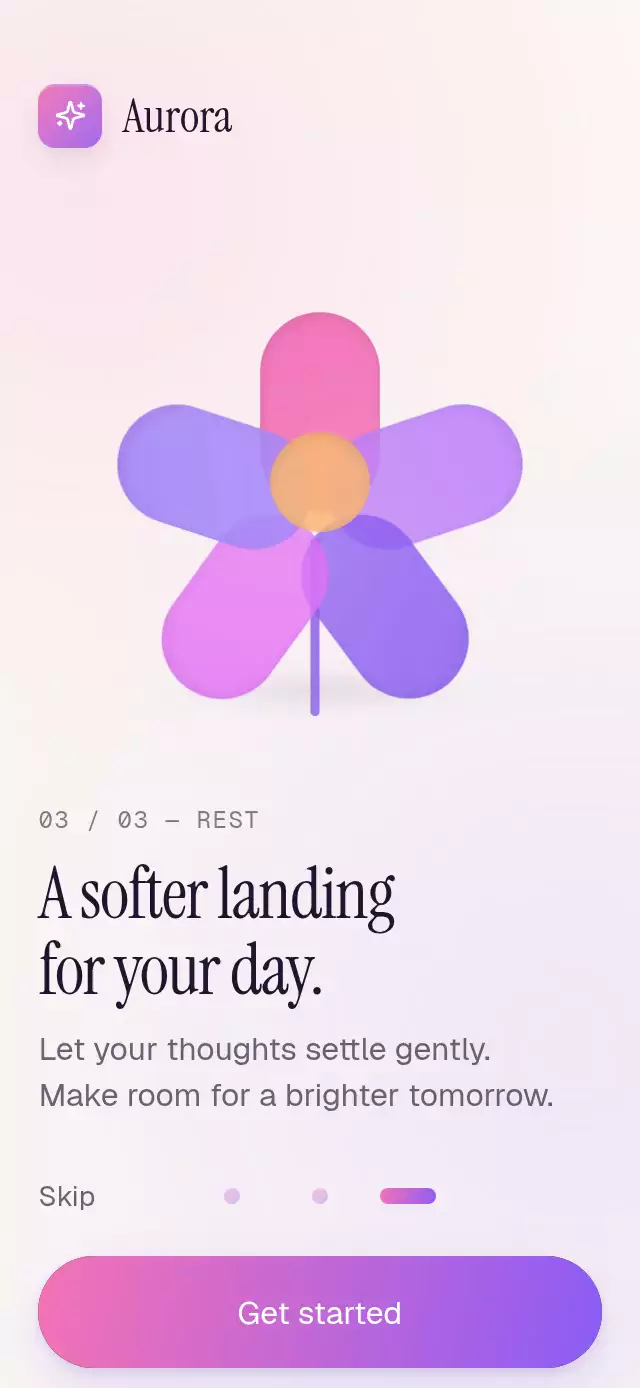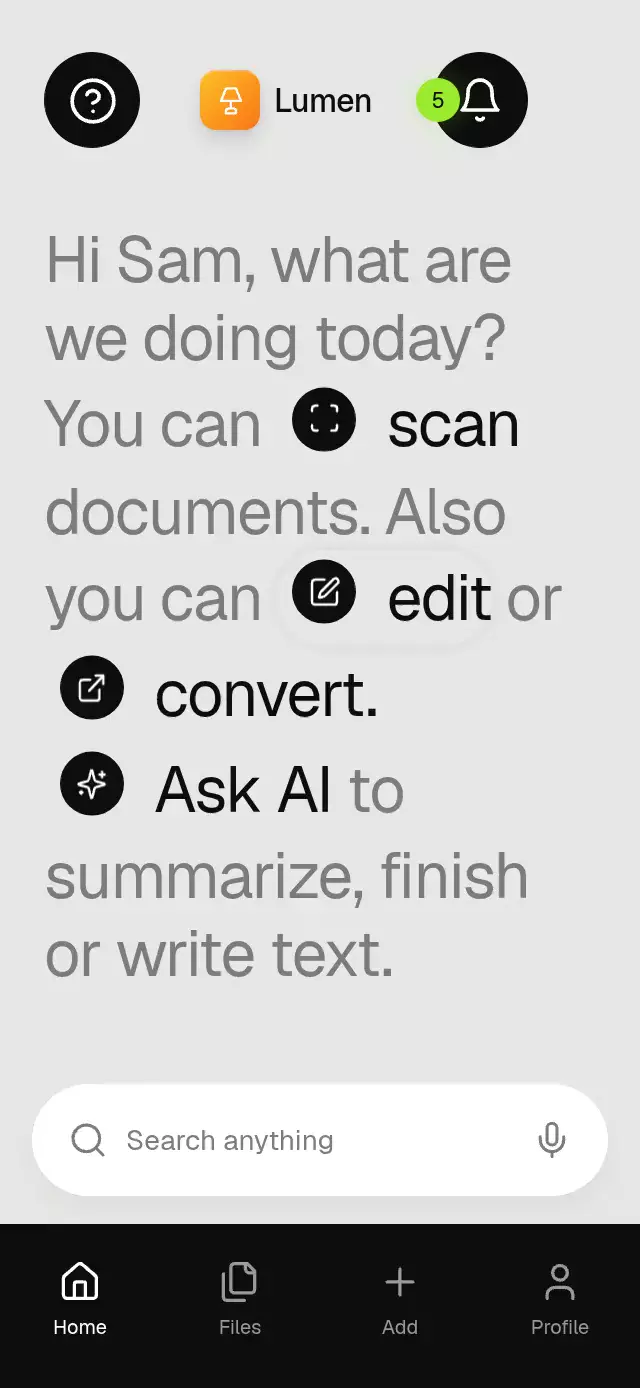
About this animation
A sentence navigator whose inline icons expand into screens, with configurable segments, destination content, palette, and font.
Why this one
Most home screens make you inspect a grid of unrelated buttons. This one tells you what you can do in a sentence, then opens the next screen from the word that describes it. Measured icon origins survive wrapping, scrolling, and container resizing. The Lumen demo pairs a simulated document capture with a writing companion rather than repeating the same destination.
How it works
- Split ordinary segments into words. React Native measures their text with
onTextLayout; Yoga wraps words and indivisible icon/action pairs in document order, without fixed line breaks or absolute text positions. - A UI-thread entry clock starts a word every 40 ms, with a 160 ms rise and fade. Action icons rotate from 90 degrees and scale from 0.94.
- Gesture Handler taps animate a separate pressure value to 0.97. The tap completion dispatches the action on the React Native thread.
- Measure the icon and host in window coordinates. The difference gives the circle center even after scrolling. Compute the radius to the farthest host corner.
- A single interruptible spring drives circle growth, home dimming, and destination visibility. Back reverses that spring. React state changes only for destination selection and accessibility visibility thresholds.
- A second UI-thread clock suggests one action every 3 seconds with a soft shadow. Reduced motion replaces movement with a 200 ms fade and removes idle motion.
Install
npx expo install @shopify/react-native-skia react-native-gesture-handler react-native-reanimated react-native-workletsUse the host app's GestureHandlerRootView and Reanimated/worklets configuration. On web, load CanvasKit before mounting this component, following the host's Skia web setup. No assets, network requests, camera permission, or haptics package are required.
Icons: Lucide (ISC). The included icons.ts contains only the paths used here. Lumen's lamp tile and amber gradient come from the internal demo kit.
Usage
import { InlineIconSentence } from './inline-icon-sentence';

<InlineIconSentence
  greeting="Hello. What would you like to do?"
  segments={[
    { text: 'You can' },
    { id: 'scan', label: 'scan', icon: 'scan' },
    { text: 'a document or' },
    { id: 'write', label: 'write', icon: 'square-pen' },
    { text: 'something new.' },
  ]}
  onAction={(id) => navigateToWorkspace(id)}
/>
const sentence = useRef<InlineIconSentenceRef>(null);
<InlineIconSentence
ref={sentence}
greeting="Make room for your next idea."
segments={segments}
fontFamily="YourRegularFont"
fontSize={36}
wordDelay={45}
highlightInterval={3200}
palette={{
background: '#151A17', muted: '#ABB5AE', ink: '#F0F4EF',
onInk: '#151A17', detail: '#738277',
}}
renderAction={(id, close) => <YourWorkspace id={id} onBack={close} />}
style={{ flex: 1 }}
/>
// Imperative opens do not count as physical interaction.
sentence.current?.open('scan');
sentence.current?.close();Props
| Prop | Type | Default | Purpose |
|---|---|---|---|
greeting | string | Welcome. What would you like to do? | Opening text |
segments | readonly SentenceSegment[] | [] | Text or { id, label, icon, onPress?, accessibilityLabel? } actions |
onAction | (id: string) => void | — | Action selected |
onClose | () => void | — | Return requested |
onInteraction | () => void | — | Physical touch, scroll, or accessible activation; use to stop automation |
renderAction | (id, close) => ReactNode | Icon and action title | Destination content |
header, footer | ReactNode | — | Home chrome, outside the scrolling sentence |
fontFamily | string | System | Host font |
fontSize | number | 38 | Nominal size; scales to 84% on narrow containers |
palette | Partial<SentencePalette> | Light gray, gray text, black actions, white action content | Full surface/foreground customization |
wordDelay | number | 40 | Entry stagger, ms |
highlightInterval | number | 3000 | Idle suggestion cadence, ms |
backLabel | string | Back | Accessible back label |
accessibilityLabel | string | Action sentence | Host label |
style | StyleProp<ViewStyle> | — | Host container |
testID | string | inline-icon-sentence | Root identifier; back uses -back, action uses -action-{id} |
Palette fields: background, muted, ink, onInk, and detail. Supply a complete contrasting palette for a dark theme. Default destination content uses the action label; custom destinations supply their own content and colors. Keep labels short enough to fit an indivisible action pair. Unknown or unmeasured action IDs are ignored by open().
Ref
open(actionId) opens a measured sentence action. close() reverses the transition from its current progress. Both can interrupt an in-flight transition.
Layout and demo
The root fills its host. The sentence uses a scrollable flow with a 660 pt maximum line width; header/footer stay in their own layout regions. Small hosts and landscape scroll instead of cutting off content. Text scaling stays enabled. The embedding screen applies safe-area insets; the reusable component does not apply them twice.
The demo uses Geist, Instrument Serif, and Geist Mono loaded by the catalog host. Help and notifications leave status text, search accepts input, tabs change context, and Add opens Scan. Capture and writing controls update local demo results. Scan is a simulated document preview, not a live camera or document scanner; writing results are local demo states, not an AI service.
Autoplay: staggered entry → soft Scan suggestion → Scan opens at 2.25 s → holds about 2 s → Back at 4.65 s → Ask AI at 5.7 s → Back at 8.1 s. The cycle repeats every 9.5 s. Physical interaction cancels all pending timers.
Compatibility
Targets Expo SDK 58, React Native 0.88.0, Reanimated 4.7.1, Worklets 0.13.0, Gesture Handler 3.3, and Skia 2.14.0. Supports Expo Go with these SDK-bundled modules. Supports iOS, Android, and web.
Accessibility
Controls have button roles, accessible names, activation actions, and at least 48 pt hit targets. Destinations and returns are announced. Hidden destinations and the covered home are excluded from accessibility traversal. Reduced motion removes word movement, icon rotation, pulse, and camera-frame adjustment; navigation crossfades in 200 ms. The sentence remains readable and scrollable without gestures. Destination selection is available by tap and screen-reader activation; Back is always at the upper left, away from the viewer's upper-right close control.