About this animation
Related guides
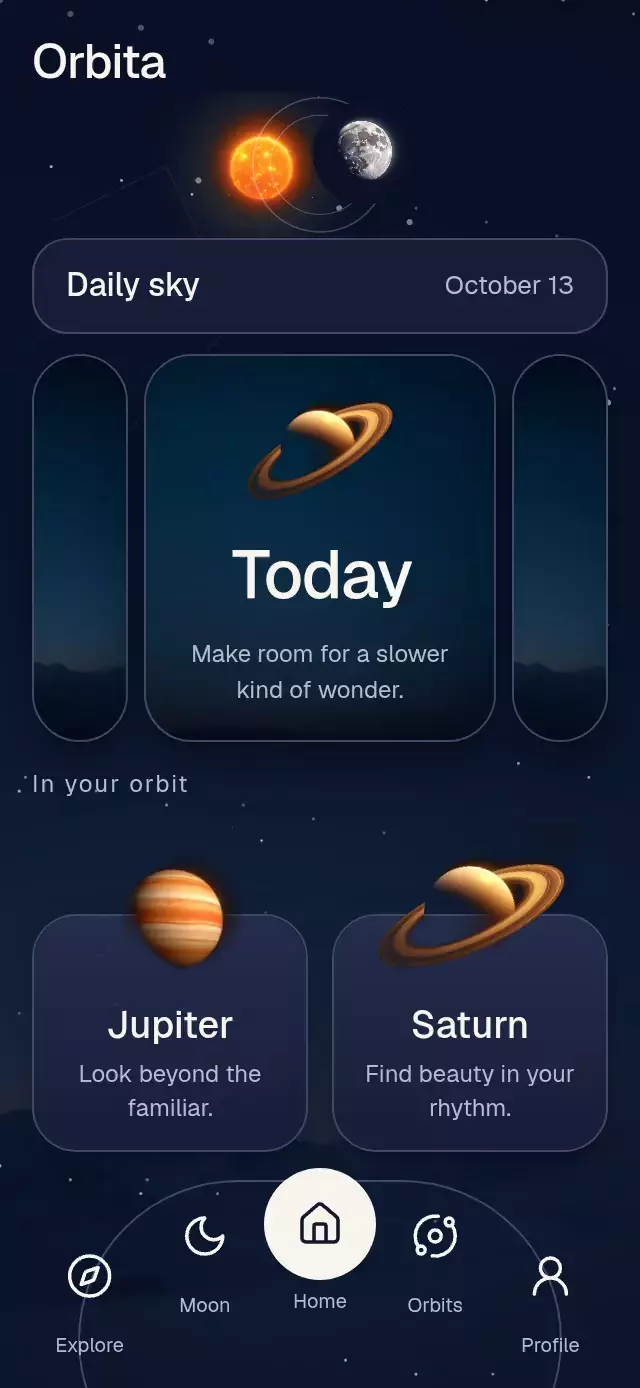
An onboarding carousel with shared silhouettes morphing between scenes, with configurable chapter content, fonts, and accent colors.
Why this one
The illustration is one continuous composition rather than three unrelated images. A moving geometric subtraction turns the sun into a crescent as the hills flatten into water. Those same hills and clouds then become five petals around the sun. Editorial headings dissolve through a text filter, with separate exit and entrance windows so neighboring headings never overlap.
How it works
- Seed the first paint from the current window, then measure the host with
onLayout, ignoring transient zero-size layouts. Convert fractional poses into canvas points before creating paths, gradients, and shadows; rebuild geometry when the host size changes instead of magnifying subpixel paths. One canvas holds the atmosphere, illustration, and Lucide glyph; the brand tile and headings use native views. - Keep one continuous UI-thread
pagevalue for all seven silhouettes, typography, indicators, and the final button material. - Interpolate each silhouette's position, dimensions, corner radius, rotation, and two-stop gradient across three poses. Subtract a moving circle with
Skia.Path.MakeFromOpfor the crescent; the legacy mutablepath.op()calls an unavailable CanvasKit method in this installed web stack. - Project horizontal release velocity to the nearest chapter and settle with an interruptible spring. Overscroll has elastic resistance.
- Fade headings out before the next chapter enters. Native text preserves font scaling and applies a 0–6 px blur on platforms supporting text filters; other platforms retain the fade.
- Use Gesture Handler taps for controls, with a separate shared value for press feedback. External refs let the demo simulate 700 ms drags without embedding autoplay in the component.
Install
npx expo install @shopify/react-native-skia expo-linear-gradient react-native-gesture-handler react-native-reanimated react-native-workletsWrap the application in GestureHandlerRootView. Follow your installed Skia version's web setup and load CanvasKit before importing this component on web (for example with WithSkiaWeb). This catalog piece must be registered using the catalog's deferred withSkia loader. No remote images or additional native modules are used. Icons: Lucide (ISC); the copied sparkle path is in icons.ts.
Usage
import { OnboardingFeatureCarousel } from './onboarding-feature-carousel';

<OnboardingFeatureCarousel onComplete={() => finishOnboarding()} />;
With content, typography, and personality controls:
import { useRef } from 'react';
import {
  OnboardingFeatureCarousel,
  type OnboardingFeatureCarouselRef,
} from './onboarding-feature-carousel';

const carousel = useRef<OnboardingFeatureCarouselRef>(null);

<OnboardingFeatureCarousel
  ref={carousel}
  brandName="Welcome"
  colorScheme="light"
  accentColors={['#F472B6', '#8B5CF6']}
  springDamping={22}
  springStiffness={260}
  fontFamily="YourInterfaceFont"
  titleFontFamily="YourEditorialFont"
  chapters={[
    { eyebrow: 'BREATHE', title: 'A little room\nto breathe.', body: 'Start with a small moment.\nMake a little space for yourself.' },
    { eyebrow: 'FOCUS', title: 'Find your\nnext idea.', body: 'Let the noise settle.\nGive one thought your attention.' },
    { eyebrow: 'REST', title: 'Ease into\nthe evening.', body: 'Make room for quiet.\nTomorrow will be here soon.' },
  ]}
  onIndexChange={(index) => trackChapter(index)}
  onComplete={() => finishOnboarding()}
/>;

// Invoke from an event or effect, never during render.
carousel.current?.goTo(1);
Props
| Prop | Type | Default | Purpose |
|---|---|---|---|
chapters | Readonly tuple of three OnboardingChapter values | Generic welcome copy | Eyebrow, title, and body per chapter; use two short lines |
brandName | string | Welcome | Top-left wordmark |
fontFamily | string | System | Body and controls |
titleFontFamily | string | System | Wordmark and fallback heading |
titleFontSource | Skia DataSourceParam | Undefined | Legacy option retained for compatibility; use titleFontFamily |
monoFontFamily | string | System | Chapter eyebrow |
accentColors | Readonly pair of strings | Pink / violet | Brand tile, indicators, and final action |
colorScheme | light, dark, auto | auto | Warm light or dark palette |
springDamping | number | 52 | Chapter settling damping. Values below the damping needed for ζ ≥ 0.8 are raised to that minimum. |
springStiffness | number | 260 | Chapter settling stiffness |
onIndexChange | (index: number) => void | Undefined | JS-thread chapter callback, zero-based |
onComplete | () => void | Undefined | Final button action |
accessibilityLabel | string | Welcome carousel | Adjustable region name |
style | StyleProp<ViewStyle> | Undefined | Root container override |
testID | string | Undefined | Test identifier |
OnboardingChapter has eyebrow, title, and body strings. Font families must be loaded by the host. The copyable component has no catalog or theme imports.
Ref methods
goTo(index, mode?): target chapter 0–2. Defaultspring;dragsimulates a 700 ms swipe;returnuses a longer spring.next(): advance, or callonCompleteon the last page.reset(): spring back to chapter 0.
Demo timeline
Rest 1,200 ms → simulated drag to Focus for 700 ms → rest 2,200 ms → drag to Rest for 700 ms → rest 2,200 ms → long spring back to Breathe → restart at 9,000 ms. The first sun-to-moon transformation finishes at 1,900 ms. Autoplay timers are cleaned up on unmount.
Compatibility
Built for Expo SDK 58, React Native 0.88.0, Reanimated 4.7.1, worklets 0.13.0, Gesture Handler 3.3.0, and Skia 2.14.0. Uses SDK-compatible installed versions. Expo Go includes the required libraries for this SDK; custom native applications need them installed in their build.
Keep the Skia web loader in the host. Layout is designed for 390×844 and 320×694 with a compact text position on shorter containers; wider containers retain relative illustration sizing. Keep headings to two short lines; long custom copy and large accessibility font scales may require a larger container.
Accessibility
The carousel exposes an adjustable role, “Page 1 of 3,” the active heading, and increment/decrement actions. Skip, all three indicators, and the final action have labels, button roles, activation actions, and at least 44 pt hit areas. Indicator selection is exposed to assistive technology. Decorative scene elements and outgoing chapter layers are hidden from accessibility.
Reduced motion replaces shape travel with a 200 ms crossfade between stationary poses, removes text translation and blur, stops background drift and press scaling, and retains swipe and tap navigation. Drag updates do not move scenes in this mode; release initiates the fade. The normal scene has no React state updates per frame.
Spring damping floors use Reanimated 4.7.1’s default mass of 4 when the configuration does not set a mass. Stiffness and mass remain unchanged.