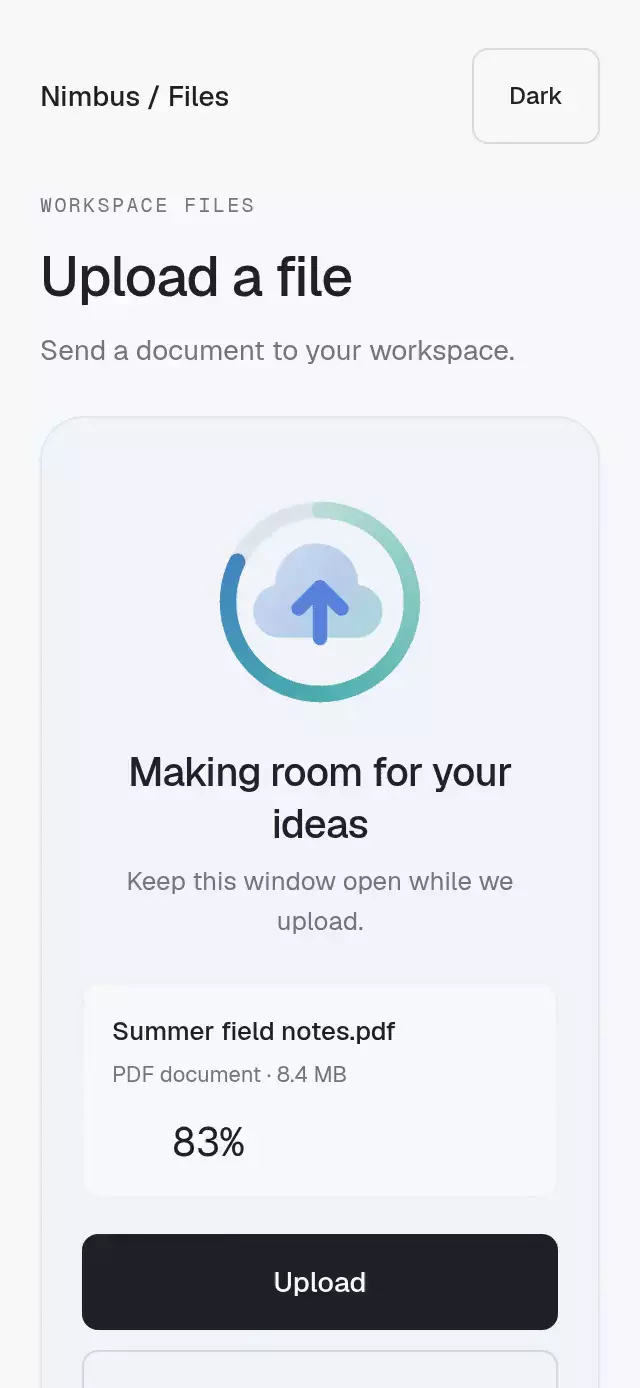
About this animation
Animated operation scenes and action icons with configurable appearance theme, size, and transition duration.
How it works
sceneselects a local JSON;stateselects its exact marker. Scene-specific types reject unrelated states.- A single mutable shared frame drives Skottie. Loops run with
useFrameCallback;oncemarkers play at the authored frame rate. Upload and download map real progress into their linear marker. - A state change cancels the old animation and jumps into the destination marker before interpolating. The outgoing pose stays frozen during a 140 ms fade. Rapid interruptions flatten the visible blend into a bounded set of numeric poses.
- Thirty cached Skottie instances, created lazily once per scene/palette, remain owned for the module lifetime. No animation or picture is disposed during React cleanup.
- Reduced motion shows a representative static pose. Finite markers complete immediately; loaders stop moving. Accessibility percentages update at most four times per second, independently of rendering.
The component does not infer network success, start requests, or change your application state. Your operation remains the source of truth.
Install
Copy this entire folder, including assets/, into your project. No sibling animation folder or shared theme is required.
npx expo install @shopify/react-native-skia react-native-reanimated react-native-workletsOn web, load CanvasKit before importing this module. Use Skia's LoadSkiaWeb with a locally hosted canvaskit.wasm, then dynamically import the component. See Skia web setup. Native apps do not need this step. The demo additionally uses expo-linear-gradient and accepts fonts already loaded by its host.
Usage
import { PrismStateScene, PrismIcon, PrismLoader } from './lottie-prism-states';

<PrismStateScene
  scene="download"
  state="progress"
  progress={bytesReceived / totalBytes}
  accessibilityLabel="Download report"
/>

<PrismStateScene
  scene="save"
  state={isSaving ? 'saving' : 'saved'}
  theme="dark"
  size={180}
  showText
  texts={{ saving: 'Saving your draft', saved: 'Draft saved' }}
  onAnimationEnd={state => {
    if (state === 'saved') acknowledgeSavedDraft();
  }}
/>

<PrismIcon icon="copy" trigger={copyCount} accessibilityLabel="Copied link" />
<PrismLoader accessibilityLabel="Loading workspace" size={40} />
An icon is artwork, not a button. Wrap it in your own accessible Pressable with an effective target of at least 48 points:
const iconRef = useRef<PrismIconHandle>(null);

<Pressable
  accessibilityRole="button"
  accessibilityLabel="Share document"
  style={{ width: 48, height: 48 }}
  onPress={() => {
    shareDocument();
    iconRef.current?.play();
  }}
>
  <PrismIcon ref={iconRef} icon="share" size={40} />
</Pressable>;
PrismIconHandle is exported from the entry point. play plays on mount when true, and on each false-to-true change. A supplied trigger plays initially and whenever its string/number changes. ref.play() always restarts the gesture. Omit all three for the resting pose. Gestures play the authored intro marker and hold its final pose; they do not scrub through unrelated frames to reach the separate poster marker.
Scene states
| Scene | Exact states (marker names) | Behavior |
|---|---|---|
| upload | idle, progress, success, error | Idle loop, linear progress, once results |
| download | idle, progress, paused, success, error, cancelled | Idle/paused loops, linear progress, once results |
| sync | syncing, synced, offline, reconnecting, error | Syncing/reconnecting loop; others once |
| send | idle, sending, sent, error | Idle loop; others once |
| save | dirty, saving, saved, error | Dirty loop; others once |
| request | loading, success, error, warning | Loading loop; others once |
| empty | first-use, cleared, caught-up | Cleared loop; others once |
| search | searching, no-results, results, error | Searching loop; others once |
progress is accepted only for upload/download, and only affects their progress state. saving and sending are finite authored gestures; keep your real operation state controlled until it finishes. onAnimationEnd reports every completed once marker, including offline, first-use, and sending; it never reports loops or linear progress. Leaving a marker cancels its callback. Theme changes preserve completion status. Reenter a marker to play it again; repeating identical props does not replay it.
Props
| Prop | Components | Default | Meaning |
|---|---|---|---|
scene, state | StateScene | Required | Discriminated scene/state pair |
progress | StateScene upload/download | 0 | Number or SharedValue<number>; clamps to 0–1, nonfinite becomes 0 |
theme | All | light | light or dark; set from the host's color scheme if desired |
size | All | Scene 256 / Icon 64 / Loader 48 | Preferred square size, shrinks to both parent dimensions |
style | All | — | Container style; bounded dimensions work, safe areas belong to the host |
testID | All | prism-state-scene, prism-icon-<icon>, prism-loader | Root ID; artwork adds -art |
accessibilityLabel | All | Operation status / icon name / Loading | Localizable accessible name |
transitionDuration | All | 140 | Frozen-pose fade duration, milliseconds; 0 for instant changes |
texts | StateScene | Marker names, hyphens replaced with spaces | Partial map of this scene's state descriptions |
showText, fontFamily | StateScene | false, system font | Optional caption; respects text scaling |
smoothingDuration | StateScene | 180 | Linear-progress interpolation, milliseconds |
onAnimationEnd | StateScene / Icon | — | Completed state / completed gesture callback on JS |
icon | Icon | Required | copy, bell, trash, like, share, undo |
play, trigger, ref.play() | Icon | false, absent, — | Imperative or controlled gesture triggers |
Nonnegative finite durations are expected. size invalid values fall back to the component's internal preferred size. Custom fonts are optional and must already be loaded; no fontWeight is paired with a custom font.
Layout and demo
Embedding applies no safe-area padding. Put the component in a bounded parent, for example <View style={{width: 300, height: 400}}>. Artwork fits the smaller dimension after measuring any caption. It stays square without stretching vector geometry. Text remains in normal flow and honors system font scaling.
demo/PrismStatesDemo.tsx exports a separate "Vemrilo / Workspace" screen with complete palettes, spring press feedback, scene picker, state controls, irregular simulated transfer progress, six action buttons, and a background loader. Its only scroll container is the outer screen, with the indicator hidden; compact/landscape hosts can scroll to every control. All demo copy and font names are props. The host maps ?autoplay=1 to <PrismStatesDemo autoplay />; URL reading is outside the reusable piece. Autoplay tours every scene and state, and alternates palettes each full cycle.
Assets and reproduction
Only the 30 light-original / dark-original JSON files are shipped: 653,789 bytes (638.47 KiB), minified. These vectors have no bitmap density limit. To sync from the original factory checkout:
node lottie/scripts/prism-rn/sync-assets.mjs
npx prettier --ignore-path src/animations/lottie-prism-states/.prettierignore --write src/animations/lottie-prism-states
The sync script reads lottie/dist/<id>/metadata.json and the two variants, writes only this folder, and regenerates exact ranges and typed marker contracts. The upload JSON predates stateSegments, so its idle/progress behavior is normalized explicitly. The script prints the total byte count.
Web verification uses a temporary Metro entry outside src/, then removes it:
node lottie/scripts/prism-rn/verify-web.mjs http://127.0.0.1:8092Development verification requires the repository's Playwright installation in lottie/node_modules; it is not a runtime dependency. Reports and screenshots go to lottie/.cache/prism-rn/. No catalog registration is necessary.
Compatibility
Expo SDK 58, React Native 0.88.0, React 19.2.3, Reanimated 4.7.1, Worklets 0.13.0, Skia 2.14.0. No added dependency. Skia is included in Expo Go for this SDK (Expo SDK 58 reference).
Measured checks are recorded in lottie/.cache/prism-rn/report.json after running the command above.
Accessibility
Linear operation states expose determinate progressbar values; the loader exposes a busy, indeterminate progressbar without a numeric value. Other artwork exposes an image with its localized state description, plus a polite result live region. No React state is updated per animation frame: only throttled accessibility percentages, layout, state changes, and fade cleanup use React. Reduced motion disables loops and fades, and completes finite markers immediately. The host supplies action button semantics when using an icon as a control.