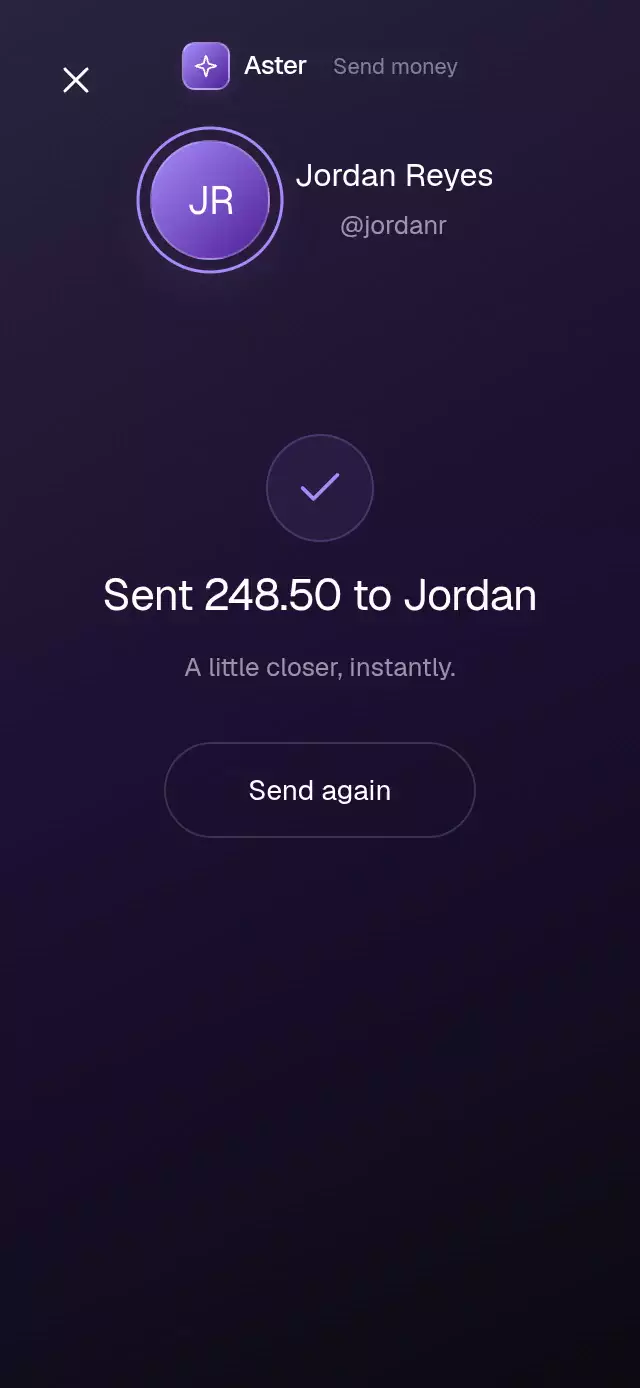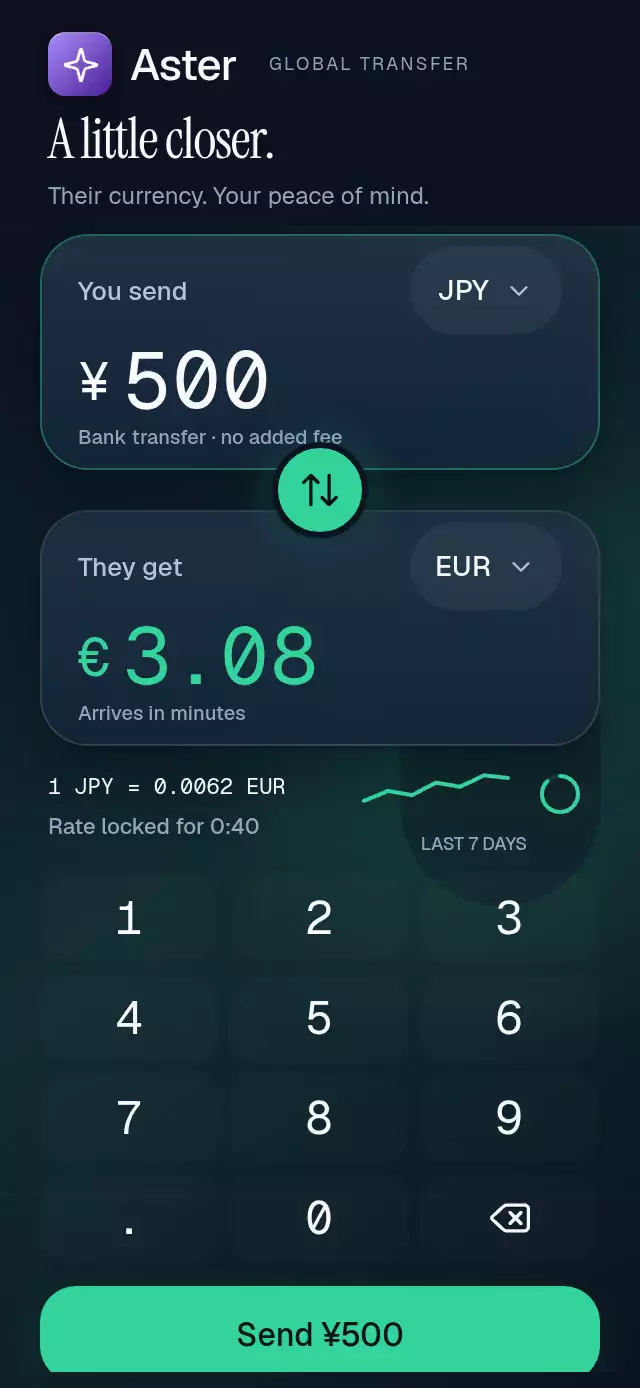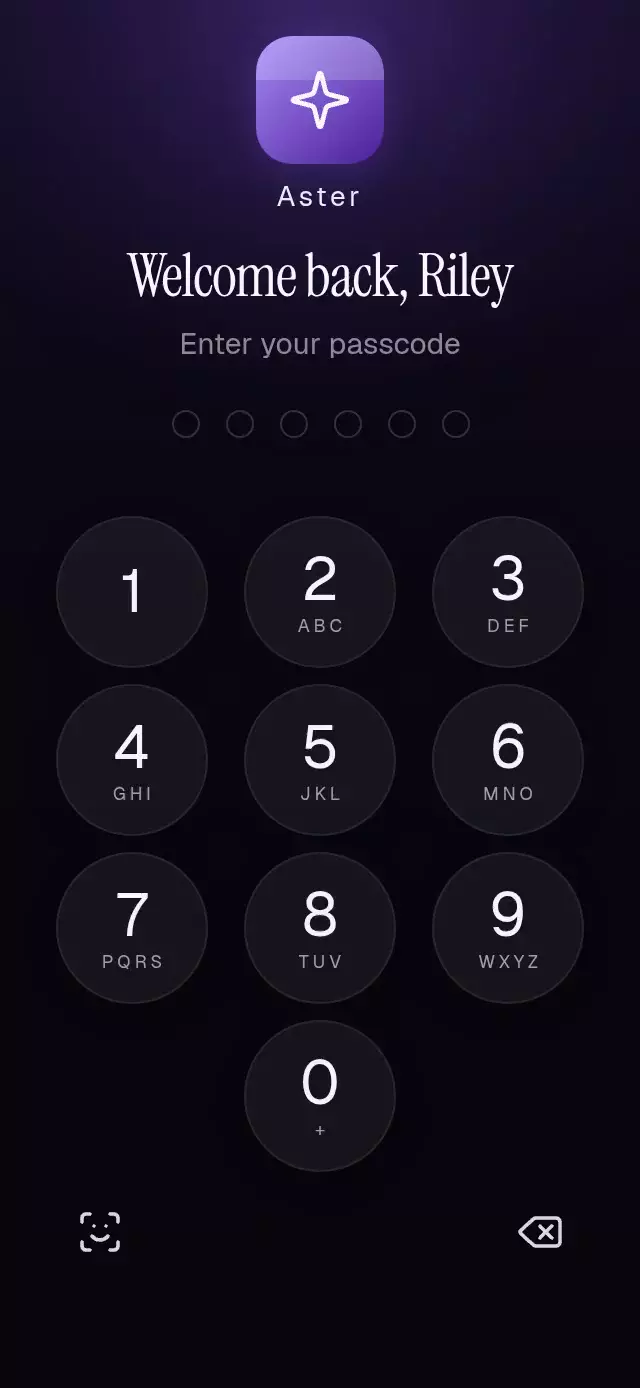
About this animation
A six-digit lock screen with tactile entry and an account reveal, with configurable passcode, gradient colors, brand glyph path, and fonts.
How it works
- Each keypad press updates a single slot in
pointProgressand a separate press spring gives the key immediate physical feedback. - A failed six-digit attempt drives the points red, shakes the row, and clears from right to left.
- A correct attempt pulls all six dots into one expanding point before the lock screen scales, fades, and blurs into the account screen.
- The account balance rolls one digit at a time as three high-value shortcuts settle between the balance and recent activity.
- All values are interruptible shared values, so a reset or a new attempt can begin from the current visual position.
Install
npx expo install @shopify/react-native-skia expo-linear-gradient react-native-reanimated react-native-workletsUsage
import { PasscodeKeypad } from './passcode-keypad';

<PasscodeKeypad /><PasscodeKeypad
correctCode="258014"
brandName="Aster"
brandGradient={["#A78BFA", "#4C1D95"]}
fontFamily="Geist_400Regular"
headingFontFamily="InstrumentSerif_400Regular"
monoFontFamily="GeistMono_400Regular"
onUnlock={() => navigation.navigate('Home')}
/>Props
| Name | Type | Default | Description |
|---|---|---|---|
brandName | string | 'Aster' | Name rendered beside the brand tile. |
brandGradient | readonly [string, string] | ['#A78BFA', '#4C1D95'] | Two colors used by the brand tile and filled dots. |
brandGlyphPath | string | ICON_PATHS.sparkle | Lucide SVG path for the brand tile glyph. |
correctCode | string | CORRECT_CODE | The six-digit value accepted by the keypad. |
fontFamily | string | undefined | Interface font family. |
headingFontFamily | string | undefined | Editorial heading font family. |
monoFontFamily | string | undefined | Monospaced font family for the balance. |
style | StyleProp<ViewStyle> | undefined | Optional container styling. |
accessibilityLabel | string | 'Passcode keypad' | Screen-reader label for the whole lock screen. |
onUnlock | () => void | undefined | Called after a correct code opens the account. |
testID | string | undefined | Test identifier for the outer surface. |
duration | number | 560 | Unlock shimmer duration in milliseconds. Spring physics and reduced-motion timing are unchanged. |
Compatibility
Built for Expo SDK 58, React Native 0.88, Reanimated 4.7, and Skia 2.14.0. It works in Expo Go when the installed Expo Go version includes Skia, otherwise use a development build.
Accessibility
Every number, delete control, and face-unlock alternative has a button role and a descriptive label. Reduced motion removes the shake and scale-based opening while preserving the color and opacity state changes. The face-unlock control is intentionally a generic accessible alternative and does not claim to invoke a platform biometric API.
Why this one
Useful account shortcuts complete the product screen instead of leaving the reveal as a sparse success mockup.
Implementation notes
Text remains readable at 390×844 and 320×694; the compact layout reduces card spacing and activity-row height without compressing the keypad. The shortcuts fill the lower home composition without crowding it, and nothing occupies the viewer's top-right close area. Autoplay reaches the point-fusion unlock moment during its first three seconds, holds the account screen for two seconds, then relocks and repeats. The ambient light is a borderless radial gradient behind the content, never a solid overlay block. Every glyph comes from the Lucide kit.
Icons: Lucide (ISC).
Customization notes
Use brandGradient for the lock-screen identity.
The improvement is the complete interaction arc: a credible Aster account appears behind the lock, the failed attempt has a readable red state and directional clear, and the successful code compresses six points into one luminous handoff before the balance rolls into place. Useful account shortcuts complete the product screen instead of leaving the reveal as a sparse success mockup.