About this animation
A progress bar that hands off from indeterminate to measured progress, with configurable label, status copy, palette, and fonts.
Why this one
Unknown means unknown: no invented percentages, elapsed-time estimates, or completion timers. The first measured value captures both visible edges, anchors the segment to the origin in 280 ms, and settles the value in 240 ms. Pausing freezes both the traveler and a handoff in flight. Descending values are supported for task changes. This is a utility panel, independent of the export screen around it.
How it works
- A single UI-thread engine owns the segment edges, measured value, transition clock, and success edge sweep.
- An unknown-size segment occupies 22% of its measured track, traveling on an interruptible 1,100 ms clock.
- The first valid datum preserves the segment geometry. “Starting” copy occupies its own 240 ms phase; outgoing and incoming labels never overlap.
- The bar and integer readout derive from the same value. React updates only on integer percentage or semantic-phase changes; no React frame loop or animated native text mutations are used. Figures deliberately settle as tabular text rather than rolling columns, supporting arbitrary localized formatters and dynamic type.
- Pause freezes the engine. Success alone targets 100% and performs a single 320 ms sweep inside the track's top edge.
- The demo supplies a five-second scripted sequence through the ref and controlled data. The component never creates progress on a timer.
Install
npx expo install react-native-reanimated react-native-workletsCopy this folder without demo/. React and React Native come from your Expo app. The optional demo also uses the already installed expo-linear-gradient and @shopify/react-native-skia (load CanvasKit before rendering the demo on web). Icons: Lucide (ISC), copied from the project's kit. No artwork or remote assets are needed.
Usage
import { ProgressHandoffBar } from './progress-handoff-bar';

<ProgressHandoffBar
  state={sizeKnown ? 'determinate' : 'indeterminate'}
  progress={sizeKnown ? bytesSent / totalBytes : undefined}
  label="Preparing your export"
  transitionLabel="Starting export"
  formatProgress={(value) => `Exporting ${Math.round(value * 100)}%`}
  statusLabels={{
    indeterminate: 'Waiting for file size',
    paused: 'Export paused',
    success: 'Export ready',
    error: 'Export interrupted',
    invalid: 'Progress unavailable',
  }}
  retryLabel="Try again"
  accessibilityLabel="Workspace export progress"
/>
For a customized embedded panel, keep the same required props and add:
<ProgressHandoffBar
  {...taskProps}
  colorScheme="light"
  palette={yourCompletePalette}
  fontFamily="YourInterfaceFont"
  titleFontFamily="YourHeadingFont"
  monoFontFamily="YourNumberFont"
  formatDetail={(value) => `${Math.round(value * 32)} MB of 32 MB`}
  style={{ flex: 0, width: '100%' }}
  onRetry={restartRequest}
  ref={progressRef}
/>
Props
| Prop | Type | Default | Purpose |
|---|---|---|---|
state | indeterminate | determinate | paused | success | error | Required | Controlled task state |
progress | number | Omitted | Real fraction, clamped to 0–1 |
label | string | Required | Panel heading; empty uses the accessible task name |
transitionLabel | string | Required | First 240 ms of unknown-to-known handoff |
formatProgress | (fraction: number) => string | Required | Measured status, at integer percentage precision |
formatDetail | (fraction: number) => string | Progress formatter | Optional measured secondary line |
statusLabels | ProgressHandoffStatusLabels | Required | indeterminate, paused, success, error, invalid copy and announcements |
retryLabel | string | Required | Retry button copy and accessible name |
onRetry | () => void | Omitted | One invocation per retry; no automatic reset or request |
colorScheme | light | dark | auto | auto | Complete Paper/Night theme |
palette | ProgressHandoffPalette | Theme | All eight keys: background, surface, text, muted, border, accent, success, error |
fontFamily | string | System | Interface copy |
titleFontFamily | string | Interface font | Heading |
monoFontFamily | string | System | Tabular secondary readout |
style | StyleProp<ViewStyle> | Omitted | Root flex container override |
testID | string | progress-handoff-bar | Root, -track, -status, -value, -retry |
accessibilityLabel | string | Required | Task name |
ref.reset() clears a local preview and resets the unknown clock only when no controlled data exists. ref.previewHandoff(fraction) works only when state="indeterminate" and progress is omitted. Controlled data always wins. Neither method fires retry or completion callbacks. There are no session APIs or item IDs.
Missing/nonfinite determinate data and unrecognized runtime states display statusLabels.invalid, expose an accessible error, and freeze the current geometry. An omitted value in paused state preserves unknown geometry without inventing figures. Finite descending values animate backward as a new task target. success is an explicit completion signal, independent of progress. Formatters must return meaningful strings and must not throw.
For a new request, call reset() while unknown and remove its controlled progress. Cancel or identify your own asynchronous requests: the component has no network callbacks or delayed completion callbacks that could finish a later request. A late prop from an obsolete request is indistinguishable from new controlled data, so filter it in the host.
Demo
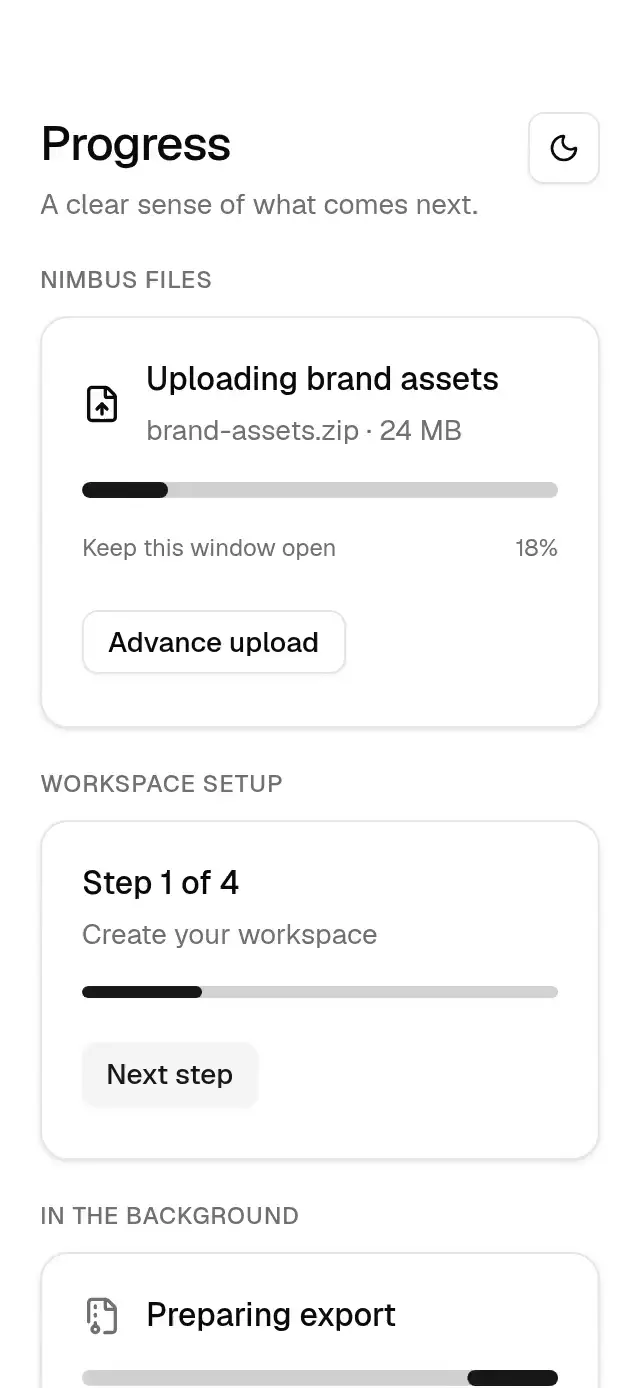
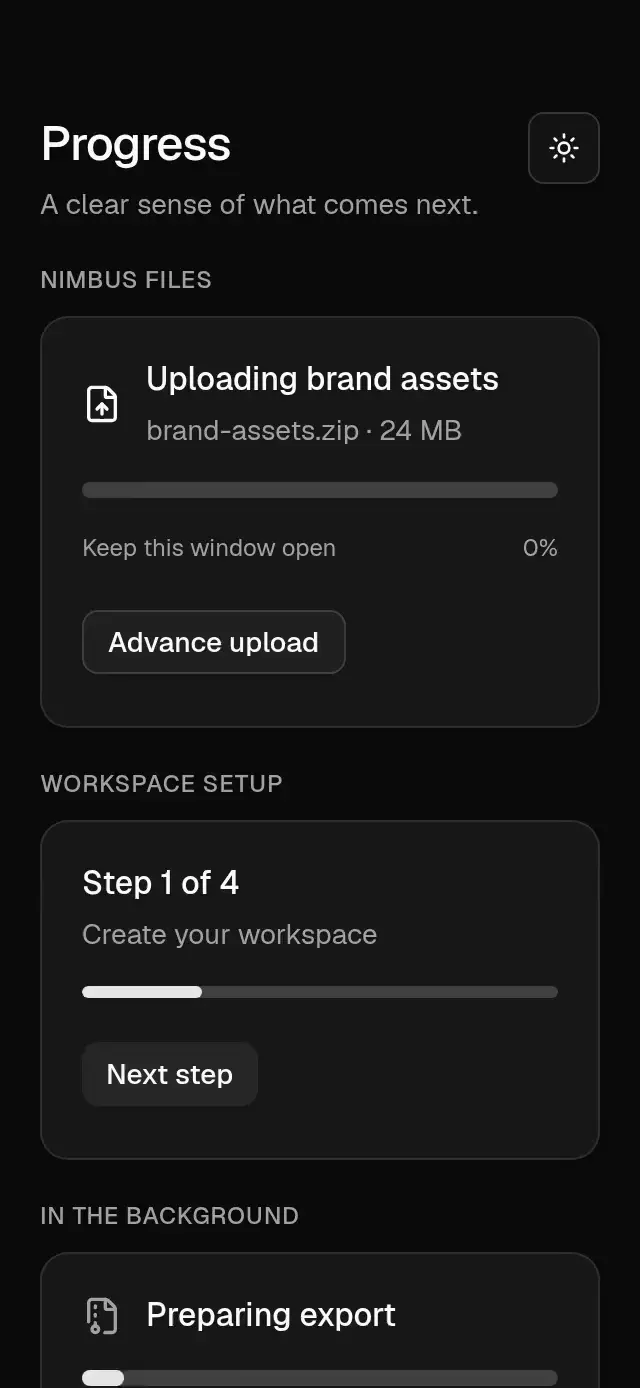
Nimbus uses a surface-colored tile with its kit cloud glyph in violet. All component copy, state labels, bytes, and percentages are supplied explicitly by the demo. Paper and Night controls appear below two compact rows of known-progress, pause, restart, success, and error examples. Supporting filler copy is omitted so the task and all controls share one screen. The five-second sequence waits 600 ms, hands off to 38%, supplies 72%, reaches explicit success by 2,730 ms, rests, resets at 3,800 ms, then repeats. Any real touch cancels every pending timer; unmount cleans them up.
Compatibility
Targets Expo SDK 58, React Native 0.88.0, Reanimated 4.7.1, and worklets 0.13.0. No additional native modules; intended for Expo Go, iOS, Android, and web.
Implementation notes
The demo reserves the upper-right viewer close area, removes filler, keeps every action with a minimum 48 pt hit area, and uses a plain View at the requested taller phone sizes. The shorter viewport fallback scrolls the whole screen without indicators. Error and retry remain in normal flow, including the full error message. The highlight remains inside the track edge, without a block over text.
Accessibility
The component measures its own track with onLayout; no window dimensions or safe-area padding. Root defaults to flex: 1 with an automatic flex basis and no shrinking; use { flexGrow: 0, flexShrink: 0, flexBasis: 'auto' } in a flowing screen. The automatic basis preserves the full panel height on web instead of letting it overflow into adjacent copy. The status, track, and secondary readout are nonshrinking rows separated by 22 pt gaps. Below 320 pt of measured component width, panel padding reduces to 16 pt and gaps to 12 pt; typography and animation timing stay unchanged. The track occupies its own 10 pt row. The secondary readout always reserves at least 26 pt, using a space while unknown or showing the handoff label, so revealing bytes does not change the panel height. The demo measures its own viewport and bounds content to 480 pt wide. At 320×694 and 390×844 it uses a plain View, a shorter heading in compact layouts, and two rows of example controls plus a theme row. Below 640 pt of available height (including 320×568, landscape, and a 300×400 slot), a single full-screen outer ScrollView keeps the entire composition reachable with both scroll indicators hidden. The component itself never creates a scroll region. Text remains in flow with scaling enabled, including retry. All actions have at least 48 pt hit areas, spring pressure feedback, and stable test IDs. There is no continuous gesture requiring a separate touch alternative.
The progress region has a task name and semantic value. Unknown progress exposes only descriptive text. Important state changes announce supplied copy, avoiding continuous screen-reader percentage announcements. Reduced motion uses a static unknown segment, a 200 ms fade for measured changes, and no traveling sweep or spring scale.