About this animation
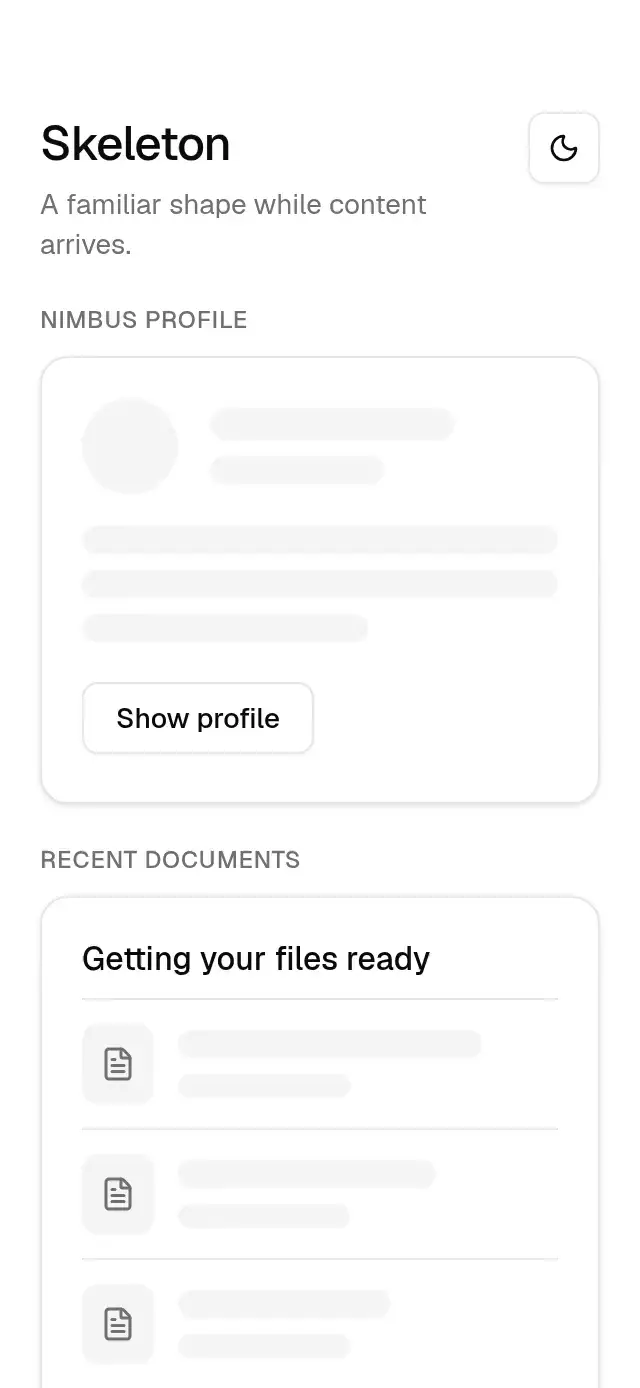
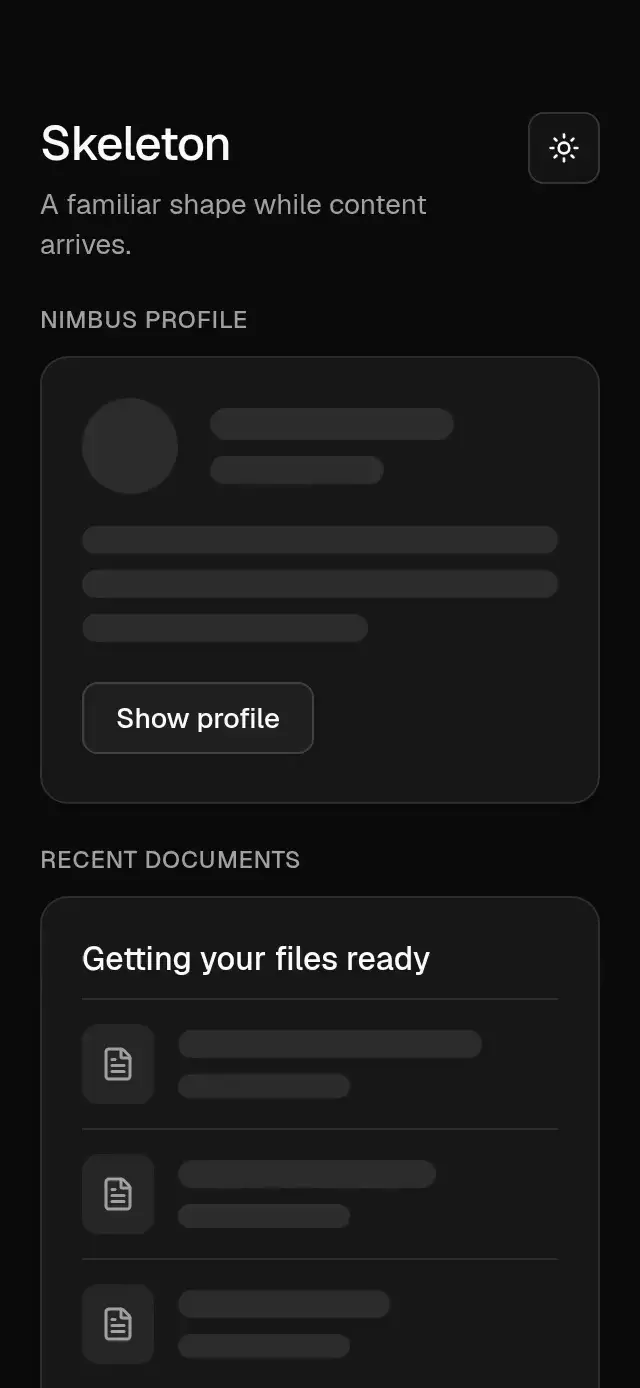
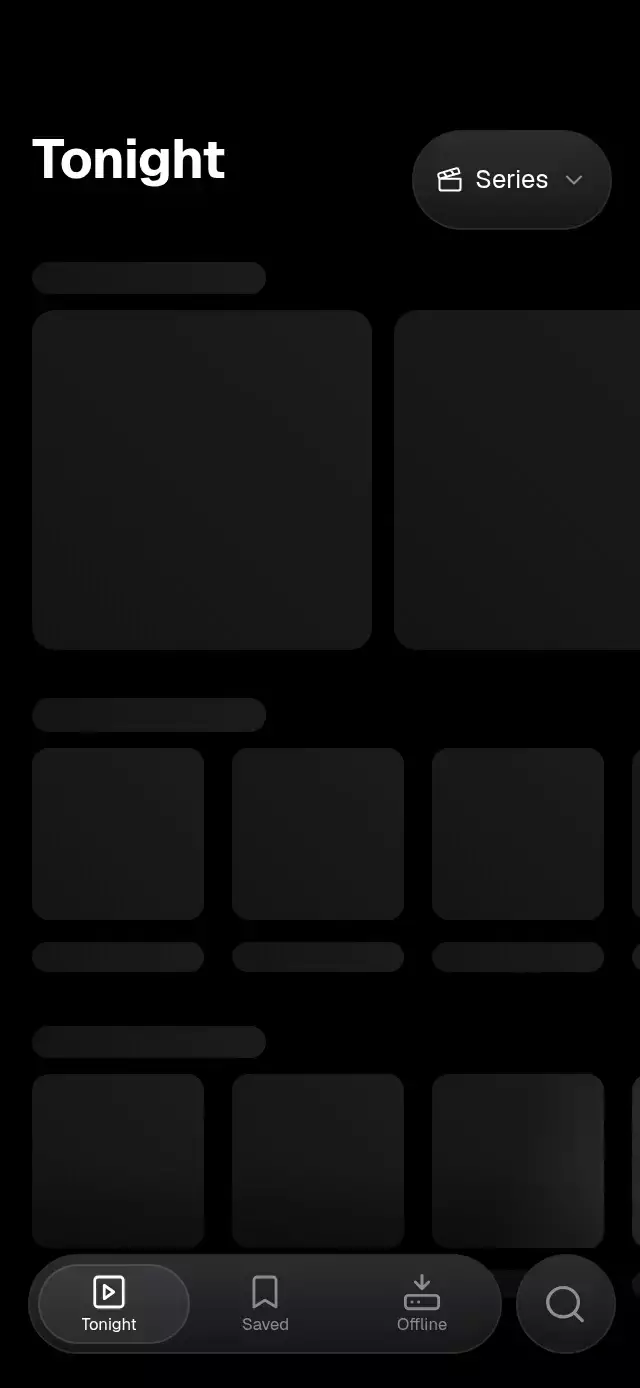
A data region with animated loading, empty, error, and refresh states, with configurable content, labels, palette, and fonts.
Why this one
Loading-to-content transitions solve the first response. This region also keeps the useful content mounted through refresh and refresh failure. Render props let the host retain inputs, selections, local component state, and its own data layout without adopting a fetching framework. Errors never infer emptiness or erase explicitly supplied previous data.
How it works
- The discriminated
stateselects a body cause.success,refreshing, anderrorwithpreviousDatashare one stable content subtree. - A body substitution fades out for 80 ms, waits 20 ms, and fades in over 140 ms with a 6-point lift. Default skeleton rows retire with a 35 ms stagger; this exit takes 150 ms. Only one body text tree exists.
- A separate status transition updates the reserved footer without fading or disabling usable content. A failed refresh leaves the content interactive and places recovery beside the notice.
onLayoutmeasures the host slot and the largest presented region. A 220 ms minimum-height adjustment keeps room for observed states; text uses intrinsic layout, never a scaled transform.- A changed
requestKeyremounts the presentation boundary and clears transitions and pending retry focus. It also intentionally resets content belonging to the old query. - Reduced motion uses 90 ms exit, 20 ms pause, and 90 ms entry, removes displacement and row travel, and keeps all actions. Loading placeholders are static; there is no continuous shimmer.
Install
Copy this folder, excluding demo, into your project. Install the versions compatible with your Expo SDK:
npx expo install react-native-reanimated react-native-worklets @shopify/react-native-skia expo-linear-gradientTarget stack: Expo SDK 58, React Native 0.88.0, Reanimated 4.7.1, Worklets 0.13.0, Skia 2.14.0, expo-linear-gradient ~58.0.3. Skia web requires CanvasKit initialization before rendering this component. The demo additionally uses expo-blur ~58.0.5 and the repository's fonts; neither is required by the component. The demo uses the SDK 58 BlurView API, with an opaque themed fallback on Android. Every blur and clipping wrapper has its own radius.
Usage
import { useRef, useState } from 'react';
import { Text, View } from 'react-native';
import { ResourceStateTransition, type ResourceState, type ResourceStateTransitionRef, type ResourceLabels } from './resource-state-transition';

type Entry = { id: string; label: string };
const labels: ResourceLabels = {
  loading: 'Loading your history',
  emptyTitle: 'No entries yet',
  emptyDescription: 'Your first entry starts here.',
  errorTitle: 'Couldn’t load history',
  retry: 'Try again',
  refresh: 'Refresh',
  refreshing: 'Updating',
  refreshFailed: 'Couldn’t update. Your saved history is still here.',
  emptyAction: 'Add an entry',
  updated: 'You’re up to date',
};

function HistoryRegion({ retry, refresh }: { retry(): void; refresh(): void }) {
  const control = useRef<ResourceStateTransitionRef>(null);
  const [state] = useState<ResourceState<Entry[]>>({ status: 'loading' });
  // Your request adapter updates state; this component performs no fetching.
  return (
    <View style={{ height: 400 }}>
      <ResourceStateTransition
        ref={control}
        requestKey="history:current-account"
        state={state}
        labels={labels}
        accessibilityLabel="Hydration history"
        onRetry={retry}
        onRefresh={refresh}
        renderContent={entries => entries.map(entry => <Text key={entry.id}>{entry.label}</Text>)}
      />
    </View>
  );
}
For a customized instance, add colorScheme="light", minHeight={300}, motionScale={0.5}, your font families, and a complete palette. Supply renderEmpty={() => <YourEmptyState />} or renderError={({ description, retry }) => <YourRecovery description={description} onRetry={retry} />} to own those bodies. The renderer must provide its own action semantics, labels, and focus handling if it replaces a default control.
Props
| Prop | Default | Contract |
|---|---|---|
state: ResourceState<T> | Required | Host-controlled cause and data; see table below. |
requestKey: string | Required | Stable query identity; changing it clears presentation and old-query content. |
renderContent(data: T): ReactNode | Required | Stable child types and keys preserve content state across refresh. |
labels: ResourceLabels | Required | Every state/action string; keys below. |
accessibilityLabel: string | Required | Stable resource heading and accessible name. |
onRetry(): void | Required | Requests recovery; never called by animation completion. |
onRefresh?(): void | None | Requests refresh when usable data exists. |
onEmptyAction?(): void | None | Enables the empty-state action. |
renderLoading?(): ReactNode | Three skeleton rows | Full loading body replacement. |
renderEmpty?(): ReactNode | Inbox, title, description, optional action | Full empty body replacement. |
renderError?({description, retry}): ReactNode | Alert, title, description, retry | Initial-error body replacement; generic description fallback supplied. |
minHeight?: number | 240 | Finite nonnegative minimum, bounded by measured slot. Intrinsic content can require more space. |
colorScheme?: 'light' | 'dark' | 'auto' | auto | Complete built-in Night/Paper appearance. |
palette?: ResourcePalette | From appearance | All nine required keys: background, surface, text, muted, border, accent, onAccent, success, error. |
fontFamily?: string | System | Body and controls. |
titleFontFamily?: string | System | Empty/error heading. |
monoFontFamily?: string | None | Integration hint; the host's content renderer owns numeric typography. |
motionScale?: number | 1 | Finite displacement multiplier clamped to 0–1.5. Zero retains fades and semantics. |
style?: StyleProp<ViewStyle> | None | Flex root overrides; the host supplies the slot and safe-area insets. |
testID?: string | resource-state-transition | Root; -retry, -refresh, -empty-action identify controls. |
Labels
Every key is required. Empty descriptions omit their layout; use meaningful nonempty action labels when enabling callbacks.
| Key | Purpose | Demo value |
|---|---|---|
loading | Initial-loading message/announcement | Loading your history |
emptyTitle | Confirmed-empty heading | No entries yet |
emptyDescription | Optional empty explanation | Your first entry starts here. |
errorTitle | Initial failure and missing-description fallback | Couldn’t load history |
retry | Recovery control | Try again |
refresh | Refresh control | Refresh |
refreshing | Nonblocking refresh status | Updating |
refreshFailed | Notice beside retained content | Couldn’t update. Your saved history is still here. |
emptyAction | Optional empty action | Add an entry |
updated | Successful response confirmation | You’re up to date |
States and transitions
| State | Body | Footer/actions |
|---|---|---|
{status:'loading'} | Structure-only placeholders | Loading label; busy |
{status:'success', data:T} | Host content, even for an empty collection | Updated + optional Refresh |
{status:'empty'} | Confirmed empty | Optional Add an entry in body |
{status:'error', description:string} | Initial failure | Try again in body |
{status:'refreshing', data:T} | Content remains mounted and interactive | Updating; busy |
{status:'error', description:string, previousData:T} | Same content subtree | Refresh-failed notice + Try again |
All transitions are host-driven. Supported flows include loading→empty, loading→error→success, and success→refreshing→error(previousData)→refreshing→success. Two updates 50 ms apart cancel pending substitutions; the newest identity wins. This region does not enforce minimum loading time, so a fast host response can start directly at success. Refresh progress never disables content controls.
Ref and controlled behavior
requestRetry() requests onRetry only in error. requestRefresh() requests onRefresh only when usable data exists and state is not refreshing. Each invocation calls its callback at most once. reset() restarts presentation only; it never changes remote state or invokes callbacks. Props always own the current cause. There is no uncontrolled mode or fetch/cache layer.
The host must reject obsolete responses before updating props:
const requestId = ++latestRequestId;
const response = await loadHistory(queryKey);
if (requestId !== latestRequestId) return;
setState(response.length ? { status: 'success', data: response } : { status: 'empty' });
Advance that ID when the query changes, and include the query identity in the host's response check. requestKey resets presentation; it cannot determine whether the host passed an obsolete payload. Keep previous data and child keys stable during refresh. A null or empty success payload is passed through to renderContent; provide its accessible fallback there. Nonfinite motion/minimum inputs have safe defaults.
Demo and simulated content
Tidewell is the kit demo identity, with a recolored droplet tile and Instrument Serif wordmark. History is simulated local copy: Today · 48 fl oz and Yesterday · 56 fl oz. No network, account, storage, or health tracking is implemented.
Replay: loading at 0; success at 850 ms; refreshing at 1900; failed refresh at 2600; retry presentation at 3200; success at 3700; loading at 4600. Autoplay repeats at 5000. Row reveal and a brief cyan connecting stroke confirm the first successful response before 3 seconds. Empty and Initial error show additional branches. Every real control cancels autoplay and pending simulated responses. Unmount clears timers and animations. There are no rolling counters.
Compatibility
- Targets iOS, Android, and web.
- There is no ScrollView. The flex host owns available space, insets, compact content, virtualization, and overflow handling. The region does not truncate error messages or silently infer empty state.
- Demo omits its editorial headline and brand in short slots or large type. It reduces context to two complete data rows. The component uses a smaller static skeleton in short slots.
- At 200% text, the host must provide a larger/vertical layout and an explicit way to open full content when its slot is insufficient. Arbitrary content and localized errors cannot be guaranteed to fit a fixed 300×400 slot. Custom renderers own accessible overflow and recovery focus.
- Announcements are discrete, not frame-driven. Native announcements use AccessibilityInfo; web uses polite live regions. Retry restores focus only after the host publishes a new failed recovery result and the retry control finishes entering; pressing Retry never immediately refocuses the outgoing control. Success does not move focus. Custom error renderers must manage their own focus target.
- Blur is confined to the demo's bottom theme strip, with radius and clipping directly on BlurView. The themed surface remains readable when blur is unavailable.
Credits
Icons: Lucide (ISC), copied exactly from the internal kit. No reference artwork is shipped. Static skeleton composition informed the loading pattern only; timings, state orchestration, copy, and Tidewell art direction are original to this implementation.
Accessibility
Loading and error announcements occur only on discrete state changes; web uses polite live regions. Retry is a labeled button. Custom content and error renderers own their accessible labels, overflow, and focus. Reduced motion removes spatial content travel and decorative drawing while preserving status changes and retry actions.