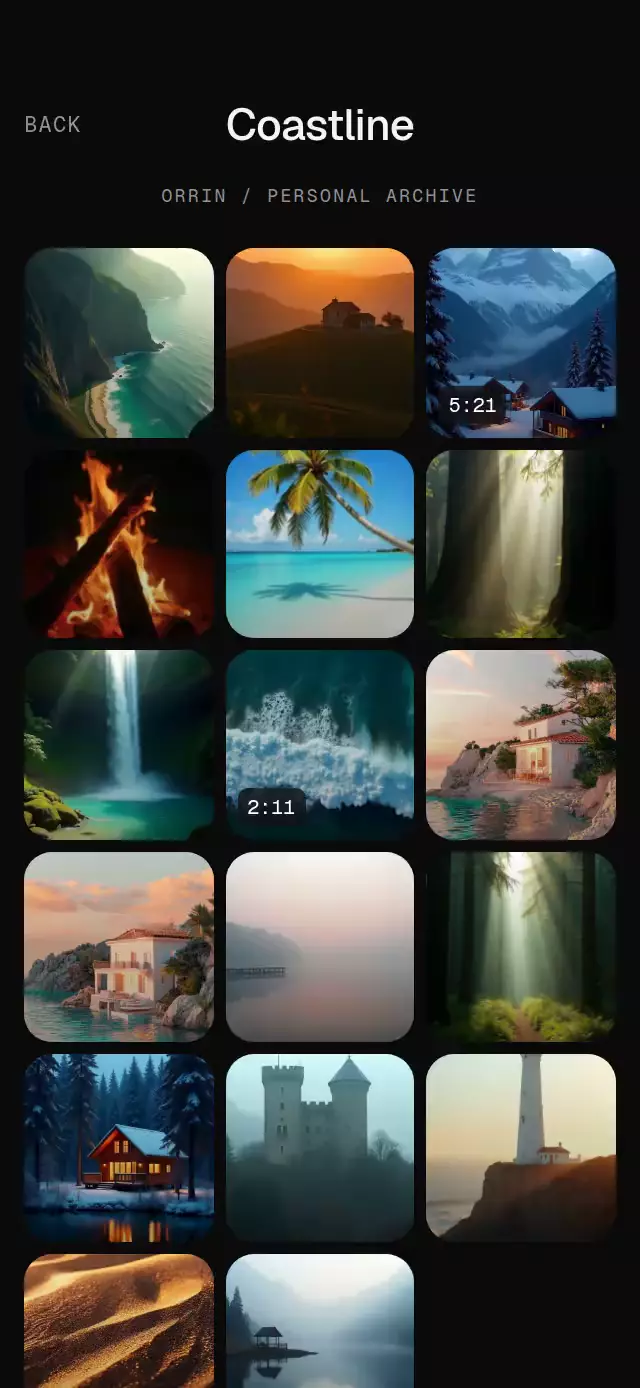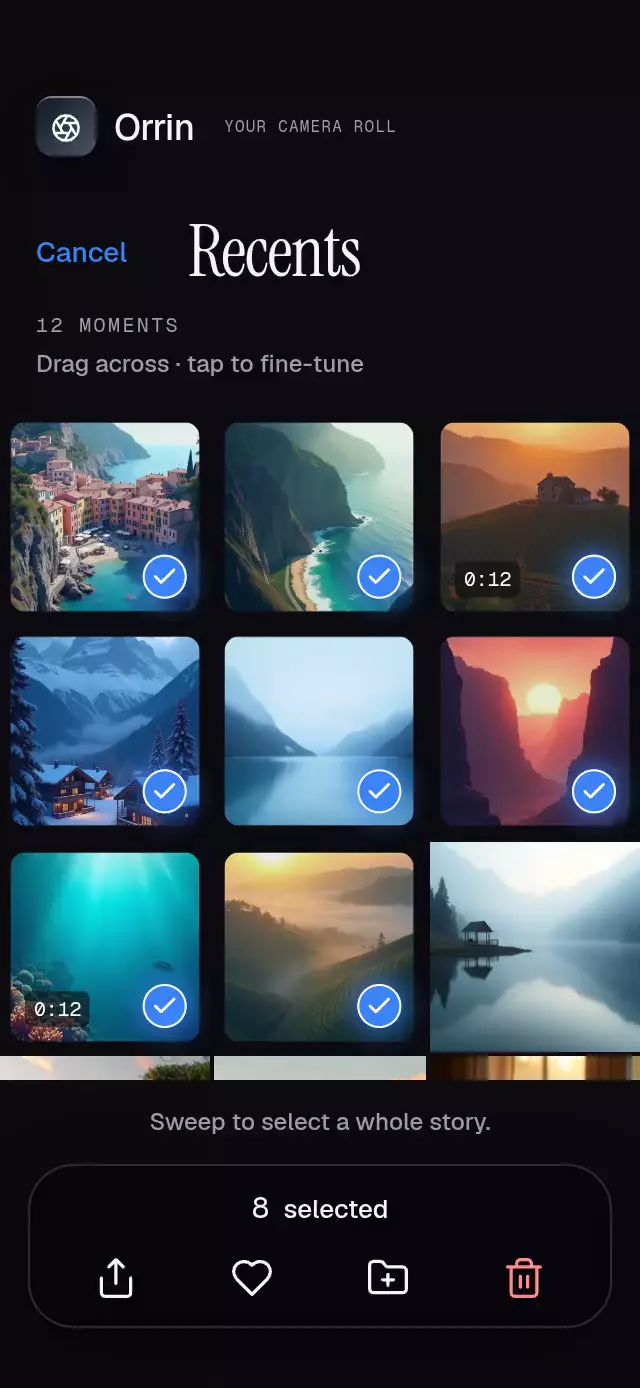
About this animation
A photo story viewer with cube transitions and drag dismissal, with configurable user stories, perspective, ring colors, and fonts.
Why this one
Moving between creators stays continuous and interruptible. A hold removes the interface without resetting the story clock, and a downward drag contracts the viewer toward the screen behind it. Local photos and editorial captions give the demo a complete photographic identity.
How it works
storyTimeadvances linearly on the UI thread withuseFrameCallback. A pause preserves its exact position.- Story taps update the selected photo. Crossing a creator boundary springs
cubeto its next integer position. - Each cube face rotates around the shared edge using a compensated translation, depth, and perspective. Its distance controls a black shading layer, reaching 40% at an edge-on face.
- Horizontal pans interrupt that spring and inherit release velocity. Vertical pans drive
dismiss, scale, translation, and corner radius. - The same clock drives a subtle photo zoom. Reduced motion substitutes a 200 ms fade for the cube and removes zoom and dismissal transforms.
- The reply field uses a real
BlurViewwith aBlurTargetViewfor Android. A rounded outer shadow surrounds a separately clipped pill, and the blur has its own rounded clipping. The transparent input suppresses Android's default underline. Replies and likes are handed to your callbacks.
Captions sit above the reply controls with reserved spacing, including in short containers. The demo's landing page scrolls when its headline and controls exceed the available height. Editorial text uses extra line height to protect serif ascenders on iOS.
Install
npx expo install expo-image expo-linear-gradient expo-blur react-native-gesture-handler react-native-reanimated react-native-workletsCopy this folder without demo/ into your project. Wrap your app in GestureHandlerRootView. Load your chosen fonts before presenting the viewer. Icons: Lucide (ISC), copied from the project kit and rendered as SVG image sources; no Skia setup is required.
Usage
import { StoryProgressViewer } from './story-progress-viewer';

<StoryProgressViewer
  users={[
    {
      id: 'creator',
      name: 'sky.notes',
      initials: 'SN',
      stories: [
        { id: 'morning', source: require('./morning.jpg'), caption: 'A little closer to the sky.' },
      ],
    },
  ]}
  onClose={() => dismissModal()}
/>
Customize the pacing, material, and typography:
const viewer = useRef<StoryProgressViewerRef>(null);

<StoryProgressViewer
  ref={viewer}
  users={creators}
  duration={6500}
  perspective={1200}
  photoScale={1.035}
  ringColors={['#1E293B', '#94A3B8']}
  fontFamily="MyInterfaceRegular"
  mediumFontFamily="MyInterfaceSemibold"
  captionFontFamily="MyEditorialSerif"
  onSendMessage={(story, message) => submitReply(story.id, message)}
  onMore={() => openStoryMenu()}
/>
The ref exposes next(), previous(), pause(), resume(), reset(), and close(). The demo alone owns its autoplay timers: at 650 ms it advances the first photo and at 1650 ms it crosses to the next creator. Photos otherwise last 5000 ms. The final story dismisses the viewer. reset() reopens it from the beginning. Keep creator IDs and story lists stable during a viewing session; reset or remount when replacing the feed.
Props
| Prop | Type | Default | Description |
|---|---|---|---|
users | readonly StoryUser[] | Required | Creators with stable IDs, names, initials, optional relative time, and nonempty story arrays. Empty creators are skipped. |
duration | number | 5000 | Milliseconds per story, minimum 250. |
perspective | number | 1000 | Cube perspective distance. |
photoScale | number | 1.06 | Maximum Ken Burns scale. |
ringColors | readonly [string, string] | Slate gradient | Avatar ring colors. |
fontFamily | string | System | Interface font. |
mediumFontFamily | string | System | Creator font; pass your semibold face. |
captionFontFamily | string | System | Editorial caption font. |
messagePlaceholder | string | Send message | Reply placeholder and accessible label. |
onStoryChange | (userIndex, storyIndex) => void | — | Called after selection changes. |
onClose | () => void | — | Called after dismissal completes. |
onLike | (story, liked) => void | — | Updated local like state. |
onSendMessage | (story, message) => void | — | Nonempty, trimmed reply. |
onMore | (user) => void | — | Host menu trigger; use it for a visible close action. |
style | StyleProp<ViewStyle> | — | Root styling; root fills available space. |
testID | string | — | Root test identifier. |
Compatibility
Targets Expo SDK 58, React Native 0.88.0, Reanimated 4.7.1, worklets 0.13.0, and Gesture Handler 3.3. Expo Go includes the installed Expo modules. No additional native module or development build is required. Supports iOS, Android, and web. Android blur uses the SDK 31+ method with a translucent fallback on older devices.
Accessibility
Previous story, Next story, Pause/Resume, More story options, Like/Unlike, Send message, and Close stories have accessible button labels. The message input is labeled. Hold to pause and release to resume; tapping the pause control toggles playback. Chrome fades away while paused, so its resume action remains available to assistive technology and normal story taps restore playback. Use the host menu or close() for a touch alternative to downward dismissal; the included demo supplies that menu. Interactive targets are at least 44 pt. Reduced motion removes cube rotation, photo zoom, and dismissal transforms, retaining brief fades. Focusing the reply field pauses the clock while keeping the field visible. No network delivery is implemented by this component.
Customization notes
Supply names and captions through users and their stories, and customize messagePlaceholder.