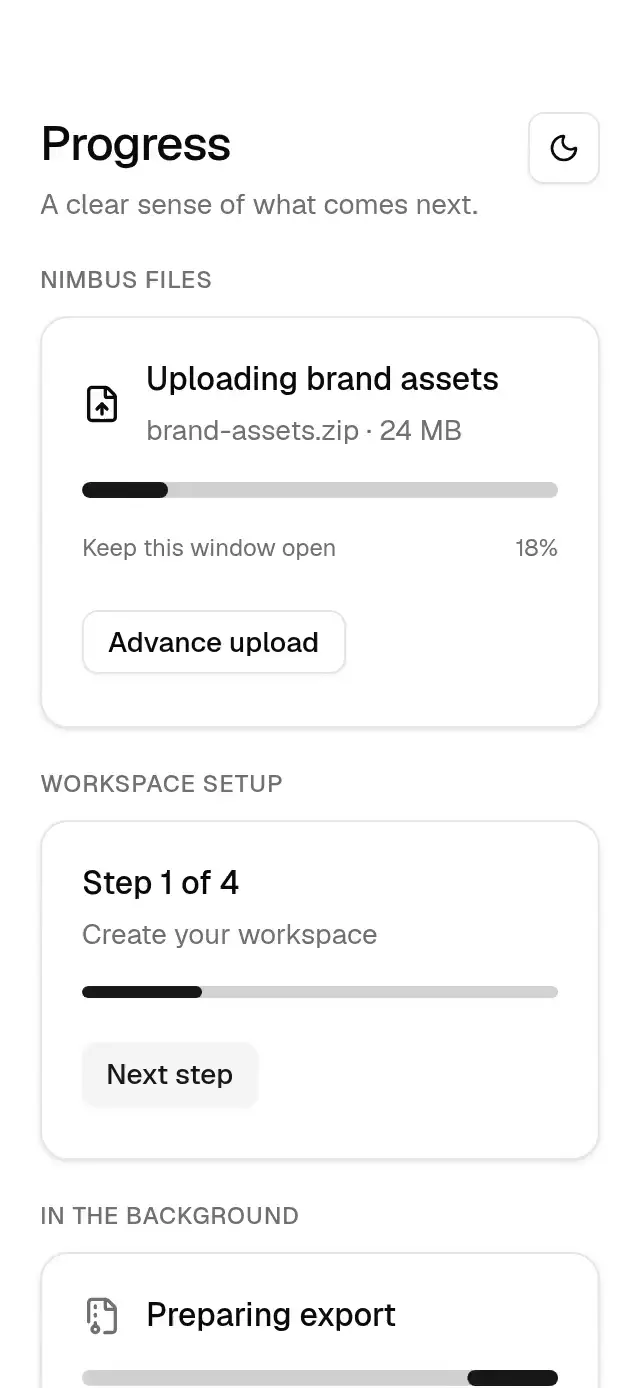
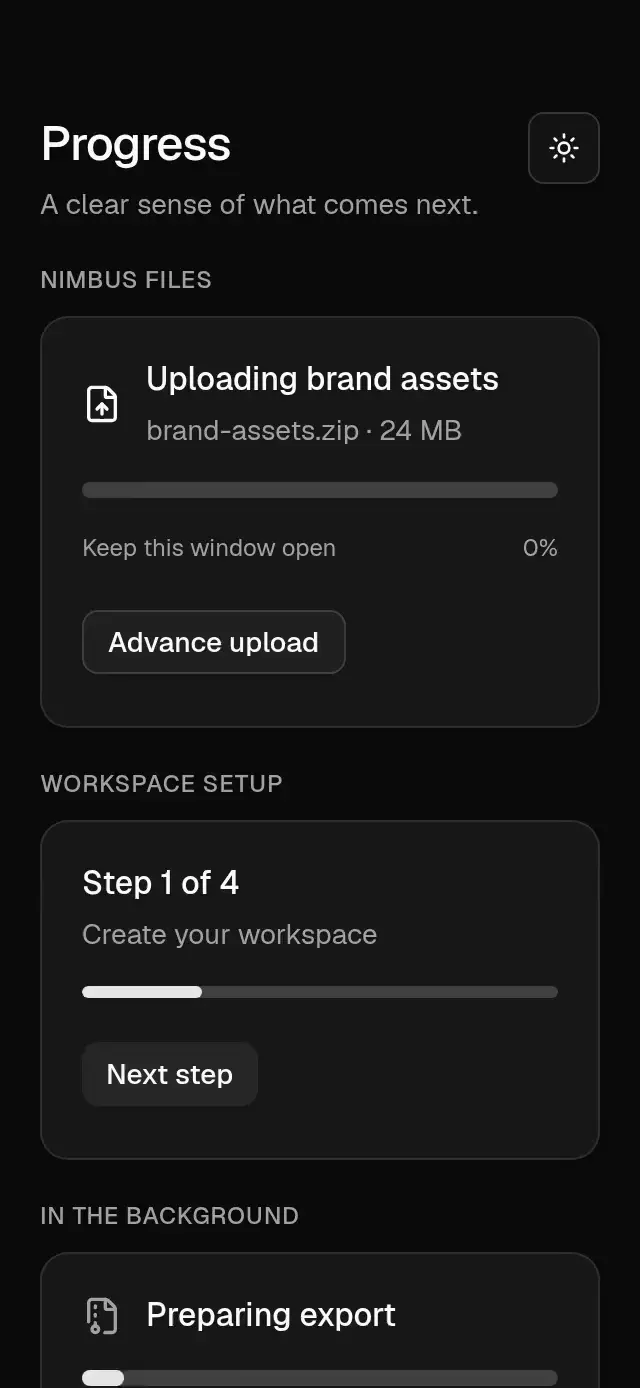
About this animation
A five-stage task monitor that reveals completed artwork, with configurable stage labels, image, accent color, and fonts.
On hosts shorter than 740 pt, the monitor scrolls vertically to keep the checklist and task controls reachable. The exported artwork appears only during completion.
Why this one
A percentage alone cannot explain a long export. This checklist opens the current stage, preserves completed steps, and makes retry recovery visible. The final checklist contracts into the exported artwork, connecting the process to its result.
How it works
- One UI-thread clock drives all five stages, the continuous ring, counters, and completion sequence.
- The active row expands with a nearly critical spring; completed rows draw their Lucide check strokes.
- Uploading pauses its progress during a simulated connection failure. Three compressed countdown beats lead to an automatic retry.
- An exponential moving average stabilizes the time estimate. Counter columns roll only through their own carry and settle at integers.
- Completion lights the checks at 55 ms intervals, then contracts the material into the artwork. The initial reveal opens the checklist in the first half-second without displaying the completed result.
- Pause freezes the process clock and countdown. Only the slow paused stripes continue. React receives semantic state changes, never frame updates.
Install
npx expo install @shopify/react-native-skia expo-blur expo-image expo-linear-gradient react-native-reanimated react-native-workletsUse the SDK-compatible versions listed in piece.json. For web, load CanvasKit before rendering the component using Skia's WithSkiaWeb boundary. No extra native package is needed in Expo Go for this stack.
Usage
import TaskProgressChecklist from './task-progress-checklist';

export function ExportScreen() {
  return <TaskProgressChecklist style={{ flex: 1 }} />;
}
import { useRef } from 'react';
import { TaskProgressChecklist, type TaskProgressChecklistRef } from './task-progress-checklist';
export function CustomExport() {
const task = useRef<TaskProgressChecklistRef>(null);
return (
<TaskProgressChecklist
ref={task}
title="Preparing your collection"
subtitle="248 photos · original quality"
stages={['Reading files', 'Applying edits', 'Rendering 4K', 'Adding metadata', 'Uploading']}
artwork={require('./collection.jpg')}
accentColor="#F5C26B"
duration={7000}
/>
);
}This is a visual task simulation, not a file exporter or network client. Wire the share callback to your application's link. start(), pause(), resume(), and cancel() allow external control. The component begins immediately; the demo owns the replay timer and permanently stops replay after a touch.
Props
| Prop | Type | Default | Description |
|---|---|---|---|
| title | string | Preparing your export | Task heading |
| subtitle | string | Your files, ready to share | Supporting description |
| stages | readonly five-string tuple | Reading files / Applying edits / Rendering / Adding metadata / Uploading | Stage labels |
| artwork | ImageSourcePropType | — | Completion artwork |
| fileCount | number | 248 | Files shown in detail counters |
| duration | number | 7000 | Process time in milliseconds; minimum 1000 |
| simulateError | boolean | true | Show automatic upload recovery |
| accentColor | string | #F5C26B | Ring, checks, bars, primary action |
| backgroundColor | string | #0C0C0D | Outer background |
| fontFamily | string | system | Interface font |
| monoFontFamily | string | system | Counter font |
| completedLabel | string | Exported | Completion heading |
| shareLabel | string | Share link | Completion action label |
| onStatusChange | (status) => void | — | Running, paused, retrying, complete, canceled |
| onComplete | () => void | — | Completion notification |
| onShare | () => void | — | Share action |
| onInteraction | () => void | — | Any touch; use to stop demo replay |
| accessibilityLabel | string | Task progress | Progress region label |
| style | StyleProp<ViewStyle> | — | Outer container style |
| testID | string | — | Outer test identifier |
Timeline
At the default duration: initial photo-to-checklist reveal −0.5–0 s; reading 0–0.8 s; edits 0.8–1.7 s; rendering 1.7–3 s; metadata 3–3.8 s; upload 3.8–6.4 s. Connection failure occurs at 4.5 s, retry at 5.7 s. Checks cascade from 6.4 s, photo contraction starts at 6.75 s. The demo repeats every 8.8 s, including a completion hold. These are intentionally accelerated demo times; the visible estimate models a longer real task.
Compatibility
Expo SDK 58, React Native 0.88.0, Reanimated 4.7.1, Worklets 0.13.0, Skia 2.14.0. iOS, Android, and web are targeted. Android blur uses BlurTargetView and the SDK 31+ blur method, with a solid material fallback on older devices. The reusable component imports only its own icon data and installed packages. Fonts and artwork are provided by the demo.
Accessibility
All actions have button roles and labels, at least 46 pt touch targets, and immediate press feedback. The progress region and a polite live region describe important states; screen-reader announcements cover pause, retry, cancellation, and completion. Every interaction is a tap, so no gesture-only action needs an alternative. Reduced motion removes rolling digits, spinner rotation, shaking, tip glow, blur, and scale motion, and uses 200 ms fades for stage and completion changes.
Icons: Lucide (ISC). Demo brand: Orrin from the repository's brand kit. The bundled photo is demo-only and is not required by the reusable component.