About this animation
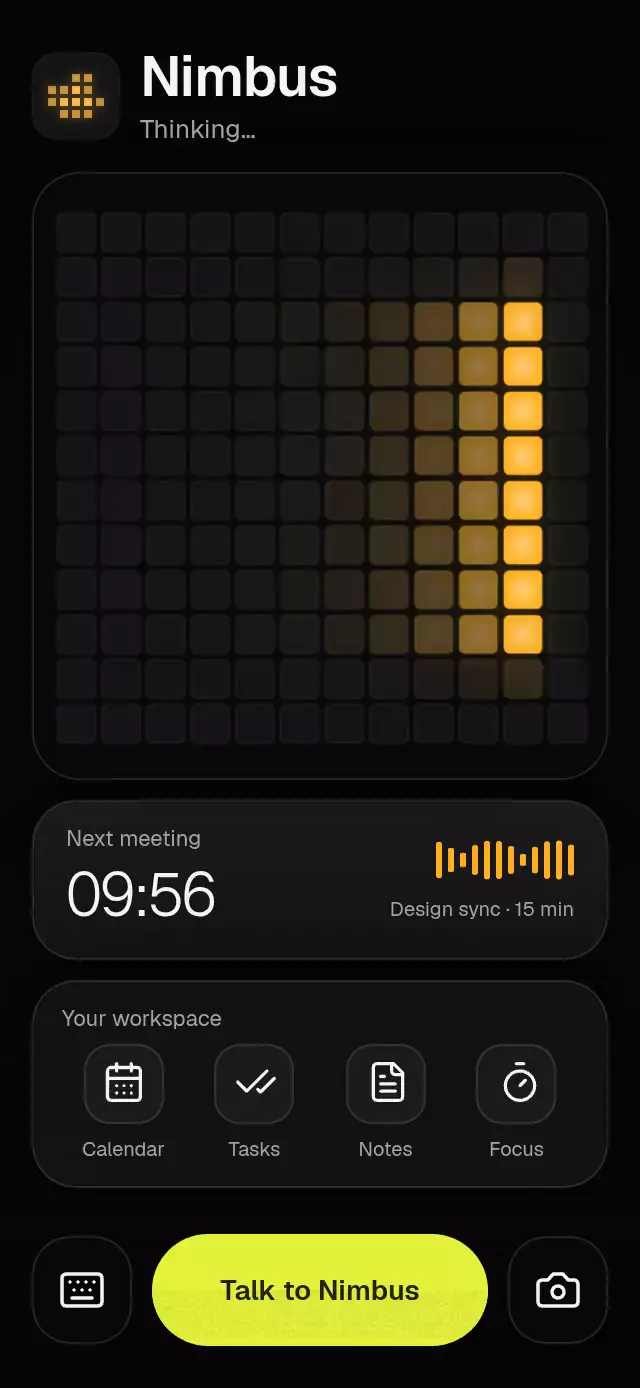
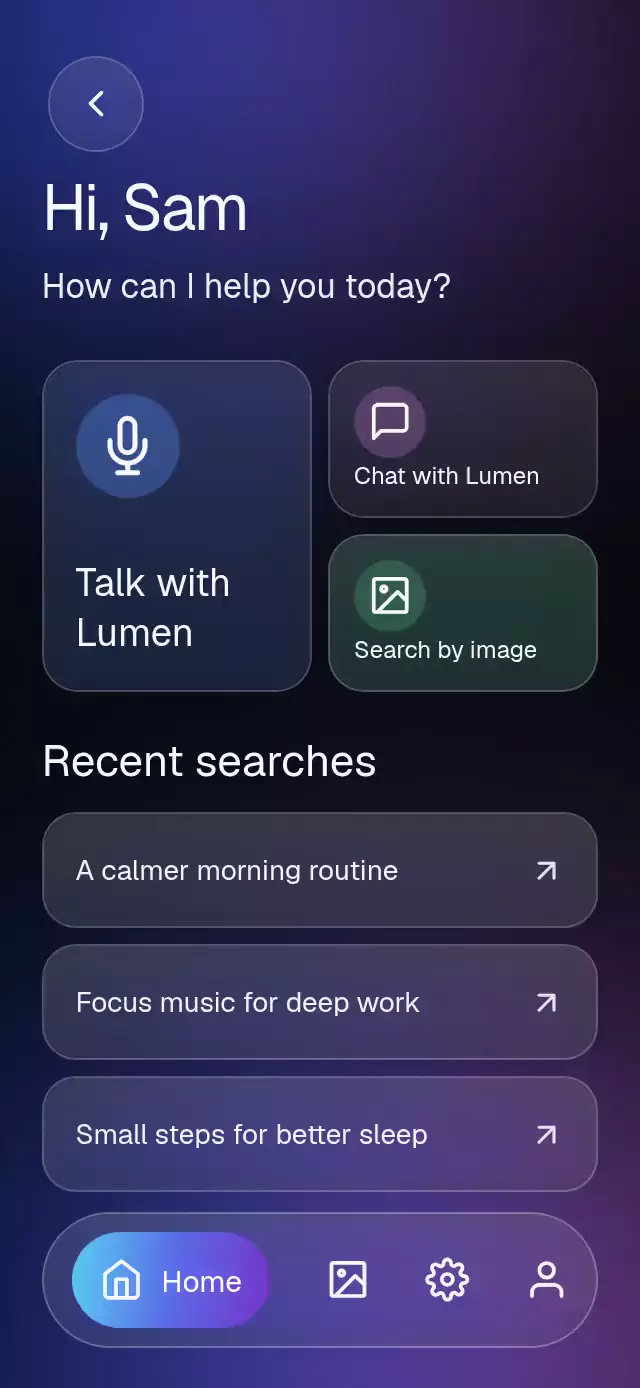
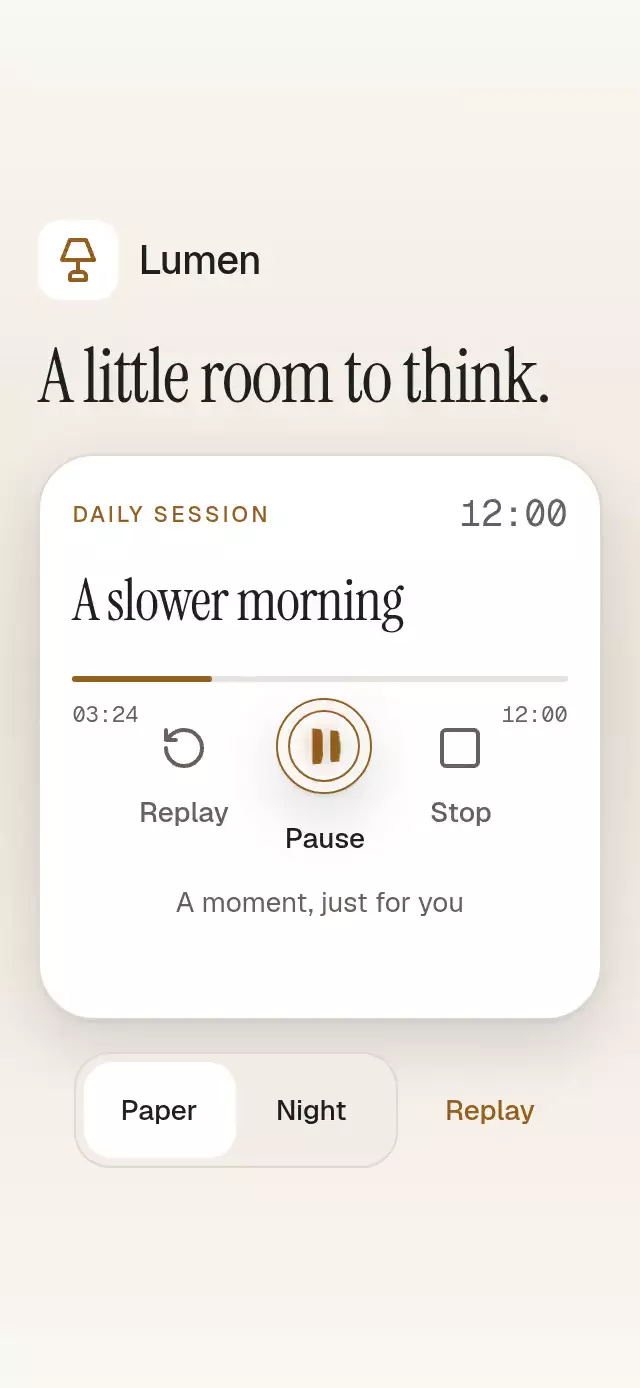
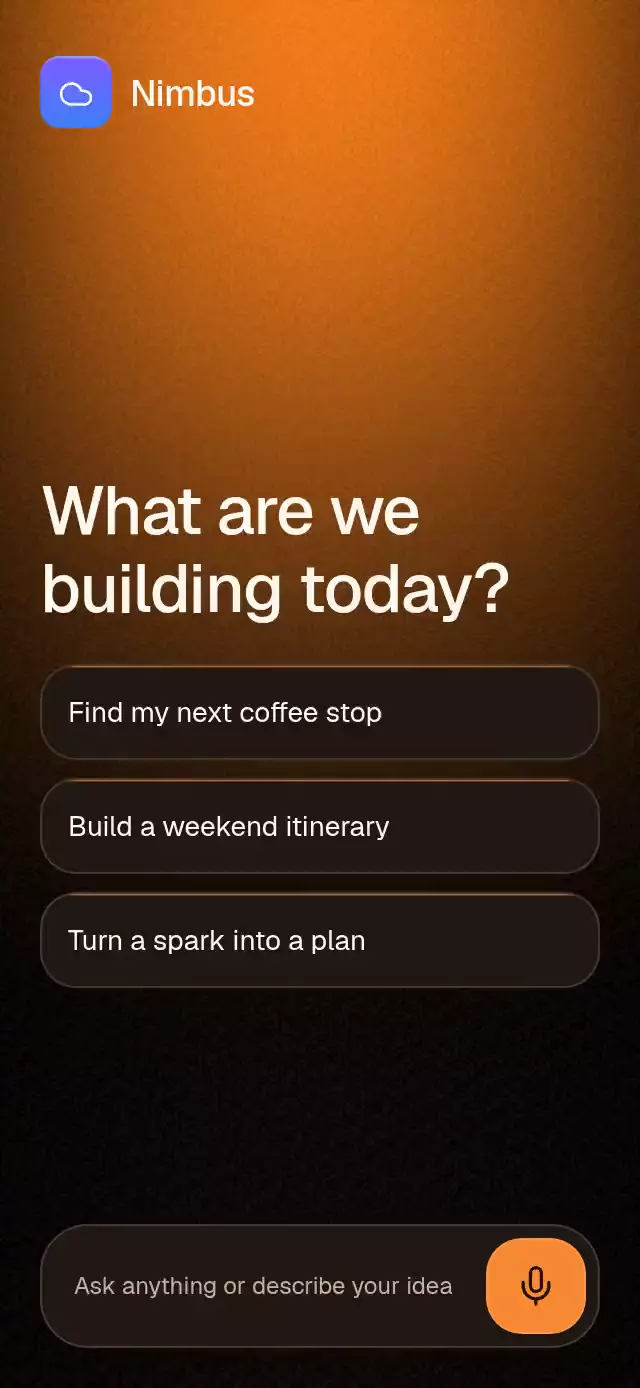
A dictation-to-chat transition that turns an orb into a reply avatar, with configurable transcript, replies, colors, and fonts. Voice input is simulated; no microphone permission or audio capture is included.
Why this one
Most voice assistants cut from listening to chat. This piece preserves physical continuity: the same text block narrows, changes material, and moves into its message position while the same lava orb shrinks into the assistant avatar. Confirmation highlights live inside the letters; suggestion highlights live on the material edge.
How it works
onLayoutmeasures the host container, caps the content width on tablets, and selects a compact layout for short containers. Suggestions and response content can scroll.phaseis the single shared transition value: 0 is idle, 1 is listening, 2 is chat. Text width, padding, color, font size, position, and orb geometry derive from it.- A UI-thread clock reveals words, initially at 40% opacity. Each word confirms to full opacity and briefly warms to the highlight color.
stop()confirms the complete supplied transcript, callsonSubmitonce, and springs the text and orb into their chat positions. Spring mass is explicit and damping is almost critical.- Reply progress crosses discrete token boundaries; only those changes cross to React.
renderReplycan replace the default response body. - The demo starts listening at 360 ms, finishes the 11-word dictation around 1.92 s, and completes the shared morph before 3 s. It streams the itinerary and resets at 6.1 s, with a 7.1 s cycle. Any touch cancels the cycle.
Install
npx expo install @shopify/react-native-skia expo-blur expo-linear-gradient react-native-gesture-handler react-native-reanimated react-native-workletsCopy this folder without demo/. The host app must use a GestureHandlerRootView and configure Reanimated/Worklets for its Expo version. For Skia on web, configure CanvasKit loading in the host before mounting the component.
Usage
import VoiceToChatMorph from './voice-to-chat-morph';

export function AssistantScreen() {
  return (
    <VoiceToChatMorph
      transcript="Help me plan a relaxed weekend"
      suggestions={['Plan a weekend', 'Explore an idea', 'Organize my day']}
      replies={['Start with one thing you want to experience each day.']}
      onSubmit={(text) => submitToYourAssistant(text)}
    />
  );
}
Customization and external control:
const assistant = useRef<VoiceToChatMorphRef>(null);

<VoiceToChatMorph
  ref={assistant}
  transcript={recognizedText}
  level={voiceEnergy}
  autoSubmit={false}
  wordInterval={180}
  orbRatio={0.42}
  fontFamily="YourSansRegular"
  mediumFontFamily="YourSansMedium"
  theme={{ accent: '#E98B45', highlight: '#FFE9CA' }}
  onSubmit={sendTranscript}
/>;

assistant.current?.startListening();
assistant.current?.stop();
assistant.current?.reset();
stop() sends the entire supplied transcript, including words that have not yet appeared. For external dictation, update transcript, provide level, and set autoSubmit={false}. reset() is a visual reset and does not cancel a network request owned by the host. Selecting a suggestion starts the supplied transcript; suggestions are prompts, not an editable text input. The bottom composer is a labeled microphone/send control with a placeholder.
Props
| Prop | Type | Default | Description |
|---|---|---|---|
suggestions | string[] | Three generic prompts | Suggestion button labels. |
transcript | string | Generic planning request | Live or simulated dictation text. |
replies | string[] | Generic planning reply | Streamed paragraphs. |
renderReply | (text, complete) => ReactNode | — | Custom reply renderer. |
onSubmit | (text: string) => void | — | One submission per listening session. |
onInteraction | () => void | — | Touch or accessible activation; cancel host autoplay. |
onStateChange | (state) => void | — | idle, listening, or chat. |
level | number | Simulated | Voice energy, clamped to 0–1. |
wordInterval | number | 130 | Milliseconds per dictated word. |
replyInterval | number | 65 | Milliseconds per reply token, including spaces. |
autoSubmit | boolean | true | Submit after all words confirm. |
theme | Partial<VoiceToChatMorphTheme> | Orange/dark | Whole palette: top, background, accent, highlight, text, muted, surface, border, bubbleText. Supply all fields for a light theme. |
grainIntensity | number | 0.055 | Fine atmospheric grain. |
orbRatio | number | 0.45 | Orb width fraction, constrained by height. |
brand | string | Assistant | Header and reply identity. |
brandColors | [string, string] | Accent/top | Kit tile gradient. |
title | string | What are we building today? | Main heading. |
placeholder | string | Ask anything or describe your idea | Composer copy. |
listeningLabel | string | Listening… | Listening status and announcement. |
workingLabel | string | Working… | Reply status. |
closeLabel | string | Close | Close label. |
microphoneLabel | string | Start voice dictation | Microphone accessible label. |
sendLabel | string | Send message | Send accessible label and announcement. |
fontFamily | string | System | Interface typeface. |
mediumFontFamily | string | System | Heading/dictation typeface. |
style | StyleProp<ViewStyle> | — | Host container style. |
testID | string | voice-to-chat-morph | Root and control prefixes. |
Compatibility
Targets Expo SDK 58, React Native 0.88.0, Reanimated 4.7.1, Worklets 0.13.0, and Skia 2.14.0. Uses bundled Expo Go modules. Supports iOS, Android, and web.
The host owns safe areas. The demo fills its parent; reserve host insets for fullscreen usage. Content is capped at 560 pt, with compact treatment below 540 pt high. Very long transcripts may require host-side chunking.
Icons: Lucide (ISC). Nimbus uses the demo kit cloud tile and its prescribed purple-to-blue gradient; the sold component defaults to a generic assistant.
Accessibility
All controls have roles, labels, stable IDs, and accessible activate actions. Gesture Handler handles taps directly with an independent 0.97 pressure response. State changes announce listening, submission, and reset; streaming text is not announced word by word. Reduced motion freezes grain and lava animation, removes pulsing and travel, and uses a 200 ms fade with a hidden midpoint layout switch. The host can change every visible string and the complete color palette.