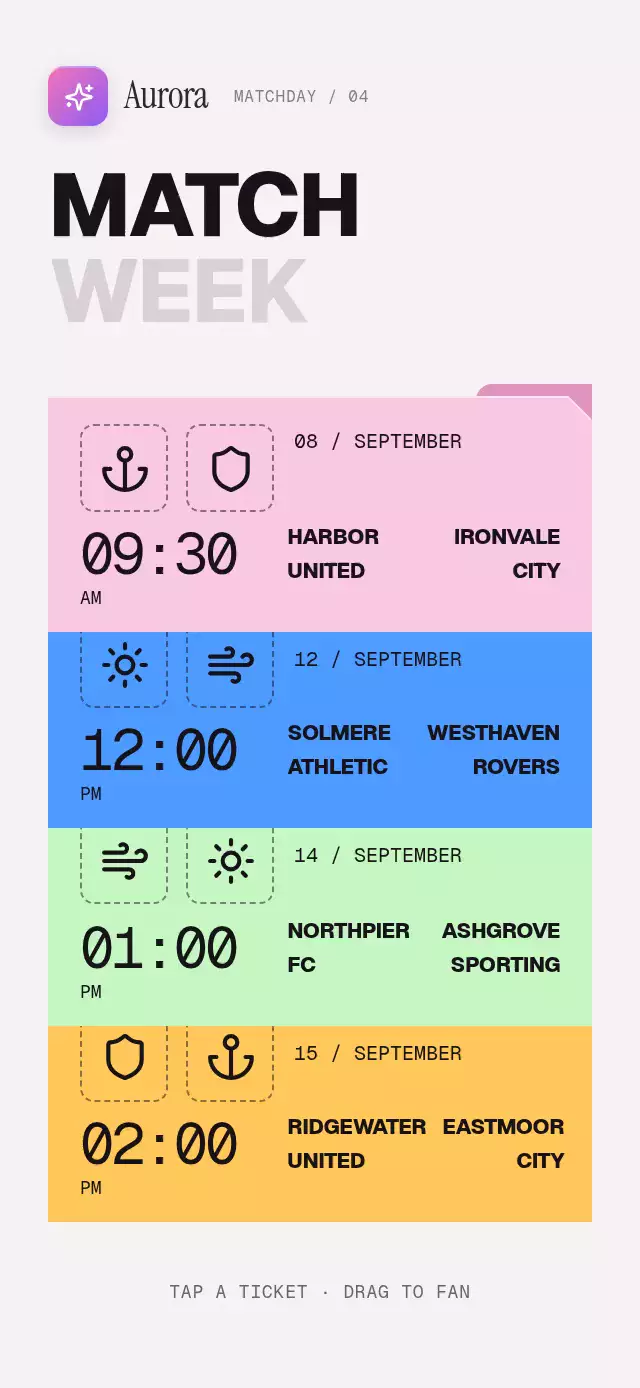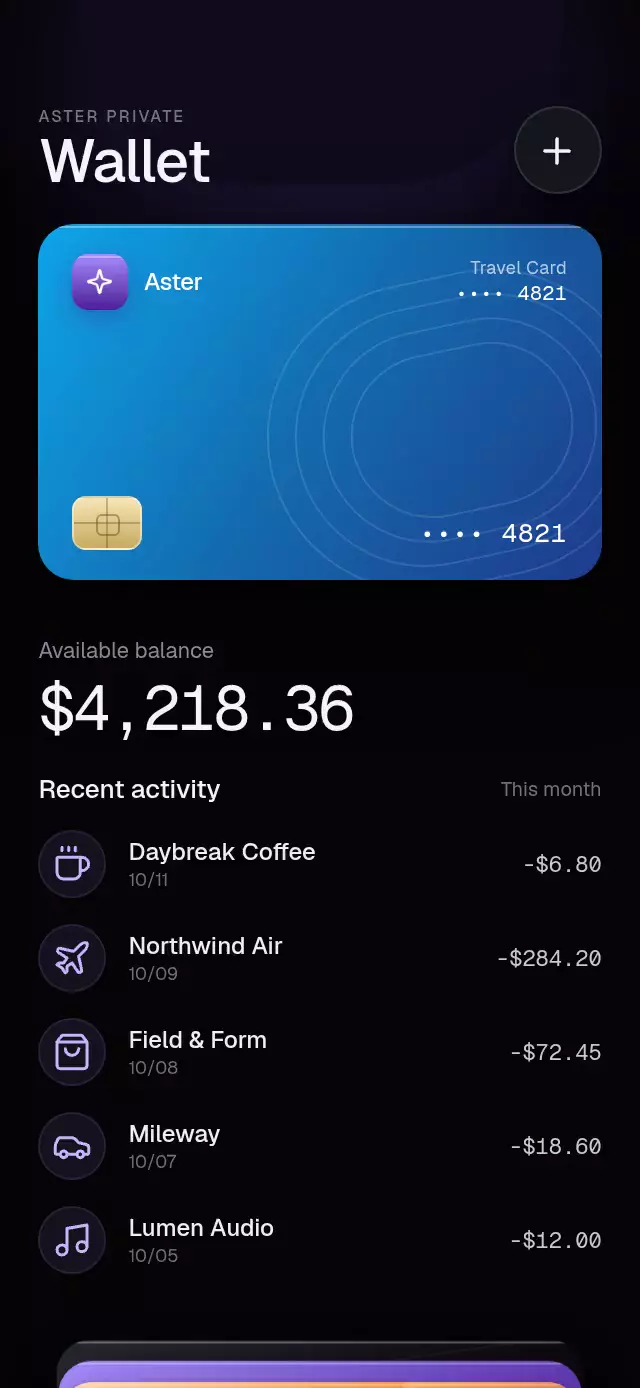
About this animation
A wallet stack whose cards expand into balance and transaction details, with configurable cards, transactions, accent color, and fonts.
How it works
onLayoutderives every card dimension and vertical position from the component instead of the device window.- One continuous Reanimated progress value drives the full stack, compressed cards, active-card depth, balance reveal, and staggered activity rows.
- Tapping any card selects it; tapping it again reverses the current transition, even before opening finishes. A downward pan scrubs the same progress and hands its velocity to the settling spring. Cards retain their original layer order, and the closed pose is flat for every selection. Selecting a different card during a transition first returns the current card to the shared closed pose, then opens the latest requested card.
- The active card tilts by up to six degrees while dragging, while a clipped translucent highlight moves inside the card material.
- The closed state exposes 64 points of every card and uses the remaining space for the total balance and three recent transactions.
- Reduced Motion replaces the spring and tilt with a short fade while preserving every tap target and state.
Why this one
Typical wallet stacks stop at a deck of flat gradients. This one pairs four distinct card materials with an interruptible expansion, useful closed-state account context, realistic merchant history, and a specular response that follows the user's hand. The balance uses a blur-and-lift reveal so financial figures are always crisp at rest.
Install
npx expo install expo-linear-gradient @shopify/react-native-skia react-native-gesture-handler react-native-reanimated react-native-workletsWrap the application with GestureHandlerRootView. For web, initialize CanvasKit before loading the component. Icons: Lucide (ISC).
Usage
import { WalletCardStack } from './WalletCardStack';

export function Wallet() {
  return <WalletCardStack />;
}
const walletRef = useRef<WalletCardStackRef>(null);
<WalletCardStack
ref={walletRef}
brandName="Aster"
balance="$4,218.36"
cards={cards}
transactions={transactions}
onCardOpen={(index) => setSelectedCard(index)}
/>Props
| Prop | Type | Default | Description |
|---|---|---|---|
title | string | 'Wallet' | Wallet title. |
eyebrow | string | 'PRIVATE ACCOUNT' | Small label above the title. |
cards | WalletCard[] | DEFAULT_CARDS | Cards in stack order. Supply four for the intended composition. |
transactions | WalletTransaction[] | DEFAULT_TRANSACTIONS | Transactions shown under the active card. |
balance | string | '$4,218.36' | Formatted balance shown in the detail panel. |
balanceLabel | string | 'Available balance' | Label above the balance. |
brandName | string | 'Wallet' | Brand wordmark printed on each card. |
fontFamily | string | undefined | Primary interface font. |
mediumFontFamily | string | undefined | Medium interface font. |
monoFontFamily | string | undefined | Monospaced font used by financial figures. |
onCardOpen | (index: number) => void | undefined | Called when a card finishes becoming active. |
onCardClose | () => void | undefined | Called when the open card returns to the full stack. |
onAddCard | () => void | undefined | Called when the add-card button is pressed. |
accessibilityLabel | string | 'Wallet card stack' | Screen-reader label for the stack. |
style | StyleProp<ViewStyle> | undefined | Optional style for the outer container. |
testID | string | undefined | Test identifier for the outer container. |
accentColor | string | #C4B5FD | Accent for the card-count caption. |
The ref exposes open(index), close(), and toggle(index).
Compatibility
- Expo SDK 58
- React Native 0.88.0
- Reanimated 4.7.1 and Worklets 0.13.0
- Skia 2.14.0
- iOS, Android, and web: supported
- Expo Go: supported by the SDK 58 bundled modules; use a development build after adding native dependencies elsewhere
Accessibility
Every card and the add action are buttons with descriptive labels and at least a 44-point interaction area. Tapping is a complete alternative to dragging. Reduced Motion removes 3D tilt and replaces the spring with a 190 ms fade transition.
Customization notes
Movement follows gestures, scroll position, or interruptible spring physics. A global duration is not exposed; reduced-motion fades retain their short fixed timing.