About this animation
A course schedule with daily progress rings and completion-to-unlock feedback, with configurable week data, lessons, labels, and fonts.
Why this one
Daily rings make the entire week's progress readable at a glance. Completing the active lesson reveals its check, lifts the finished card away, opens the next lock, and lights up the next lesson. Progress has a visible consequence instead of ending in a flat list.
How it works
- One Skia Canvas draws all seven positioned ring paths. A shared fill value drives arcs and rolling counts with staggered starts; transparent touch views sit above the rings. The ambient light uses one additional Canvas. All kit icons render as SVG images through expo-image, so the screen uses only two WebGL contexts.
- Selecting a day reports the index immediately. The previous lesson stack fades over the incoming stack for 150 ms, without an empty interval. Selection emphasizes the chosen ring; ring sizes adapt to the available width.
- Tap or hold the active card for 450 ms. One completion value drives the percentage, revealed check, and departure.
- Completion advances the active index. The next card transitions between kit lock states and lights up with a glass gradient.
- Week arrows move the row with a critically damped spring and request new week data from the host.
- All frame updates run through Reanimated shared values. React stores only discrete selection, completion, and measured layout.
Install
npx expo install @shopify/react-native-skia expo-blur expo-image expo-linear-gradient react-native-gesture-handler react-native-reanimated react-native-workletsPlace the component under a GestureHandlerRootView. Load your fonts in the host. For Skia on web, configure CanvasKit using the Skia web setup for your installed version. No external assets, network calls, or application-specific imports are required. Icons: Lucide (ISC); paths copied from the supplied kit.
Usage
import { WeekRingSchedule } from './week-ring-schedule';

<WeekRingSchedule
  week={days}
  lessons={lessons}
  onComplete={id => saveCompletion(id)}
/>
Controlled selection and a complete custom theme:
const schedule = useRef<WeekRingScheduleRef>(null);
<WeekRingSchedule
  ref={schedule}
  week={days}
  selectedDay={day}
  onSelectDay={setDay}
  lessons={lessonsByDay[day]}
  theme={{ ...defaultTheme, pink: '#AD568C', violet: '#6553AF' }}
  labels={{ week: 'October 12–18', schedule: 'Your schedule' }}
  fillDuration={480}
  fontFamily="Geist_400Regular"
  mediumFontFamily="Geist_500Medium"
  monoFontFamily="GeistMono_400Regular"
/>
// schedule.current?.selectDay(4);
// schedule.current?.complete('course-0');
Props
| Prop | Type | Default | Purpose |
|---|---|---|---|
week | WeekDay[] | required | Day ID, short label, date label, completed count, total |
lessons | ScheduleLesson[] | required | ID, title, duration, time, 0–100 progress, locked, count label |
selectedDay | number | internally 3 | Controlled selected index |
onSelectDay | (index: number) => void | — | Supply the corresponding lesson data |
onComplete | (id: string) => void | — | Persist completed lesson and unlock in your data |
onWeekChange | (direction: -1 | 1) => void | — | Supply a new week, lesson data and header label |
onInteraction | () => void | — | Stop autoplay on touch |
onBack, onNotifications, onEdit, onAdd | () => void | — | Host navigation and editing actions |
labels | partial label object | generic English | Week title, schedule title, hint and all action/announcement labels |
theme | ScheduleTheme | defaultTheme | Complete background, surface, ink, muted, borders, ring and gradient palette |
fontFamily, mediumFontFamily, monoFontFamily | string | system font | UI, titles and counters |
fillDuration | number | 560 | Ring fill duration in ms |
style | StyleProp<ViewStyle> | — | Container styling |
testID | string | week-ring-schedule | Root ID with stable control suffixes |
Ref methods: selectDay(index), complete(id) (active lesson only), and reset() (replay current day's schedule). Completion is optimistic inside the component; persist it through onComplete. A new selected day resets the local completion sequence. Keep lesson array identity stable between data changes. The host supplies calendar arithmetic, dates and weekly content; the demo uses a fixed October sample.
Compatibility
Built for Expo SDK 58, React Native 0.88.0, Reanimated 4.7.1, worklets 0.13.0 and Skia 2.14.0. Uses only installed Expo Go modules. Android uses a translucent gradient fallback where native backdrop blur is unavailable.
The root fills its supplied container. The host applies safe-area insets. Vertical content scrolls in short containers and landscape; the seven-day row fits the supplied width with additional touch hit slop. Width is capped at 480 pt on tablets. The demo reserves the top-right viewer close area by placing its controls below the top 52–70 pt.
Accessibility
Buttons expose labels, roles, selected/disabled states, stable test IDs and an accessibility activation action. Tap is an alternative to long press. Selection and completion are announced. Animated decorative counters are hidden from accessibility; the card's button label carries its progress. Reduced motion removes drifting light, ring scaling, card flights and lock rotation, with 200 ms fades.
Demo timeline
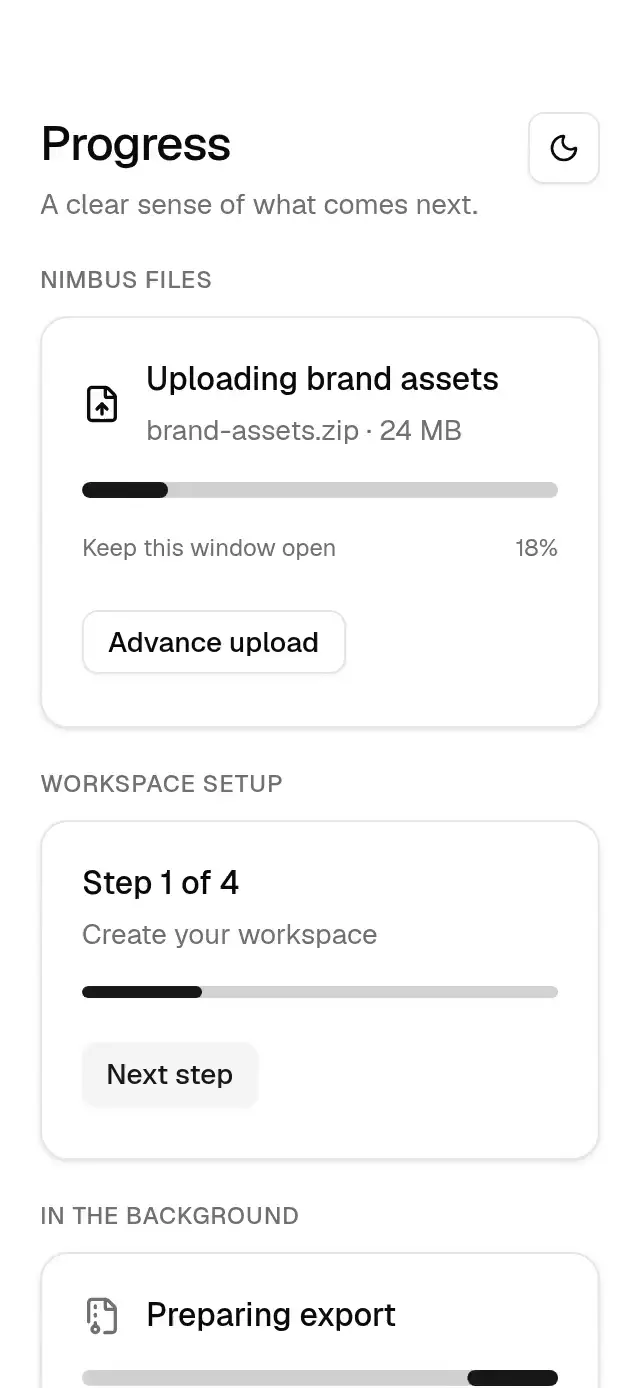
Autoplay fills the rings on entry, chooses Thursday at 1.5 s, returns to Wednesday at 3.2 s, and completes the active lesson at 4.7 s; the sequence repeats every 7.6 s. Any touch stops the timer sequence. Nimbus uses the kit's cloud tile and gradient.
copy uses flow layout and at least 1.1× line height; controls start below the viewer's top-right close button. At 390×844 the seven days fit; at 320×694 all seven rings fit and the schedule scrolls vertically, with no fixed-position card text. The ring selection is scheduled within the first 3 s. Light uses blurred Skia circles, and card gradients are contained inside the card material; no opaque sweep is placed above text.