About this animation
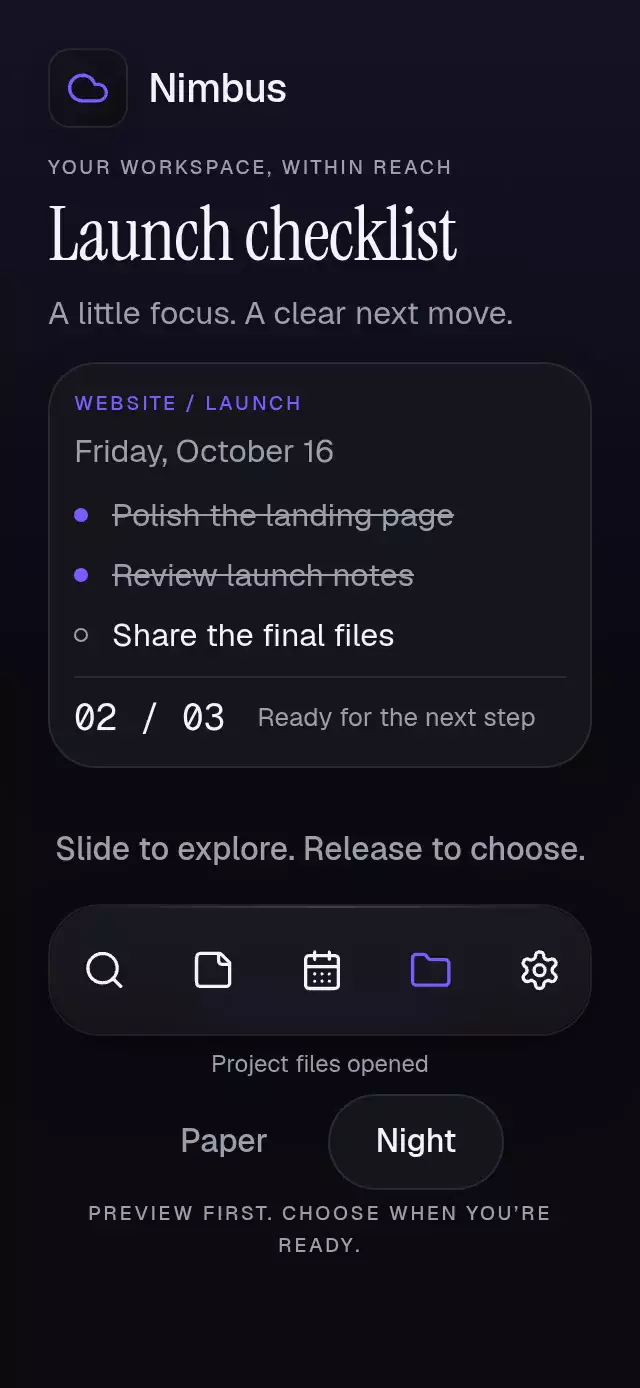
An alphabet rail with a letter magnifier and configurable sections, labels, palette, and fonts.
Why this one
A dense alphabet is one adjustable region, with optional Previous/Next buttons and an expandable picker of at least 48 × 48 pt letters. Small rail glyphs are never presented as individual accessible touch targets. Empty sections remain selectable; absent keys are dimmed and skipped. The 48 pt-wide rail accepts both taps and drags. The larger, 144 pt side magnifier follows the finger and stretches along the scrub direction, then settles sharply. Letter changes use a single text layer, with no overlapping old and new labels.
How it works
- Measure the rail with
onLayoutand divide its inner height into equal alphabet slots. - Track the finger in one UI-thread position value. A damped follower derives the magnifier stretch and naturally settles when the finger stops.
- Cross the JS boundary only when the slot changes. The host receives a key and jumps to its measured section offset without a long scrolling animation.
- Keep controlled selection authoritative. Imperative methods issue the same deduplicated requests as direct input.
- Announce the final section on release. Provide large buttons and an inline letter picker as alternatives to scrubbing.
Install
npx expo install react-native-gesture-handler react-native-reanimated react-native-workletsUse a GestureHandlerRootView in the host app. The optional demo additionally uses expo-linear-gradient, expo-image, and the catalog fonts. Icons: Lucide (ISC), copied from the internal kit; no icon dependency in the embeddable component.
Usage
import { useRef } from 'react';
import { ScrollView } from 'react-native';
import AlphabetIndexScrubber, {
  type AlphabetIndexScrubberRef,
} from './alphabet-index-scrubber';

const sections = [
  { key: 'A', title: 'A', count: 12 },
  { key: 'B', title: 'B', count: 3 },
];
const labels = {
  choose: 'Letters',
  close: 'Close',
  empty: 'No entries',
  unavailable: 'Dimmed letters have no entries.',
  announce: '{title}, {count}',
};

function Directory() {
  const index = useRef<AlphabetIndexScrubberRef>(null);
  const list = useRef<ScrollView>(null);
  // Populate these offsets from each host section's onLayout event.
  const offsets = useRef<Record<string, number>>({});
  return (
    <AlphabetIndexScrubber
      ref={index}
      sections={sections}
      onSectionChange={key => list.current?.scrollTo({
        y: offsets.current[key] ?? 0,
        animated: false,
      })}
      formatCount={count => `${count} entries`}
      indexLabel="Directory alphabet"
      previousLabel="Previous"
      nextLabel="Next"
      accessibilityLabel="Directory navigation"
      labels={labels}
    >
      <ScrollView ref={list}>{/* Host section content */}</ScrollView>
    </AlphabetIndexScrubber>
  );
}
For a controlled variant, pass activeKey={selectedKey} and update that key in onSectionChange. The parent may reject a request; displayed selection remains the supplied key. Set colorScheme="dark", provide a complete palette, and pass fontFamily, titleFontFamily, and monoFontFamily to match your product. Call index.current?.scrollToSection('B') from an event handler.
Props
| Prop | Type | Default | Purpose |
|---|---|---|---|
sections | ReadonlyArray<{key; title; count}> | Required | Host section metadata; keys match alphabet slots. |
activeKey | string | Uncontrolled | Authoritative current section. |
alphabet | readonly string[] | A–Z | Ordered keys; missing section keys append automatically. |
onSectionChange | (key: string) => void | Required | One request per distinct selected key. |
formatCount | (count: number) => string | Required | All count copy. |
indexLabel | string | Required | Adjustable rail label. |
previousLabel, nextLabel | string | Required | Navigation button labels. |
labels | Object | Required | choose, close, empty, unavailable strings; announce template with {title} and {count} placeholders. |
showControls | boolean | true | Show navigation buttons and the letter picker; disable for a full-height directory. Rail taps and accessibility actions remain available. |
children | ReactNode | None | The host-owned list; see the included measured-offset demo. |
colorScheme | light / dark / auto | auto | Complete theme selection. |
palette | AlphabetPalette | Scheme palette | background, surface, text, muted, border, accent, success, error; use hex accent for derived alpha treatments. |
fontFamily | string | System | Body and control font. |
titleFontFamily | string | System | Magnifier letter font. |
monoFontFamily | string | System | Rail and count font. |
onInteraction | () => void | None | Cancels demo playback on direct input. |
style | StyleProp<ViewStyle> | None | Container override; root has flex: 1. |
testID | string | alphabet-index-scrubber | Root; suffixes -rail, -previous, -next, -choose, -letters, -letter-A etc. |
accessibilityLabel | string | Required | Component accessible name. |
Ref and edge cases
scrollToSection(key) requests a known key and reveals its magnifier; it never calls the callback twice for the same selected key. reset() closes the picker and requests the first section. Neither method runs during render. There are no playback timers except the short magnifier dismissal timer, which is cleared on input and unmount.
Unknown ref keys are safe no-ops; an unknown controlled key falls back to the first section. Empty key/title entries and duplicate keys are ignored (first key wins). Non-finite/negative counts become zero; fractional counts are floored. No valid sections displays labels.empty. Alphabet slots without a section are dimmed, do not request a jump, and cannot be selected in the large picker. A real section with zero people stays selectable and announces zero. The rail exposes the fallback selection through its accessible value.
Compatibility
Designed for Expo SDK 58, React Native 0.88.0, Reanimated 4.7.1, Worklets 0.13.0, and Gesture Handler 3.3.0. No Skia, native contact API, or additional native module is required. Compatible with the installed Expo Go stack.
Implementation notes
Important copy uses flow layout and text scaling; the top-right viewer close area is clear. The 390 × 844 layout reserves about 620 pt for the list (more than eight 59 pt contact rows, including section headings); the 320 × 568 layout keeps the list in the remaining space without outer scrolling. Content width is capped at 640 pt. The magnifier sequence is scheduled inside the first 3 seconds. The glow is a blurred material shadow, with no solid effect block over text.
Accessibility
The host owns safe areas. The component measures its own rail and supports a 300 × 400 pt host. Controls wrap; the inline letter picker scrolls. Compact rails reduce the displayed glyph density while retaining every gesture slot and every large picker target. Text scaling remains enabled. The demo fills the remaining height below a compact header, with no outer ScrollView, and caps content width at 640 pt. Only the directory scrolls. Navigation controls are hidden in the demo; one 48 pt theme button sits beside the brand, clear of the viewer close area. Short containers omit the subtitle. The panel has no fixed minimum height; the rail reduces glyph density when all labels would overlap. The final section uses measured bottom padding so it can align with the top of the list.
The rail has the adjustable role with increment/decrement actions. Buttons have labels, selected/disabled states, stable test IDs, and minimum 48 pt targets. Scrub announcements occur only on release; discrete button changes announce immediately. Reduced motion removes animated travel, scale, and stretch; opacity changes use 200 ms. No contacts permissions, network data, or photos are needed.
Demo timeline
The optional AlphabetIndexScrubberDemo({ autoplay }) starts after 600 ms, requests B/D/F/H/J at 240 ms intervals, settles before 3 seconds, resets at 4100 ms, and repeats every 5000 ms. All movement is driven by component ref methods. Direct rail, picker, button, list, or theme input cancels playback; all timers clear on unmount. A compact header button switches between Night and Paper with a palette-matched Nimbus tile.