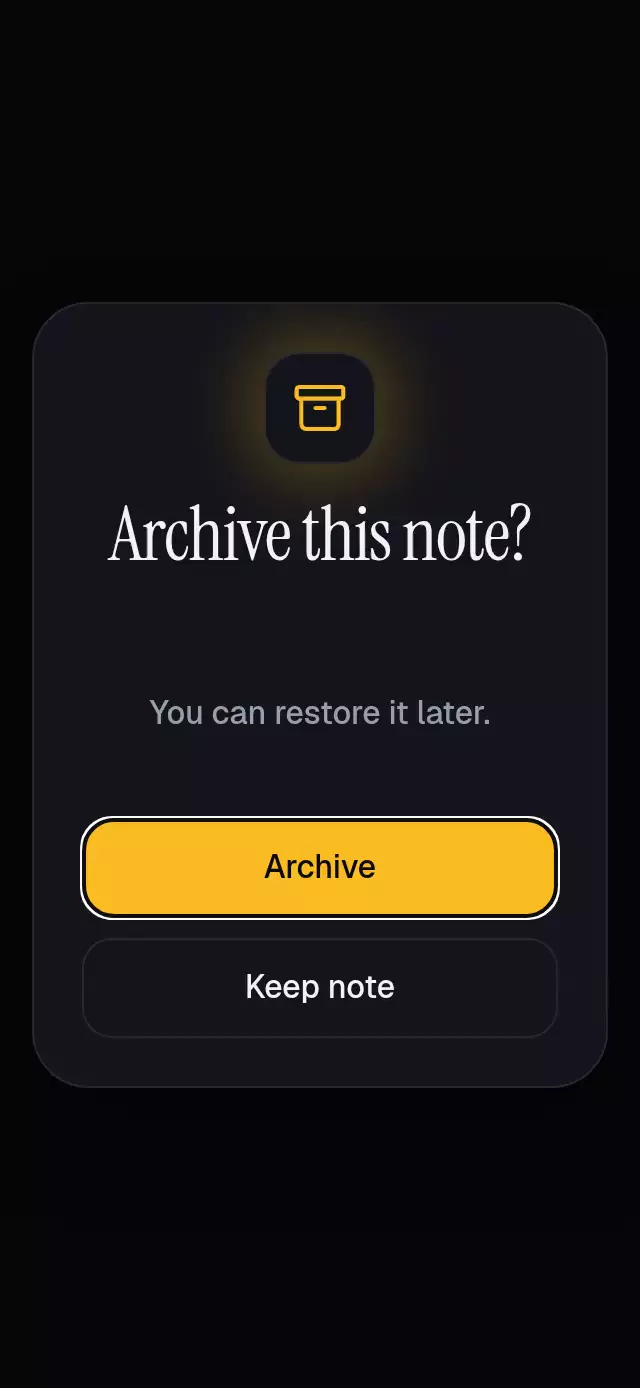
About this animation
A popover in React Native keeps contextual actions attached to the control that opened them. This component accepts a host-local anchor rectangle, places a glass card above or below it, and keeps its pointer aimed at the control. If content cannot fit, it scrolls within the available side rather than covering the anchor. One progress value coordinates the card reveal and background dimming. Supply the actions and callbacks, control visibility or use its ref, and update the anchor after layout or scrolling. The host owns safe areas and business actions. This is an in-app action surface, with measured placement and accessible dismissal, rather than an operating-system menu.
When to use it
- Show contextual settings actions.
- Keep a menu attached to a measured control.
- Offer scrollable actions in a compact host.
Related guides
An anchored action popover with adaptive placement and configurable actions, copy, palette, and fonts.
Why this one
Each measured row control opens its own glass menu. The card flips above or below the control, with a straight pointer aimed at its horizontal center and a 12-point gap that keeps the control uncovered. Product content fades to 35% opacity while actions are open.
How it works
- Measure the host and sum the card, row, and control layout offsets into a host-local anchor.
- Measure content height and choose the side with enough space. Constrain overflowing content to that side, with an accessible scroll fallback for small hosts or enlarged text; never shift the card over its anchor.
- Keep the arrow attached to the chosen edge and pointed at the control. Close before changing to another control.
- One progress value drives opacity, background dimming, and the 0.96 → 1 scale from the pointer. Entry takes 180 ms and exit 140 ms; reduced motion uses a 200 ms fade.
- Expo BlurView supplies rounded glass, with an explicit Android blur target. Independent pressure springs use explicit mass 1.
Install
npx expo install react-native-reanimated react-native-worklets @shopify/react-native-skia expo-blurVerified dependency versions for this repository: Reanimated 4.7.1 and Skia 2.14.0, with React Native 0.88.0 and Expo SDK 58. Keep the SDK-compatible worklets installation required by Reanimated. Copy this folder and import its index.ts; the component has no catalog or theme dependency.
For Skia on web, serve the matching canvaskit.wasm from your application's public directory and retain your application's Skia initialization. The demo additionally uses the already installed expo-linear-gradient and the host's loaded Geist/Instrument Serif fonts. Icons: Lucide (ISC), copied from the project's licensed kit.
Usage
import { useRef } from 'react';
import { View, Button } from 'react-native';
import { AnchoredActionPopover, type AnchoredActionPopoverRef } from './anchored-action-popover';

function AccessPanel() {
  const menu = useRef<AnchoredActionPopoverRef>(null);
  return (
    <View style={{ height: 400 }}>
      <AnchoredActionPopover
        ref={menu}
        anchorRect={{ x: 24, y: 320, width: 48, height: 48 }}
        title="Only invited people"
        body="Invite teammates. Keep everyone else outside."
        actions={[{ id: 'manage', label: 'Manage access' }, { id: 'done', label: 'Got it' }]}
        accessibilityLabel="Project access actions"
        onOpenChange={() => {}}
        onAction={() => menu.current?.close()}
      >
        <View style={{ position: 'absolute', left: 24, top: 320, width: 48, height: 48 }}>
          <Button title="Info" onPress={() => menu.current?.toggle()} />
        </View>
      </AnchoredActionPopover>
    </View>
  );
}
For a controlled menu with a custom theme:
<AnchoredActionPopover
  anchorRect={measuredControl}
  open={isOpen}
  onOpenChange={setIsOpen}
  placement="bottom"
  colorScheme="dark"
  palette={yourPalette}
  fontFamily="YourBodyFont"
  titleFontFamily="YourHeadingFont"
  title={content.title}
  body={content.body}
  actions={content.actions}
  labels={localizedLabels}
  statusLabels={localizedAnnouncements}
  accessibilityLabel={content.accessibilityLabel}
  onAction={handleAction}
/>
The parent supplies the bounded host and safe-area insets. This component adds no safe-area padding. children are optional; an empty component can be placed as an absolute overlay on a same-size host. Ancestor clipping must leave room for the arrow and shadow.
Props
| Prop | Type | Default | Meaning |
|---|---|---|---|
anchorRect | { x; y; width; height } | Required | Host-relative logical-point control bounds. Update after layout or scrolling. |
open | boolean | Uncontrolled | Authoritative visibility when supplied. |
defaultOpen | boolean | false | Initial uncontrolled state; reset() requests this state. |
placement | 'auto' | 'top' | 'bottom' | 'auto' | Preferred side, with collision fallback. Auto chooses the larger space. |
title, body | string | Required | All card content. |
actions | readonly { id; label; disabled? }[] | Required | Ordered, wrapping controls. |
onOpenChange | (open: boolean) => void | Required | A distinct requested change, never a notification for a controlled prop update. |
onAction | (id: string) => void | Required | Enabled known action; host decides whether to close. |
colorScheme | 'light' | 'dark' | 'auto' | 'auto' | Complete semantic scheme, including muted text and borders. |
palette | PopoverPalette | Scheme palette | background, surface, text, muted, border, accent, success, error. Use six-digit hex colors for alpha accents. |
fontFamily | string | System | Body and controls. |
titleFontFamily | string | Body font | Heading and controls. |
monoFontFamily | string | System | Reserved for caller-provided numeric content; no built-in counter. |
labels | PopoverLabels | See below | Auxiliary visible and interactive copy. |
statusLabels | PopoverStatusLabels | See below | Screen-reader announcements and accessible fallback copy. |
accessibilityLabel | string | Required | Popover name. |
children | ReactNode | None | Product controls behind the local overlay. |
style | StyleProp<ViewStyle> | flex: 1 | Host layout. |
testID | string | 'anchored-action-popover' | Root test ID. |
labels: dismiss = “Dismiss actions”, unnamedAction = “Action”, emptyActions = “No actions available.”
statusLabels: opened = “Actions opened.”, closed = “Actions closed.”, invalidAnchor = “Anchor unavailable. Actions are shown at the center.”
The demo explicitly supplies all these strings. Stable test suffixes: -card, -title, -body, -arrow, -dismiss, -action-<id>. Demo controls additionally expose anchor-0..3 and theme-light/theme-dark.
Ref and state behavior
open(), close(), and toggle() request visibility. reset() requests defaultOpen; it does not change the caller's anchor. Controlled props always win: ref calls do not mutate controlled visibility. Consecutive identical requests are coalesced until the parent changes visibility; an opposite request cancels the pending direction. Already-settled requests do nothing. The host must apply or explicitly handle its visibility requests.
An empty action list remains informative and dismissible. Empty IDs and later duplicate IDs are ignored. Blank labels use labels.unnamedAction; disabled actions cannot call onAction. Unknown IDs have no dispatch path. Non-finite or negative-size bounds get a center anchor and an announced visible error when opened. Off-host finite bounds are clamped to the nearest host edge. If neither side fits, the content scrolls within the available side rather than covering the control. Provide sufficient height for full-size actions; the supported embedded fixture is 300×400.
Accessibility
Every interactive control has a button role, label, disabled/selected state, and a minimum 48-point target. A screen reader gets opening/closing announcements; product children are hidden from accessibility while the popover is open. The native heading receives accessibility focus after opening. Outside tap and the native accessibility escape gesture dismiss. Text keeps font scaling enabled and wraps without shrinking. The caller must reserve sufficient host height for large text.
Reduced motion removes scaling and uses a 200 ms visibility fade. Placement updates directly to the measured control. The demo waits for exit before selecting another anchor.
Demo timeline
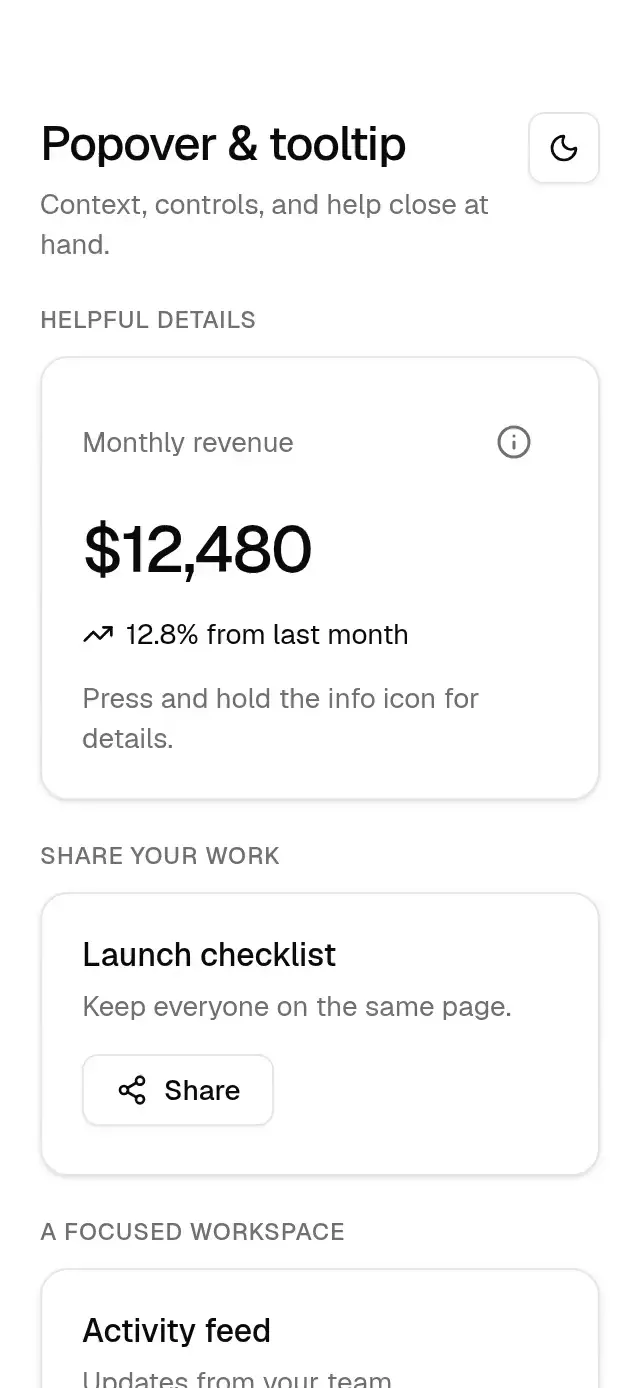
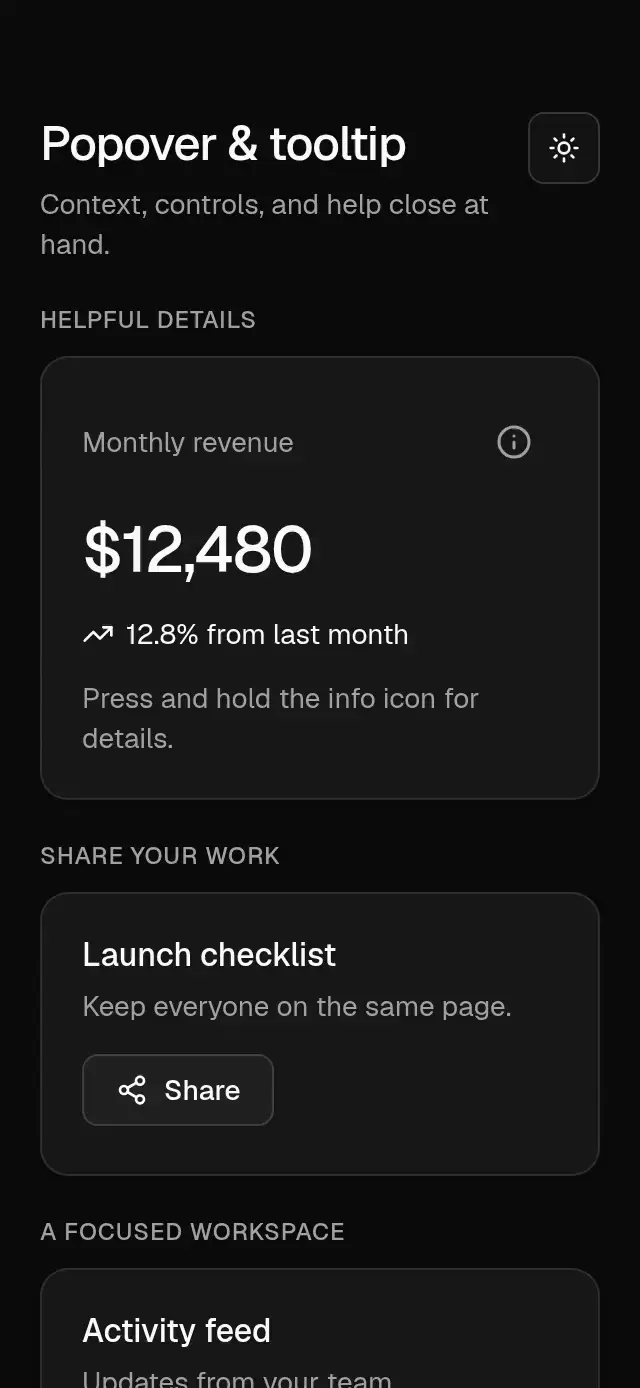
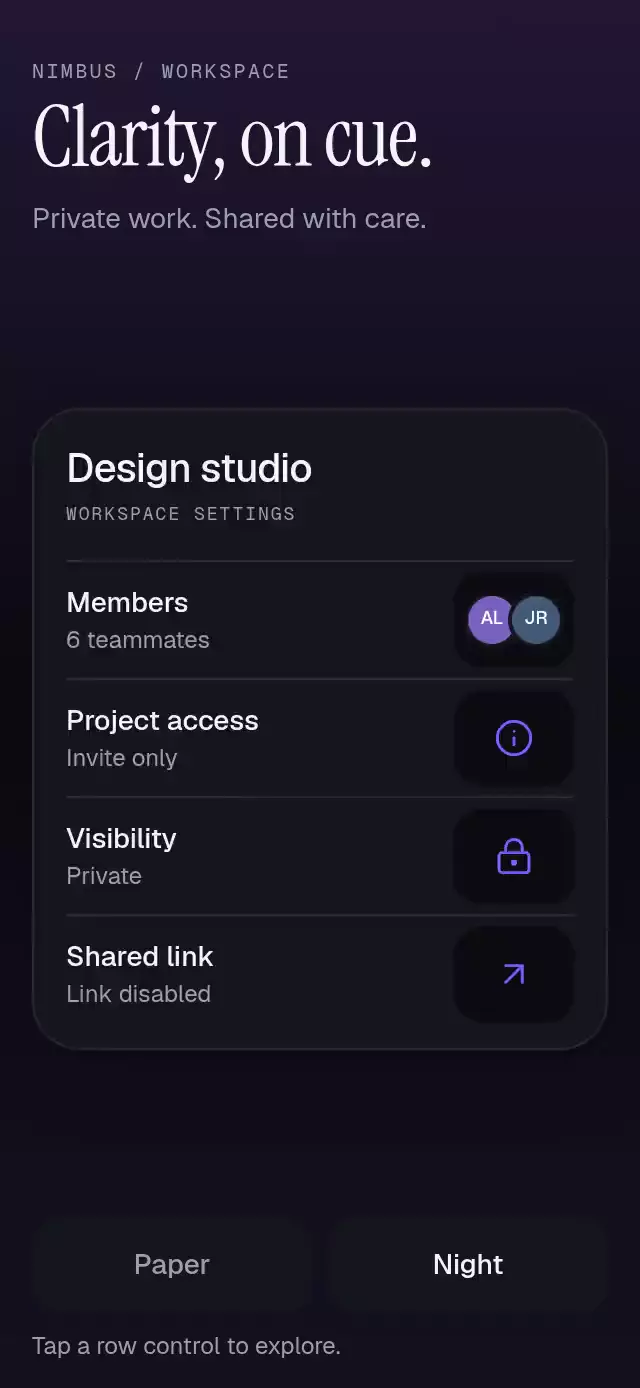
Four contiguous settings rows show members (initial avatars), project access, visibility, and a shared link. Each has distinct explanatory copy, a primary action that updates its row, and a secondary Done action. Autoplay opens the first menu at 300 ms, closes at 2000 ms, and repeats for the next row every 2300 ms (9200 ms loop). Content and anchor change while hidden; only one menu exists. Touch cancels autoplay. Timers clear on unmount.
Compatibility
Targets Expo SDK 58, React Native 0.88.0, Reanimated 4.7.1, worklets 0.13.0, Skia 2.14.0, and expo-blur ~58.0.5. No packages were installed.
The demo fits standard phone heights without an inner page scroll. At 568 points or shorter, a single outer scroll container hides its indicator. The workspace uses four content rows rather than stretching the gaps between labels. The header reserves the viewer close area. No new artwork is required.
Web export passes; iOS and Android Metro bundles return HTTP 200. A full TypeScript retry was canceled under severe system memory pressure. Browser recording was not attempted, as required by the ticket workflow.
FAQ
- Does this popover follow a scrolling anchor automatically?
- The host supplies anchorRect in local coordinates and must update it after scrolling or layout changes. Alternatively, close the popover before the anchor moves.
- What happens near an edge?
- The card chooses a viable side and keeps a gap from its anchor. Oversized content scrolls on the available side; invalid bounds use a centered fallback with an announcement.
- Can the host control opening and actions?
- Yes. open and onOpenChange support controlled visibility; the ref requests open, close, or toggle. onAction reports enabled action IDs. Outside taps and native accessibility escape dismiss the surface.