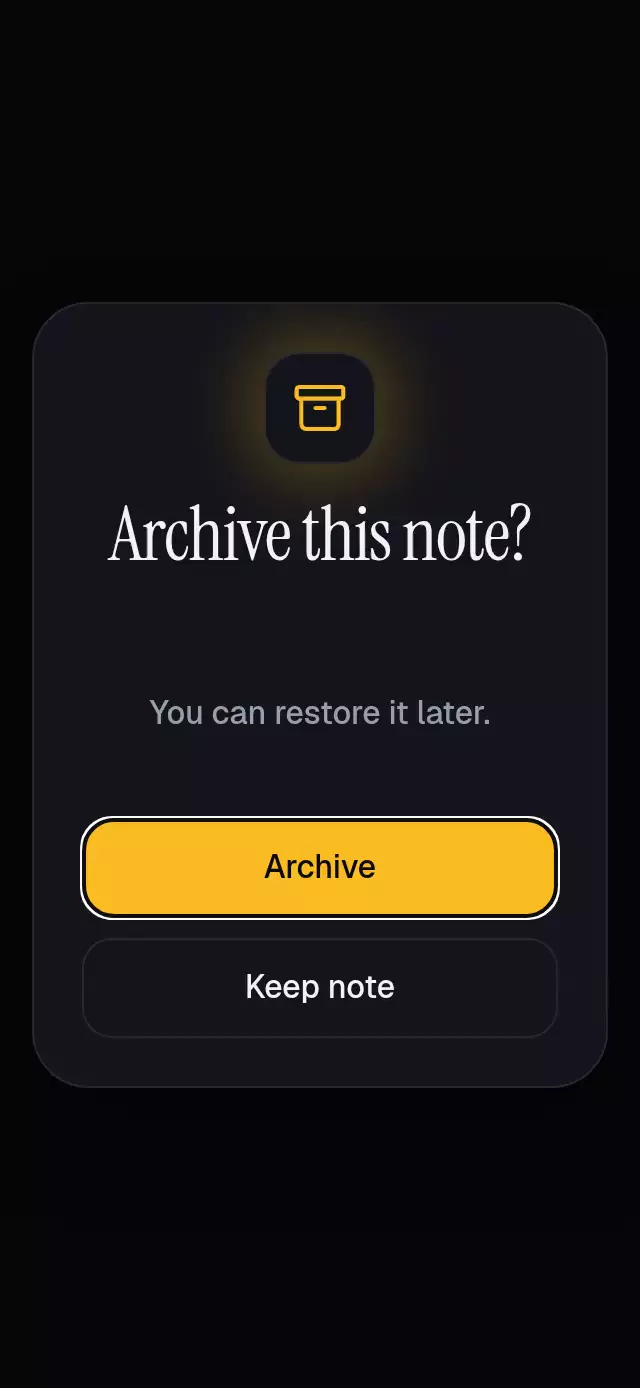
About this animation
Related guides
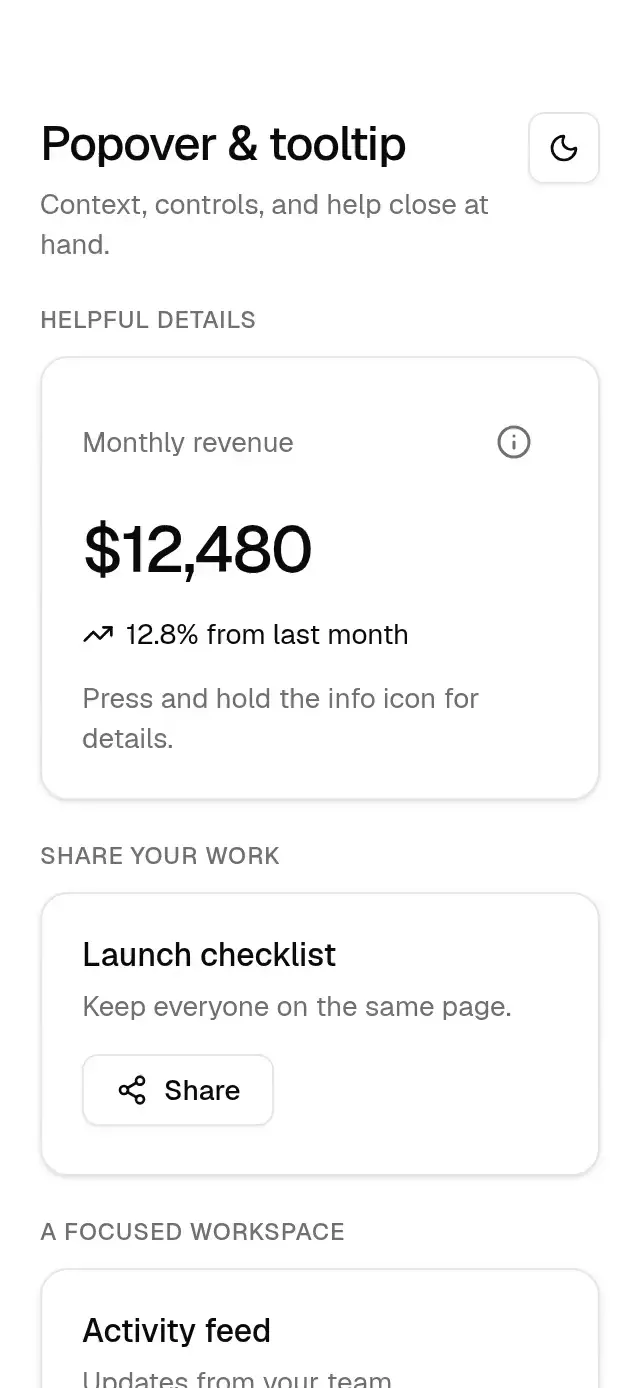
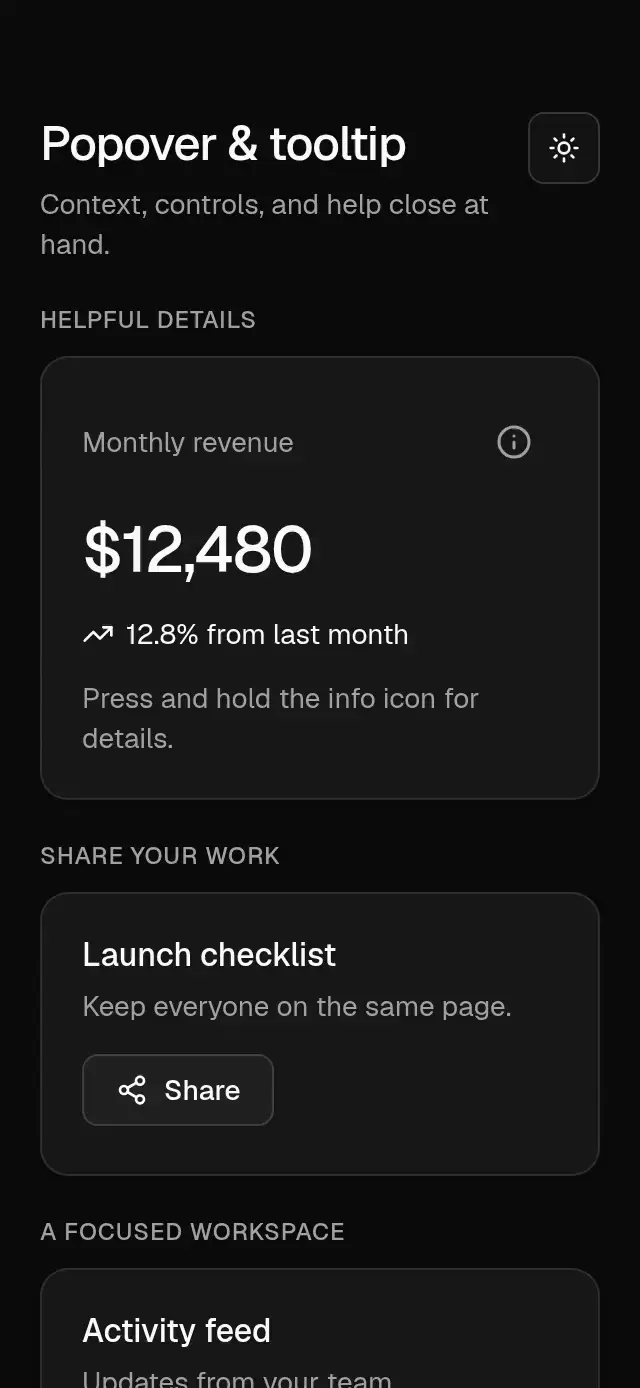
A contextual tooltip that follows controls and moves between anchors, with configurable help content, labels, palette, and font.
How it works
- The host supplies anchor rectangles in its own coordinate space.
- The tooltip chooses the safer side with a 12 pt host margin and a 10 pt control gap.
- One Reanimated progress value springs the bubble outward from its marker with explicit mass and near-critical damping. Reduced motion uses a fade.
- The bubble stays mounted before its first animation update, preventing a missed web entry animation; its hidden state ignores touches and accessibility focus. The closing copy remains visible through its fade. The demo cycles through five tips, holding each for 1.8 seconds and leaving a 240 ms closing interval before the next tip.
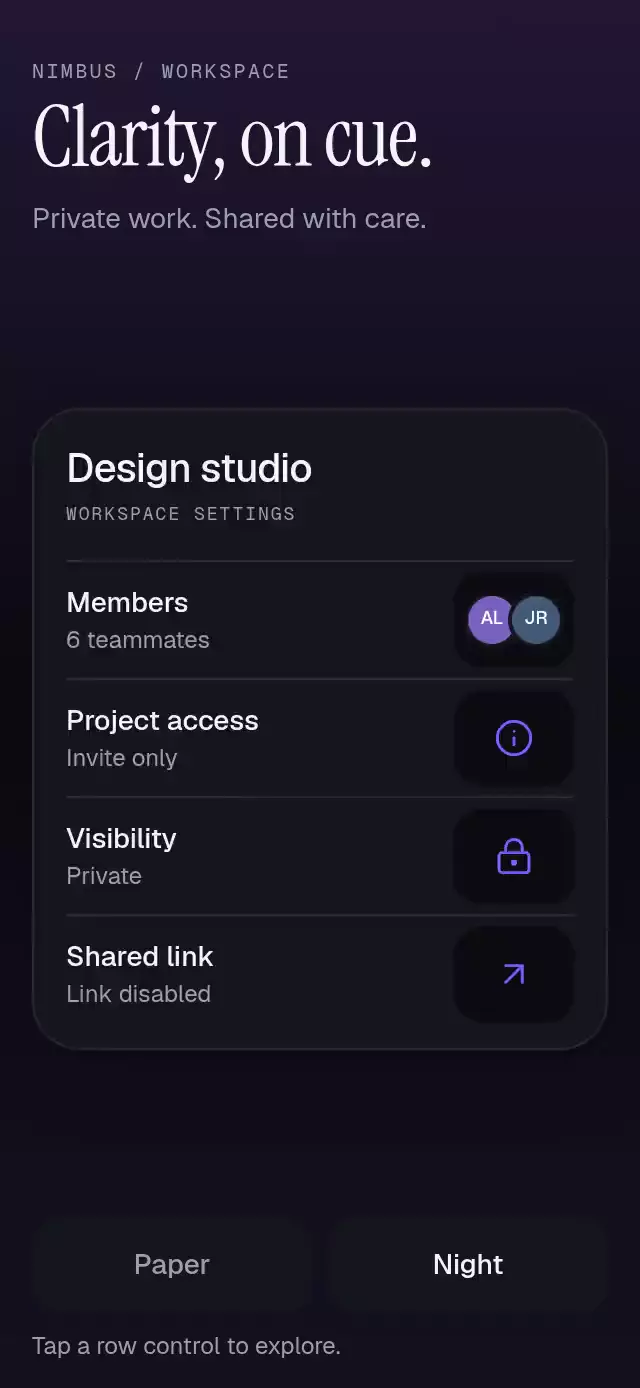
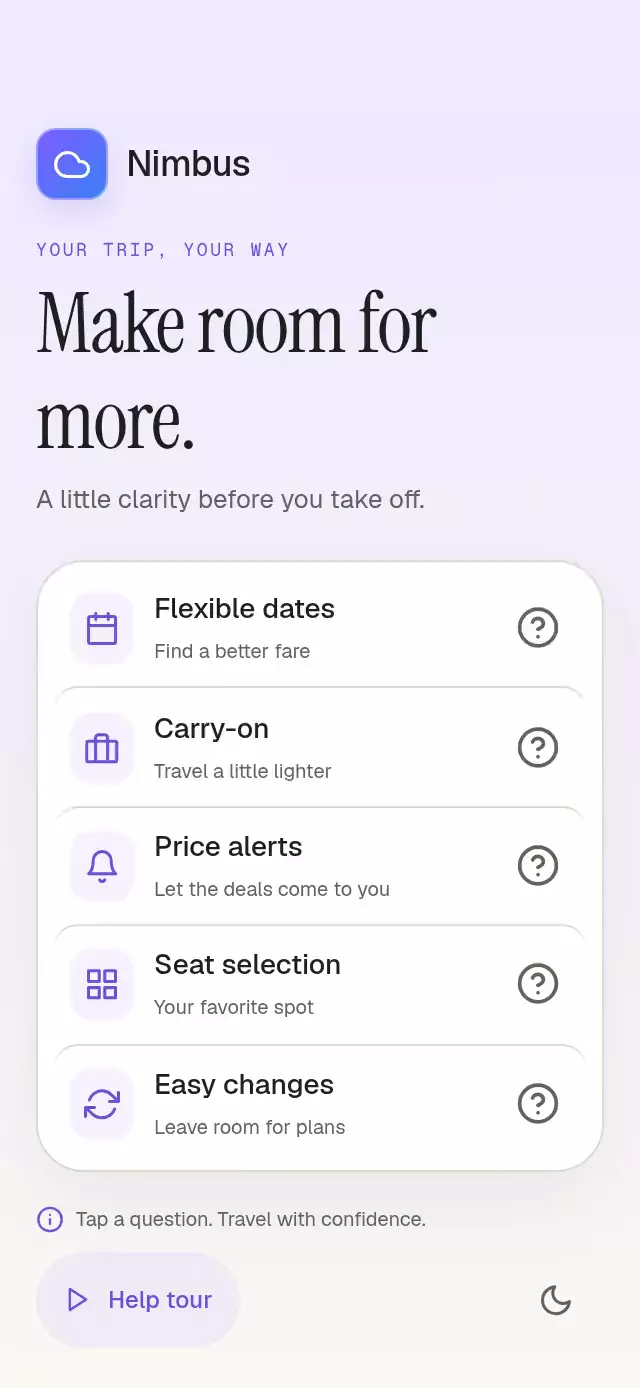
- The Nimbus demo measures panel, row, and non-collapsible marker views in host coordinates. It presents five rows, or four in hosts shorter than 450 pt. The card grows into the available height and adapts to compact hosts without a scroll area. Touch pauses the tour; Help tour restarts it.
Install
npx expo install expo-blur react-native-reanimated react-native-workletsUsage
const tooltip = useRef<TouchHelpTooltipHandle>(null);

<TouchHelpTooltip
  ref={tooltip}
  anchors={[{ id: 'dates', rect, content: 'Search nearby dates.' }]}
  onActiveIdChange={setActiveId}
  activeId={activeId}
  labels={{ dismiss: 'Dismiss help', helpFor: (label) => `Help for ${label}`, unavailable: 'Help unavailable.' }}
>
  {controls}
</TouchHelpTooltip>;
Use placement, maxWidth, palette, fontFamily, motion, and colorScheme to tune the component without changing its layout logic. The handle exposes show(id), hide(), and reset().
Props
| Prop | Type | Default | Description |
|---|---|---|---|
anchors | ReadonlyArray<TouchHelpTooltipAnchor> | required | Local rectangles and copy for each help target. |
activeId | string | null | uncontrolled | Controlled active anchor. |
defaultActiveId | string | null | null | Initial uncontrolled anchor. |
onActiveIdChange | (id: string | null) => void | required | Change callback. |
placement | 'auto' | 'top' | 'bottom' | 'auto' | Preferred side. |
maxWidth | number | 280 | Maximum body width. |
labels | TouchHelpTooltipLabels | neutral English defaults | Accessibility copy. |
colorScheme | 'light' | 'dark' | 'auto' | 'auto' | Semantic theme selection. |
palette | Partial<TouchHelpTooltipPalette> | theme defaults | Token overrides. |
motion | { durationScale?: number; glowOpacity?: number } | 1, 0.25 | Motion and glow knobs. |
Compatibility
Built for Expo SDK 58, React Native 0.88, Reanimated 4.7, and Gesture Handler 3.3. The component uses only universal React Native APIs plus expo-blur.
Accessibility
Each supplied control should expose a button label and call the handle on touch. The tooltip has a dismiss action, announces confirmed anchor changes once, preserves access to host controls, supports dynamic type, and fades over 200 ms with reduced motion. It never traps focus as a dialog. Escape handling should be supplied by a host keyboard layer when embedding on web.
Why this one
It treats help as a moving relationship between a person and a control: the content stays legible while the pointer and body relocate, including at the host edges, without introducing modal behavior.
Demo icons: Feather from the project icon kit; Nimbus uses the kit cloud glyph and purple-to-blue gradient.