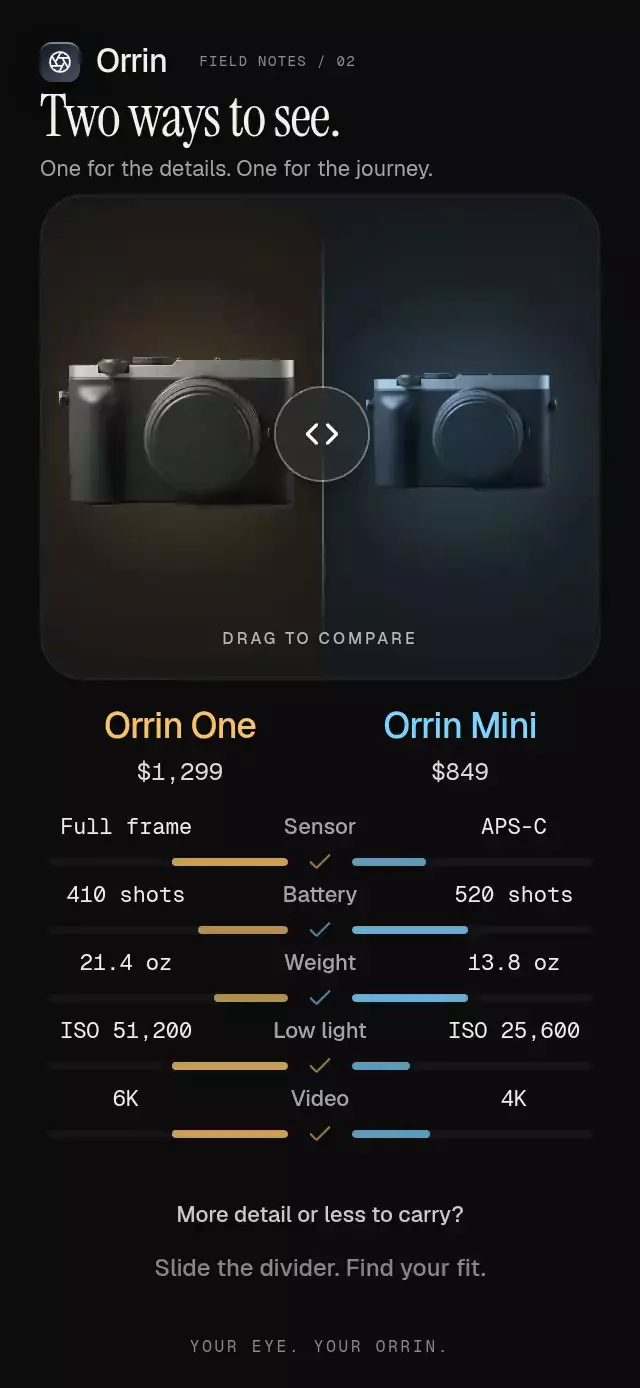
About this animation
A draggable photo comparison with a clipped reveal and configurable image, labels, fonts, and accent color.
How it works
- Skia renders one source image into two stationary layers, so dragging changes only the clipping boundary rather than sliding either photo.
- The untreated layer uses a cool, low-saturation color matrix; the edited layer derives a warm live grade from exposure, contrast, warmth, and saturation values.
- One continuous shared value drives the reveal mask, handle, and fading side labels. A projected release velocity feeds an interruptible spring.
- A second gesture updates the selected color adjustment entirely on the UI thread, while JavaScript receives only the final value.
BlurViewsupplies the glass labels and 44-point handle, and copied Lucide paths keep every icon consistent.
Install
npx expo install @shopify/react-native-skia expo-blur expo-linear-gradient react-native-gesture-handler react-native-reanimated react-native-workletsFor Skia on web, follow the Expo/Skia CanvasKit setup used by your Expo SDK. Icons are from Lucide (ISC).
Usage
import { BeforeAfterCompare } from './before-after-compare';

export function Editor() {
  return <BeforeAfterCompare image={require('./portrait.jpg')} />;
}
With personality controls and imperative autoplay:
const editorRef = useRef<BeforeAfterCompareRef>(null);

<BeforeAfterCompare
  ref={editorRef}
  image={require('./portrait.jpg')}
  accentColor="#A78BFA"
  brandName="Northlight"
  initialPosition={0.62}
  onAdjustmentChange={(adjustment, value) => saveGrade(adjustment, value)}
/>;
Props
| Prop | Type | Default | Description |
|---|---|---|---|
image | DataSourceParam | required | Image rendered in both comparison layers. |
brandName | string | "Studio" | Product name shown in the footer lockup. |
title | string | "Edit" | Center navigation title. |
saveLabel | string | "Save" | Save action text and accessible label. |
beforeLabel | string | "Before" | Untreated-side label. |
afterLabel | string | "After" | Edited-side label. |
accentColor | string | "#A78BFA" | Active control and glow color. |
initialPosition | number | 0.5 | Initial normalized reveal position. |
initialAdjustment | BeforeAfterAdjustment | "exposure" | Initially selected adjustment. |
fontFamily | string | system | Body and label font. |
mediumFontFamily | string | system | Emphasized control font. |
monoFontFamily | string | system | Numeric value font. |
onBack | () => void | — | Called when Back is pressed. |
onSave | () => void | — | Called when Save is pressed. |
onPositionChange | (position: number) => void | — | Called after direct position input settles. |
onAdjustmentChange | (adjustment, value) => void | — | Called when an adjustment drag ends. |
accessibilityLabel | string | "Before and after photo comparison" | Screen-reader label for the reveal control. |
style | StyleProp<ViewStyle> | — | Outer container style. |
testID | string | — | Test identifier. |
The ref exposes playIntro(), setPosition(position), and resetAdjustments().
Why this one
Most before/after controls fake the comparison by translating two images. This version keeps both layers perfectly registered, adds velocity-aware edge rebound and double-tap endpoints, and turns the familiar divider into a polished photo-editing surface with live grading and accessible 10% steps.
Compatibility
- Expo SDK 58, React Native 0.88, Reanimated 4.7, Worklets 0.13, and Skia 2.14.
- iOS: supported.
- Android: supported; the glass handle uses Expo Blur's SDK 31+ method.
- Web: supported.
- Expo Go: supported by the installed Expo modules in SDK 58.
Accessibility
The comparison is exposed as an adjustable control with increment and decrement actions in 10% steps. Before and After capsules are tappable endpoint alternatives, every hit target is at least 44 points, and reduced-motion mode removes spring rebound and autoplay movement.
Customization notes
Movement follows gestures, scroll position, or interruptible spring physics. A global duration is not exposed; reduced-motion fades retain their short fixed timing.