About this animation
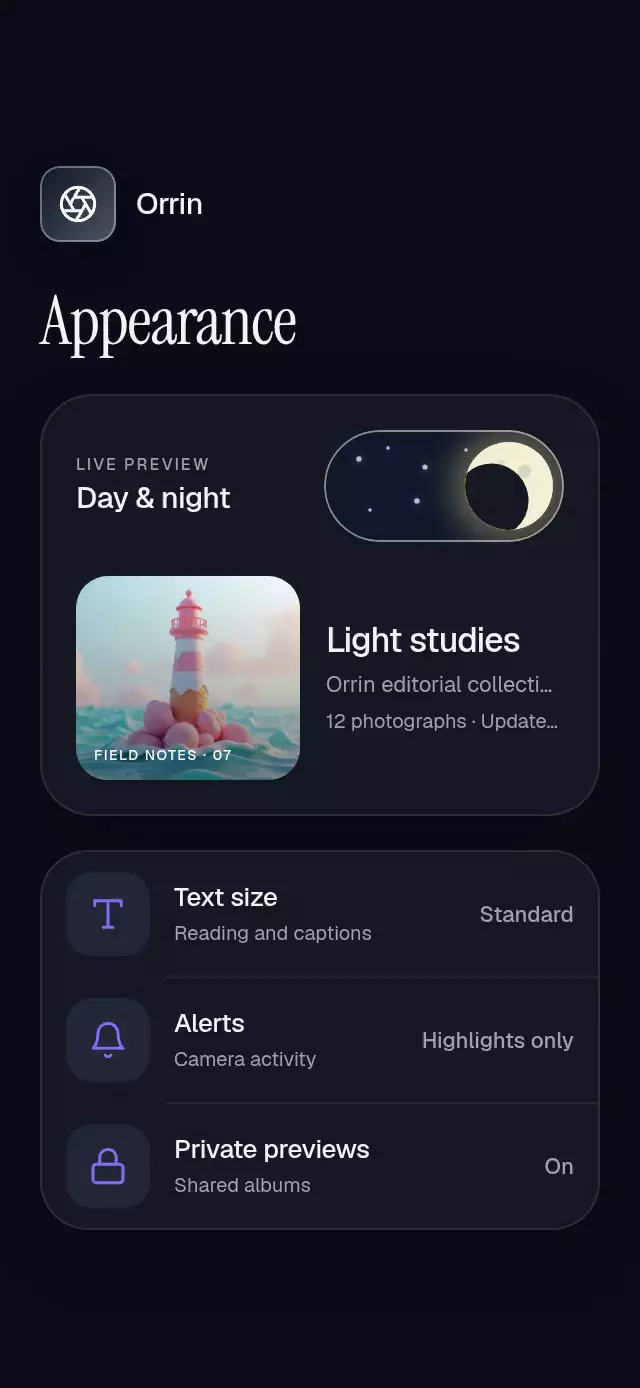
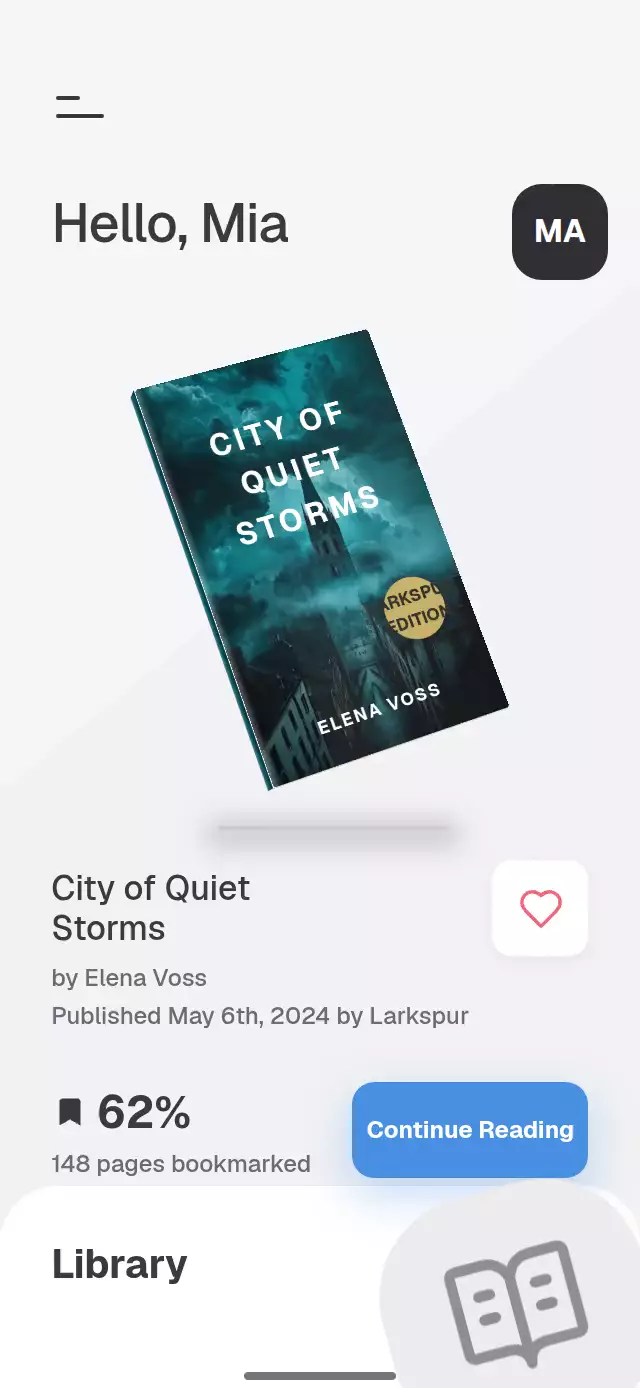
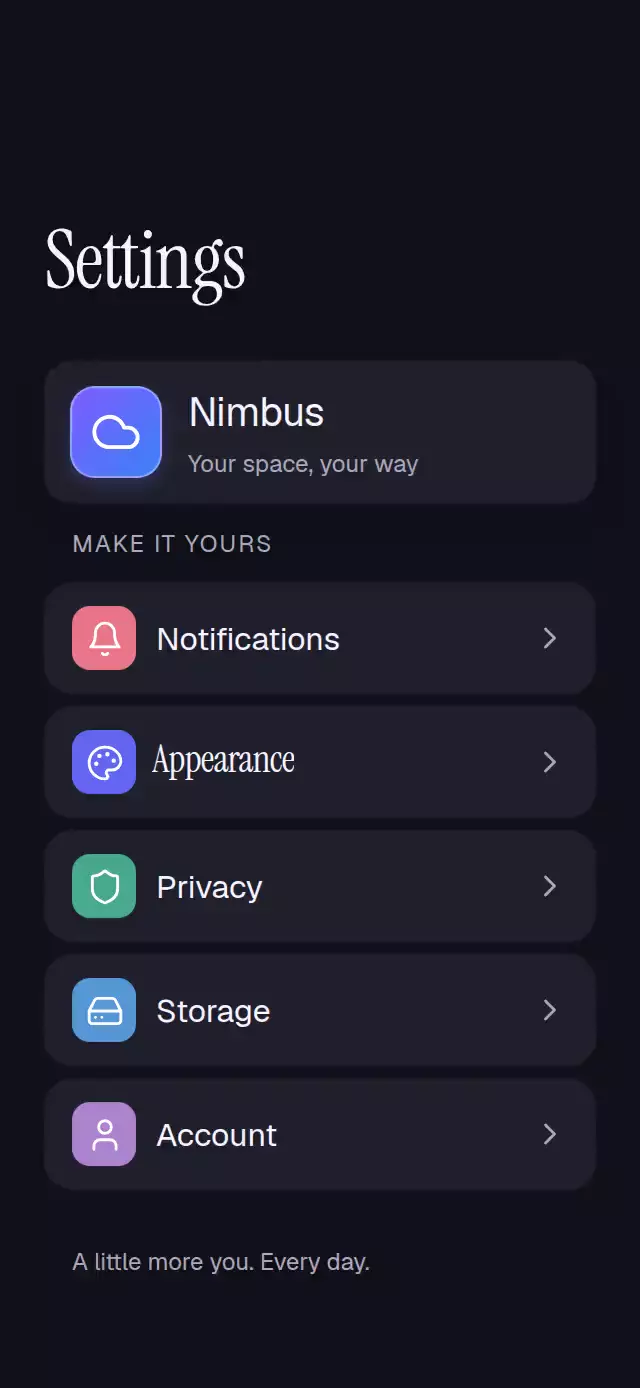
A settings stack with shared-title transitions and edge-back gestures, with configurable accent choices, profile subtitle, and fonts.
On hosts shorter than 740 pt, each navigation scene scrolls vertically so all settings rows and detail controls remain reachable.
Why this one
The traveling title keeps your place as you move through the hierarchy. A live workspace preview shows theme, accent, and reading-size changes in context. The theme reveal clips a second, stationary screen: neither the content nor its type stretches as the circle expands.
How it works
- One UI-thread navigation value moves continuously between Settings, Appearance, and Accent color.
- Each page derives its horizontal position and rear-page dimming from that value. The incoming page travels a full width; the previous page travels 30%.
- A separate title interpolates from the row position and 19-point type to the 40.12-point editorial heading. Returning reverses the same path.
- The left 20-point edge catches the back gesture. Release distance and velocity choose whether to complete or cancel; a spring starts at the current position.
- A growing circular clipping view exposes the dark screen. Its inner screen receives the inverse offset, keeping every element stationary. The clip stays mounted, so reversing the theme is continuous.
- The demo calls the public ref. Touch stops its timeline; timers are cleaned up on unmount.
Install
npx expo install expo-image expo-linear-gradient react-native-gesture-handler react-native-reanimated react-native-workletsCopy this folder without demo/. Place the component under GestureHandlerRootView. Configure Reanimated/worklets for your host project. Icons use SVG image sources rendered by expo-image; no CanvasKit loader is needed.
Icons: Lucide (ISC). The copied paths are in icons.ts.
Usage
import { GestureHandlerRootView } from 'react-native-gesture-handler';
import DrilldownSettingsNav from './drilldown-settings-nav';

export default function SettingsScreen() {
  return (
    <GestureHandlerRootView style={{ flex: 1 }}>
      <DrilldownSettingsNav />
    </GestureHandlerRootView>
  );
}
With personality knobs and external control:
const settings = useRef<DrilldownSettingsNavRef>(null);

<DrilldownSettingsNav
  ref={settings}
  brandName="My workspace"
  initialTheme="auto"
  initialAccent={1}
  revealDuration={480}
  springDamping={52}
  fontFamily="YourBodyFont"
  titleFontFamily="YourEditorialFont"
  onAccentChange={(color) => saveAccent(color)}
/>;

settings.current?.openAppearance();
Props
| Prop | Type | Default | Description |
|---|---|---|---|
brandName | string | Settings | Product name in the profile card. |
profileSubtitle | string | Your personal workspace | Profile description. |
initialTheme | Theme | 'light' | Initial theme; auto follows the device. |
initialAccent | number | 0 | Initial accent color index, from zero through five. |
fontFamily | string | System | Body font, with a system fallback. |
titleFontFamily | string | System | Editorial title font, with a system fallback. |
revealDuration | number | 520 | Theme reveal duration in milliseconds. |
springDamping | number | 52 | Navigation spring damping, bounded to a damping ratio of at least 0.8. |
onLevelChange | (level: number) => void | — | Called when a screen settles. |
onThemeChange | (theme: Theme) => void | — | Called when the theme selection changes. |
onAccentChange | (color: string) => void | — | Called when an accent is selected. |
onInteraction | () => void | — | Called when a user touches the piece; useful for stopping demo timers. |
style | StyleProp<ViewStyle> | — | Container styling. |
testID | string | — | Root test identifier. |
colors | readonly [ { name: string; color: string }, { name: string; color: string }, { name: string; color: string }, { name: string; color: string }, { name: string; color: string }, { name: string; color: string } ] | Built-in accent palette | Six named accent choices in picker order. |
Ref methods: openAppearance(), openAccent(), back(), setTheme(theme), and selectAccent(index). Open Appearance before calling Open Accent. The other Settings rows provide lightweight preference panels; Appearance contains the complete three-level experience.
Compatibility
Expo SDK 58, React Native 0.88.0, Reanimated 4.7.1, worklets 0.13.0, and expo-image 58. Uses modules available in the SDK-compatible Expo Go installation. Supports iOS, Android, and web.
Designed for a full-height mobile container, including 320×694 and 390×844. The title/header area reserves the upper-right corner for the catalog close control. Layout uses container measurements, not window dimensions.
Accessibility
All buttons have roles and labels; themes expose radio selection and colors expose selection state. Theme, palette, and settled-screen changes are announced. Hidden pages and the inactive theme copy are excluded from screen readers. Back buttons duplicate the edge gesture; plus/minus buttons and adjustable accessibility actions duplicate the slider. Touch areas are at least 44 points.
Reduced motion replaces page movement and the circle with 200 ms fades, suppresses title flights and press scaling, and keeps figures static.
Demo timeline
At 0.6 s, enter Appearance; at 1.55 s, reveal Dark; at 2.7 s, enter Accent color; at 3.7 s, select Lilac. Return one level at 4.8 s and again at 5.8 s. Restore Light/Indigo at 6.8 s; repeat every 7.8 s. The first title flight and the dark reveal both occur in the first three seconds. Any touch stops autoplay until the demo remounts.