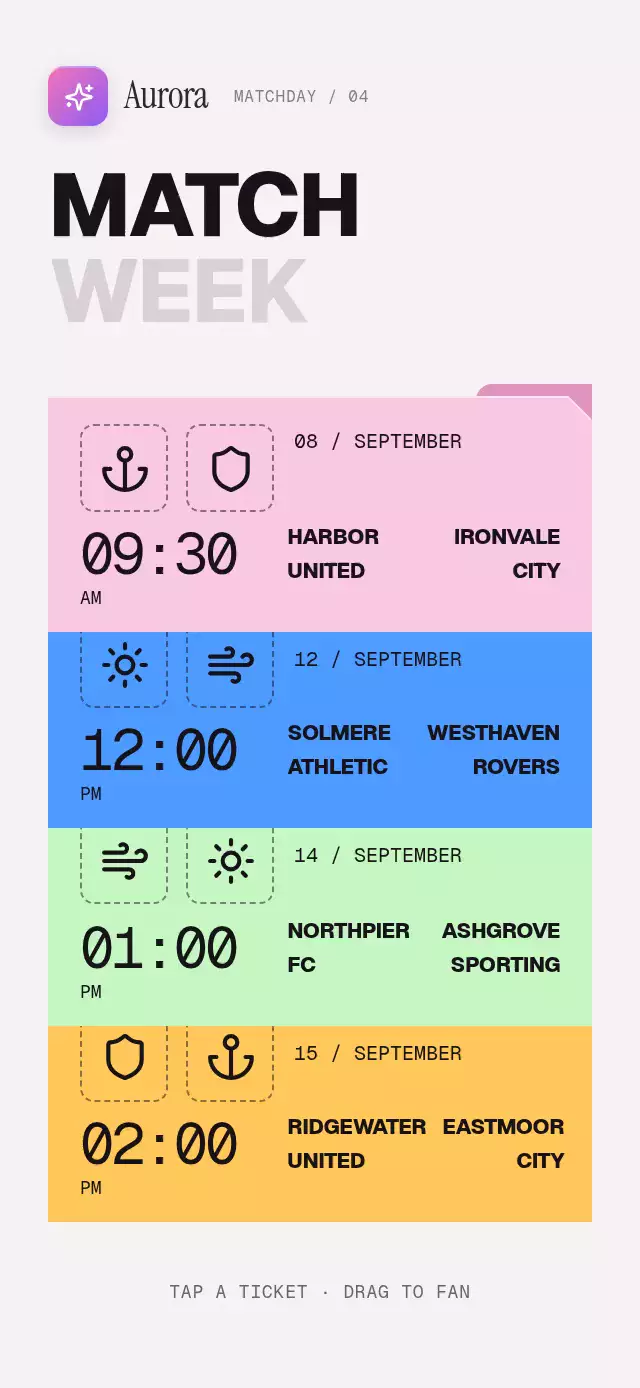
About this animation
A folder-tab stack with lift-out notes and drag-to-file dismissal, with configurable folders, accent color, and fonts.
How it works
- The component measures its own container, reserves a note area above the tabs, and keeps all four folders in a fixed layer order. Compact containers scroll instead of clipping the last tab; tablets center a stage capped at 520 × 840 points.
- Each folder owns one continuous Reanimated shared value from
0(filed) to1(open). - Taps spring the selected progress to
1while every other progress springs to0. A separate stack progress translates all four folders together, preserving their spacing even when selection changes mid-spring. Tap the open tab again to close it. - Dragging the active tab interrupts its spring and moves the note and stack together. Releasing settles with velocity; cancellation returns to the open pose. A gesture from an old selection cannot move or close a newly selected folder.
- Notes fade through a shared, fixed reading area without disappearing on the React selection change. Their content scrolls when needed. The demo includes a folder switch 120 ms into a transition.
Install
npx expo install @shopify/react-native-skia react-native-gesture-handler react-native-reanimated react-native-worklets expo-linear-gradientUsage
import FolderTabCards from './FolderTabCards';

export function NotebookScreen() {
  return <FolderTabCards />;
}
Customize the folder content and type:
<FolderTabCards
  folders={folders}
  accentColor="#C87955"
  fontFamily="YourSansFont"
  titleFontFamily="YourDisplayFont"
  monoFontFamily="YourMonoFont"
  onIndexChange={(index) => trackFolder(index)}
/>
Props
| Prop | Type | Default | Description |
|---|---|---|---|
folders | FolderTabItem[] | undefined | Four folder definitions. Defaults to Travel, Recipes, Reading, and Ideas. |
initialIndex | number | -1 | Folder open at mount. |
initialOpen | boolean | false | Whether the initial folder should be open. |
accentColor | string | '#C87955' | Accent used by the active tab glow and note rule. |
fontFamily | string | undefined | Main interface typeface. |
titleFontFamily | string | undefined | Editorial typeface for note titles. |
monoFontFamily | string | undefined | Monospaced typeface for the date. |
onIndexChange | (index: number) => void | undefined | Called after a folder becomes the active selection. |
accessibilityLabel | string | 'Folder tab cards' | Accessible label for the folder collection. |
style | StyleProp<ViewStyle> | undefined | Optional style for the outer container. |
testID | string | undefined | Test identifier applied to the outer container. |
Compatibility
- Expo SDK 58, React Native 0.88, Reanimated 4.7, Worklets 0.13, and Skia 2.14.
- iOS and Android: supported.
- Web: supported.
- Works in Expo Go because it uses SDK-bundled native modules.
- Icons: Lucide (ISC), copied into
icons.ts.
Accessibility
Each tab is a labeled button and announces whether its folder is open or closed. Tapping is always available as the alternative to dragging. With reduced motion enabled, the note fades in and out without lifting or animating the stack.
Why this one
The familiar folder-stack pattern becomes a small editorial notebook instead of a generic card deck: each tab is joined to its folder silhouette, the wide notes keep every line and checklist item readable, and the next tab can take over mid-transition without leaving a ghost sheet behind. The result keeps the useful filing metaphor while giving the hand a clear, interruptible gesture and the eye a warm paper scene.
Customization notes
Movement follows gestures, scroll position, or interruptible spring physics. A global duration is not exposed; reduced-motion fades retain their short fixed timing.