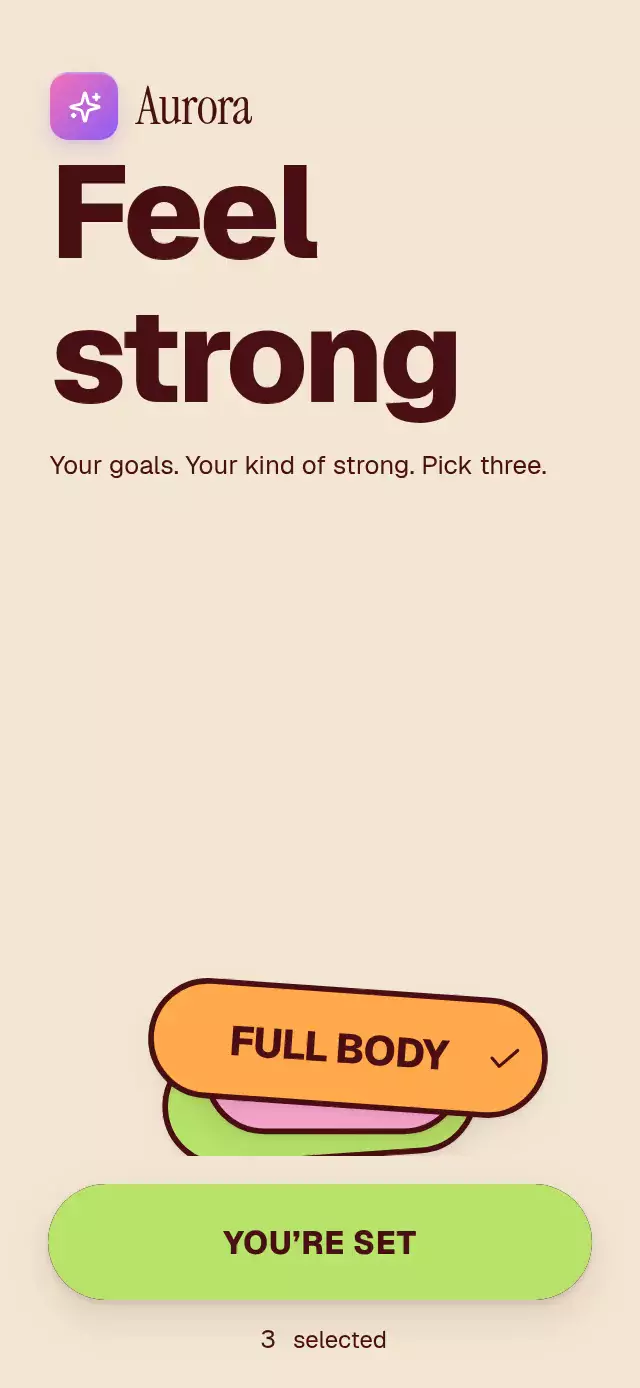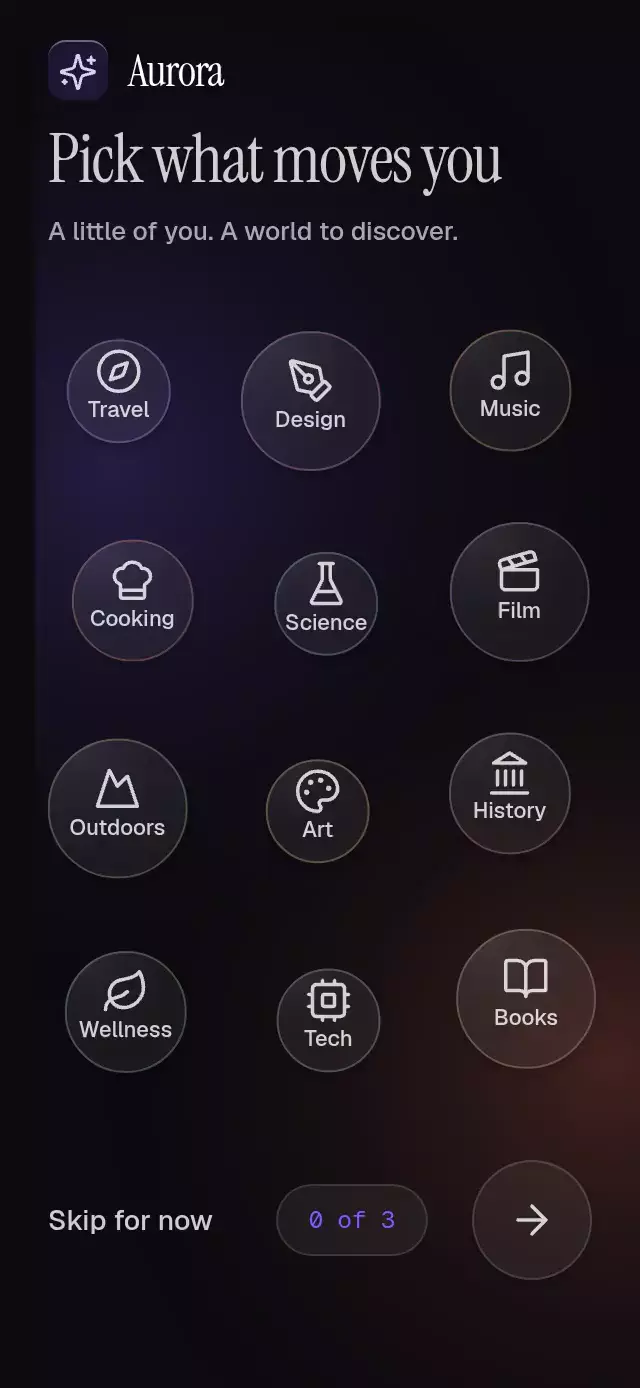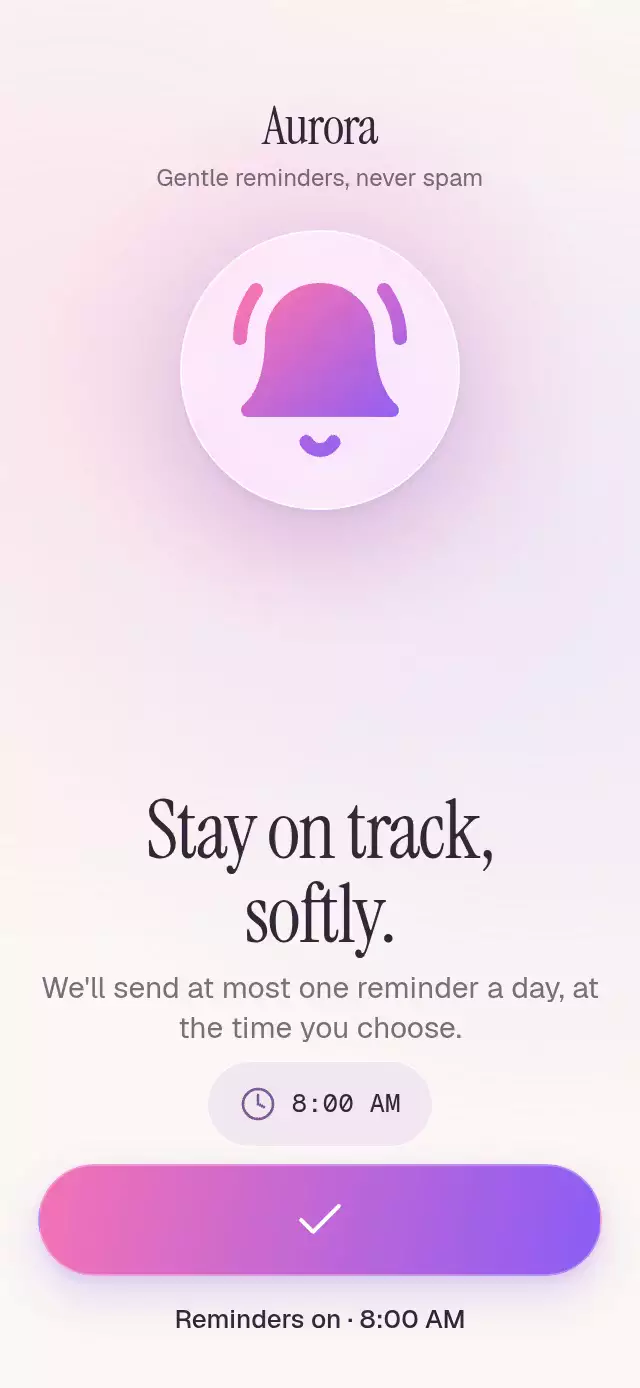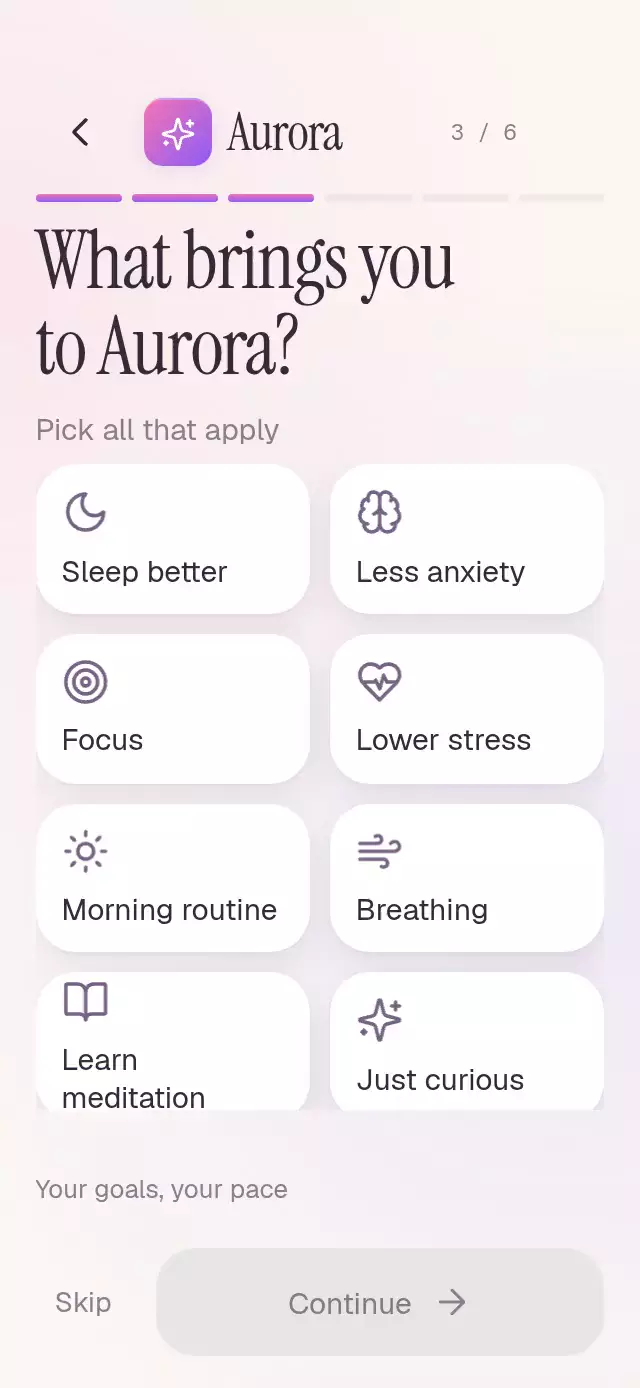
About this animation
A two-step goal quiz with expanding fills and answer-to-summary flights, with configurable goals, time options, accent colors, and fonts.
Why this one
Most onboarding pickers only change a checkbox. Here, the selection grows from the finger, then a small answer chip follows an arc into the tray. The summary makes progress tangible, while the second, single-choice question demonstrates a useful continuation rather than a decorative dead end.
How it works
- The root measures its own container with
onLayout. A two-column grid adapts to that size; question content can scroll in shorter containers. - Each card owns one selection progress value and a separate press scale. A Skia circular clip expands from the last touch location over a stationary gradient in 320 ms with
(0.23, 1, 0.32, 1)easing. Removing a selection reverses it. Mid-animation interruptions retain the origin to avoid jumps. - That same selection progress crossfades the icon and label and draws the Lucide check using its path end.
- Each newly selected answer flies to the tray on an arc using
{ damping: 30, stiffness: 260, mass: 1, overshootClamping: true }. The tray layout and question transitions share this near-critical spring (damping ratio ≈ 0.93). Press feedback uses{ damping: 34, stiffness: 380, mass: 1, overshootClamping: true }(ratio ≈ 0.87), moving from 0.97 back to 1 without overshoot. Horizontal scrolling keeps every chosen answer reachable. - Continue crossfades from its disabled surface to the brand gradient in 220 ms. One page progress spring drives both question positions and the fourth progress segment.
- The demo alone schedules its loop: Sleep at 800 ms, Focus at 1,400 ms, Continue at 2,600 ms, and five minutes at 3,400 ms. It resets every five seconds and clears its timers on unmount.
Install
Copy GoalPickerQuiz.tsx, icons.ts, and index.ts into your project, then install SDK-compatible packages:
npx expo install @shopify/react-native-skia expo-linear-gradient react-native-reanimated react-native-workletsDeveloped against Skia 2.14.0, expo-linear-gradient ~58.0.3, and Reanimated 4.7.1. Reanimated also requires the project's SDK-compatible react-native-worklets setup (0.13.0 here).
For web, configure CanvasKit as required by your Skia setup and load it before importing this component. In this catalog, register the demo through withSkia; a static import before CanvasKit initialization is unsafe. The component has no catalog, font-loader, or theme imports.
Usage
import { GoalPickerQuiz } from './components/goal-picker-quiz';

export default function Onboarding() {
  return (
    <GoalPickerQuiz
      onComplete={({ goals, time }) => savePreferences({ goals, time })}
    />
  );
}
With content and motion controls:
const quiz = useRef<GoalPickerQuizRef>(null);

<GoalPickerQuiz
  ref={quiz}
  title={'What would you\nlike to change?'}
  accentColors={['#DC6EA6', '#7853D7']}
  fillDuration={360}
  colorScheme="dark"
  fontFamily="YourBodyFont"
  titleFontFamily="YourHeadingFont"
  options={[
    { id: 'rest', label: 'Rest well', shortLabel: 'Rest', icon: 'moon' },
    { id: 'focus', label: 'Find focus', shortLabel: 'Focus', icon: 'target' },
  ]}
  onSelectionChange={(ids, step) => updateAnswers(step, ids)}
/>;

// Call from an event or timer, after mounting.
quiz.current?.toggle('rest');
quiz.current?.next();
Import GoalPickerQuizRef from the piece along with React's useRef for the second example. Load your fonts in the host. The demo uses the catalog's Geist, Instrument Serif, and Geist Mono; the exported component falls back to system fonts.
Props
| Prop | Type | Default | Description |
|---|---|---|---|
options | GoalPickerOption[] | Eight wellness goals | Multi-select cards. Use unique, stable IDs and brief labels. |
timeOptions | GoalPickerOption[] | 2, 5, 10, 20 minutes | Single-select cards. |
title | string | What brings you\nhere? | First question. |
timeTitle | string | How much time\ndo you have? | Second question. |
brandName | string | None | Optional wordmark; no demo brand in the default title. |
brandIcon | QuizIcon | sparkles | Kit glyph inside the brand tile. |
accentColors | readonly [string, string] | Pink / violet | Fill, tile, progress, and action gradient. |
fillDuration | number | 320 | Reveal duration, in milliseconds. |
fontFamily | string | System | Labels and controls. |
titleFontFamily | string | System | 40.12 pt editorial headline (34 × 1.18). |
monoFontFamily | string | System | Step counter. |
colorScheme | 'light' | 'dark' | 'auto' | auto | Surface palette. |
instruction | string | Pick all that apply | First-question support copy. |
timeInstruction | string | A little time can go a long way | Second-question support copy. |
continueLabel | string | Continue | Primary action label. |
skipLabel | string | Skip | Secondary action and accessible label. |
backLabel | string | Go back | Back accessible label. |
emptyLabel | string | Your goals, your pace | Empty tray copy. |
summaryLabel | string | Selected answers | Accessible tray label. |
onSelectionChange | (ids, step) => void | None | Selection changes on step 3 or 4, on the JS thread. |
onStepChange | (step: 3 | 4) => void | None | Question navigation. |
onComplete | ({ goals, time }) => void | None | Continue on step 4; Skip may supply time: null. |
onSkip | (step: 3 | 4) => void | None | Skip notification. Step 3 advances; step 4 completes. |
onBack | () => void | None | Back on step 3, for host navigation. |
style | StyleProp<ViewStyle> | None | Root style override; root has flex: 1. |
testID | string | None | Root test identifier. |
GoalPickerOption contains id, label, shortLabel, and icon. Available QuizIcon values: moon, brain, target, heart-pulse, sun, wind, book-open, sparkles, chevron-left, arrow-right, check, and clock.
Ref methods: toggle(id), next(), back(), and reset(). Back preserves answers. Reset clears both questions. Continue requires at least one answer on the active question; Skip does not.
Compatibility
Expo SDK 58, React Native 0.88.0, Reanimated 4.7.1, worklets 0.13.0, and Skia 2.14.0. Uses installed modules supported by the project's Expo Go environment. Standalone native applications need those modules included in their build.
| Platform | Status |
|---|---|
| iOS | Supported. |
| Android | Supported. |
| Web | Supported. Requires CanvasKit initialization. |
Accessibility
Goal cards expose checkbox roles and checked state; time cards expose radio roles and checked state. Back, Skip, Continue, and removable chips expose button roles and labels. Interactive targets are at least 44 pt. Continue exposes disabled state until a selection exists. Inactive questions are hidden from accessibility and pointer input.
Reduced motion replaces the circular reveal and question movement with fades, removes chip flights, disables spring layout movement and press scaling, and freezes the ambient mesh. Removing an answer is available by tapping either its card or its summary chip.
Layout and art review
The Aurora demo uses the kit's pink/violet gradient and sparkles tile with its serif wordmark. Skip sits beside Continue at the bottom. The header reserves an additional 44 pt on its right, below the viewer's close control.
At 390 × 844, cards are 92 pt tall; at 320 × 694, they shorten to about 75 pt while labels stay at 15 pt. The title moves upward in the compact size to keep its instruction clear of the grid. The tray has a fixed 44 pt row near 0.84 H; its horizontal scroll keeps eight selections from crowding the footer.
The first two fills and chip flights occur within the first three autoplay seconds. The gradient is stationary within a real circular clip; the ambient light uses radial falloff. No opaque block is moved over text to imitate a lighting effect.
Icons: Lucide (ISC), copied from the local kit. Aurora's mark and colors come from the local demo-brand kit.