About this animation
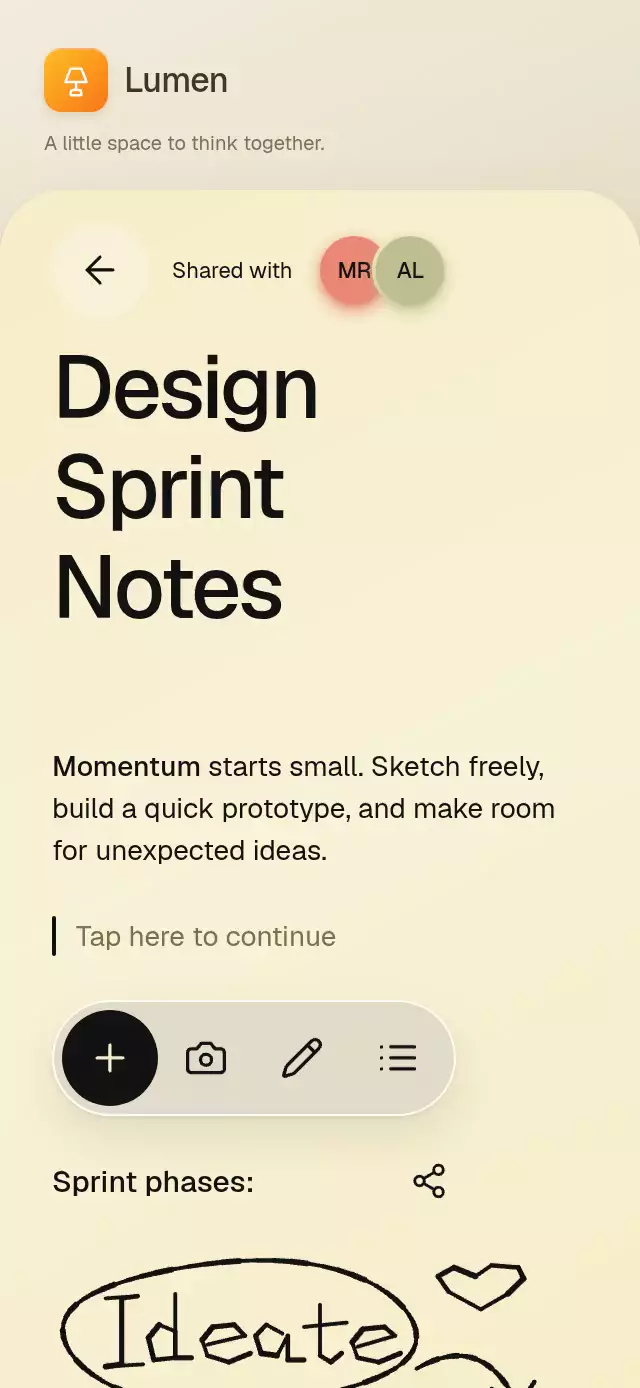
A collaborative note with animated word selection and ink strokes, with configurable note copy, collaborators, colors, and fonts.
Why this one
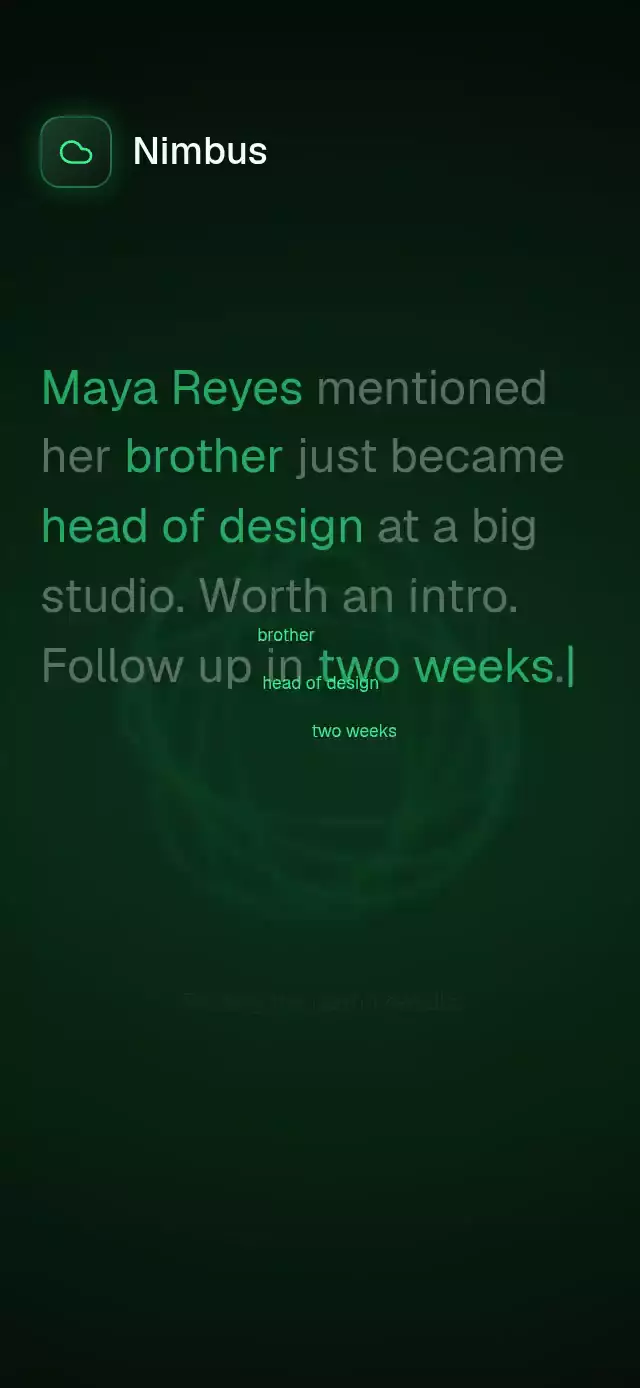
Presence becomes visible work: an initial avatar follows a paused Bézier route, reveals a name, and selects actual words across wrapped lines. A hand-drawn oval, lettering, arrow, and heart make the note feel personal. The demo pairs cream paper with coral presence and a real glass action shelf.
How it works
- A UI-thread clock coordinates the heading, collaborator path, pauses, selection trigger, toolbar, and return. The demo repeats this sequence through the ref and stops on the first touch.
- Body words wrap in normal layout. Each word owns its yellow background; selection advances in word order, with rounded edges and endpoint handles. No opaque block covers the text.
- The cursor follows a cubic Bézier from 22–46% of the clock, then pauses. Its name appears during the pause. At 49%, selection expands over 550 ms; the context toolbar grows from the selection at 82% completion. Selection clears at 88%.
- Normalized sketch points become short Skia segments. A nonlinear reveal clock varies drawing speed; explicit pressure or point spacing determines stroke width. All strokes use one canvas.
- Tapping the writing prompt opens a simulated, compact keyboard, replacing the drawing/action area. The supplied sentence appears letter by letter on the UI thread. This is an animation surface, not a document editor or networking library.
- Every tap uses Gesture Handler and an independent pressure spring. Size rolls settle at exact 24-point row offsets; 14/16/18 also changes the writing size. Context actions report to the host rather than accessing a clipboard.
Install
npx expo install @shopify/react-native-skia expo-blur expo-linear-gradient react-native-gesture-handler react-native-reanimated react-native-workletsUse the normal Reanimated/worklets configuration for your Expo app. For web, load CanvasKit before mounting this component (for example, a Skia WithSkiaWeb boundary). Icons: Lucide (ISC); copied paths are included in icons.ts.
Usage
import { LiveCollabNote } from './live-collab-note';

<LiveCollabNote
  title={'Design\nSprint\nNotes'}
  body="Together we make room for better ideas."
  collaborators={[{ name: 'Maya', initials: 'MR', color: '#EA8775' }]}
  sketch={[{ points: [{ x: 0.1, y: 0.2 }, { x: 0.8, y: 0.6, pressure: 0.7 }] }]}
/>
const note = useRef<LiveCollabNoteRef>(null);
<LiveCollabNote
ref={note}
title={'Project\nField\nNotes'}
duration={4800}
fontFamily="YourSans"
mediumFontFamily="YourMedium"
theme={{ paper: '#24231D', ink: '#F6EDC9', muted: '#B7AF91',
highlight: '#96762A', glass: 'rgba(255,255,255,0.08)',
border: '#555044', toolbar: '#10110F', toolbarInk: '#F6EDC9', key: '#35362F' }}
onSelect={(range) => saveSelection(range)}
onAction={(action, range) => handleDocumentAction(action, range)}
/>
note.current?.playCursor();
note.current?.select({ start: 0, end: 4 });
note.current?.replaySketch();select() uses zero-based word indexes: start inclusive, end exclusive. Out-of-bounds ranges are clamped; an empty paragraph has no selection. The standalone component draws on mount; cursor autoplay belongs to the demo/host.
Props
| Prop | Type | Default | Purpose |
|---|---|---|---|
title | string | Shared\nProject\nNotes | Editorial heading |
body | string | Generic project paragraph | Wrapping selectable copy |
collaborators | Collaborator[] | [] | Names, initials, avatar colors, optional text colors |
sketch | SketchStroke[] | [] | Normalized points with optional pressure |
keyboardKeys | string | QWERTYASDF | Simulated letter shortcuts |
typingText | string | Make room for bold ideas. | Simulated writing sentence |
theme | Partial<NoteTheme> | Cream/ink/amber palette | All surfaces, text, highlight, border, keyboard colors |
labels | Partial<NoteLabels> | English labels | All structural copy and action labels |
fontFamily / mediumFontFamily / monoFontFamily | string | System font | Body, heading, size figures |
duration | number | 4800 | Cursor sequence duration in milliseconds |
onSelect | (range) => void | — | Selection-complete event |
onAction | (action, range) => void | — | Cut/copy/paste host integration |
onBack / onShare / onCamera | () => void | — | Host navigation and actions |
onInteraction | () => void | — | Stop host autoplay on touch |
accessibilityLabel | string | Collaborative note | Root description |
style / testID | StyleProp<ViewStyle> / string | — / live-collab-note | Embedding and control identifiers |
Compatibility
Expo SDK 58; React Native 0.88.0; Reanimated 4.7.1; Worklets 0.13.0; Skia 2.14.0; Expo Blur 58. Supports Expo Go with the SDK's bundled dependencies. iOS, Android, and web are implementation targets.
The root uses flex: 1 and measures its container. Content stays at most 410 points wide and scrolls in short/landscape containers, including 300×400. The host supplies safe-area insets. Controls have 48-point targets; top controls reserve 56 points on the right for the catalog viewer. The simulated keyboard uses two rows of five letter shortcuts at 320 points and wraps to additional rows in narrower containers to preserve 48-point targets.
Accessibility
Every interactive surface exposes a labeled button and an accessibility activation action. Paragraph selection, drawing replay, and size changes have tap alternatives. Selection and completed writing announce important changes. Reduced motion removes the cursor flight, title offset, ink sweep, word sweep, and size rolling; ink and selection use 200 ms fades. Content remains in normal wrapping/scroll layout and does not disable font scaling.