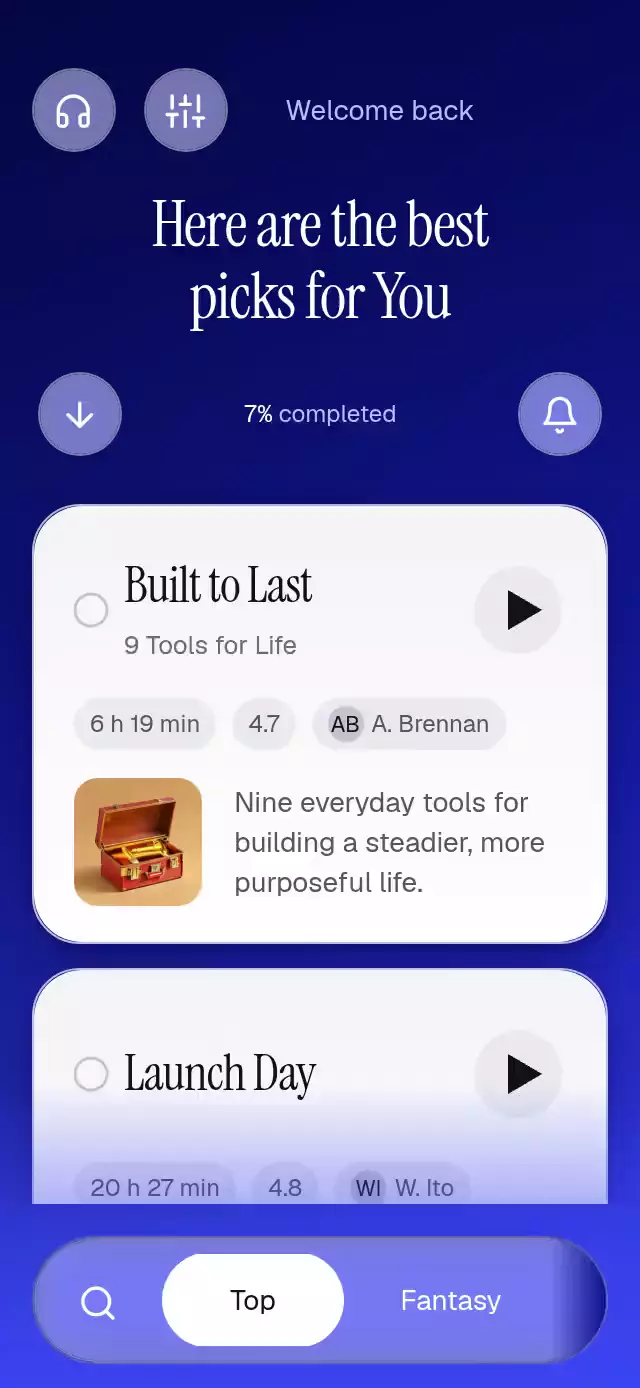
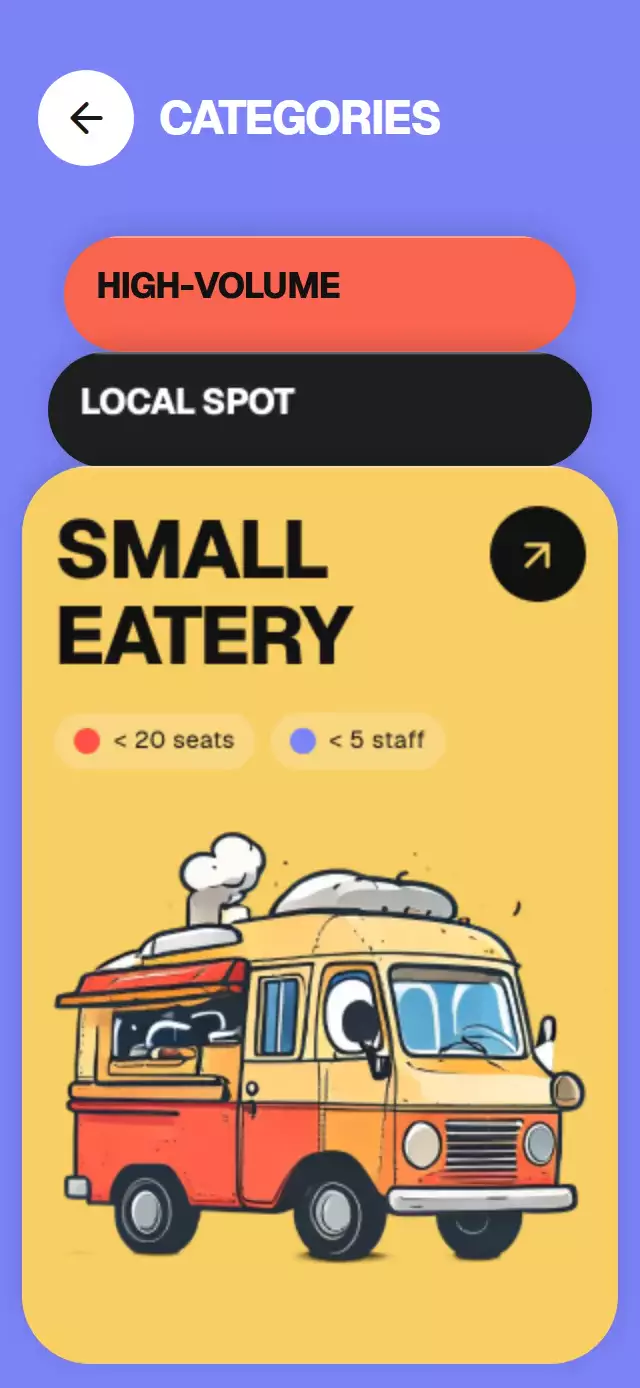
About this animation
A notification stack that unfolds grouped updates, with configurable groups, background image, fonts, and blur intensity.
How it works
- The component measures its own container and derives clock scale and group spacing from that layout.
- One continuous shared
progressvalue drives the featured stack's depth, card placement, stagger, opacity, and the measured height of the group. A scrollable viewport keeps every notification reachable on compact screens. - A gesture-exclusive pan and tap pair lets the same surface expand, collapse, or clear a card without relying on a JavaScript press event after a native drag.
- Each card owns an interruptible horizontal dismissal value; release springs back or reveals the
Clearaction before removing the item. push()inserts a new notification at the front of a group and gives it a short arrival spring from above.
Install
npx expo install @expo/vector-icons expo-blur expo-image expo-linear-gradient react-native-gesture-handler react-native-reanimated react-native-workletsUsage
import NotificationStackExpand from './NotificationStackExpand';

<NotificationStackExpand
  backgroundImage={require('./assets/lock-screen.jpg')}
  groups={groups}
/>;
For a branded integration, provide the catalog's font families and control the featured transition with a ref:
const ref = useRef<NotificationStackExpandRef>(null);

<NotificationStackExpand
  ref={ref}
  backgroundImage={backgroundImage}
  groups={groups}
  blurIntensity={52}
  fontFamily="YourRegularFont"
  mediumFontFamily="YourMediumFont"
  clockFontFamily="YourLightFont"
  monoFontFamily="YourMonoFont"
/>;
Props
| Prop | Type | Default | Description |
|---|---|---|---|
backgroundImage | ImageSourcePropType | Required | Image behind the lock-screen surface. |
groups | NotificationGroup[] | Required | Groups and their ordered notifications. |
time | string | '9:41' | Clock label. |
date | string | 'Saturday, October 11' | Date below the clock. |
blurIntensity | number | 52 | Glass blur intensity from 1 to 100. |
fontFamily | string | System font | Notification body typeface. |
mediumFontFamily | string | System font | App names, headlines, and controls. |
clockFontFamily | string | System font | Light clock typeface. |
monoFontFamily | string | System font | Relative time labels. |
onDismissNotification | (groupId: string, notificationId: string) => void | — | Called after a card leaves. |
onDismissGroup | (groupId: string) => void | — | Called after the featured group leaves. |
onExpandedChange | (expanded: boolean) => void | — | Reports the featured group's state. |
accessibilityLabel | string | 'Notification center' | Screen-reader label for the notification area. |
style | StyleProp<ViewStyle> | — | Outer container style. |
testID | string | — | Outer test identifier. |
Compatibility
- Expo SDK 58, React Native 0.88, Reanimated 4.7, Worklets 0.13.
- iOS, Android, and web are supported by the implementation.
expo-blurusesBlurTargetViewanddimezisBlurViewSdk31Pluson Android. Older Android versions retain the translucent glass fallback.- Works in Expo Go because all native dependencies are already part of this project.
Accessibility
Cards expose a readable label and a swipe hint. The expand/collapse controls have 44 pt hit areas and explicit button roles. With reduced motion enabled, the same state changes use short fades and remove travel, scale, and spring overshoot. Each front card has a 44 pt Clear button. Swiping a card also reveals a tappable Clear action, and screen readers expose a dismissal action. The group header has a tappable Clear group button. The front card toggles expansion; Show less collapses it.
Why this one
The familiar grouped-notification pattern becomes a product moment: a dark editorial lock screen, invented service brands, measured glass depth, and a single continuous expansion value keep the stack legible while the lower groups make room. The collapsed front card stays fully visible above two text-free glass layers at 96% and 92% scale, offset by 8 and 16 pt. Incoming updates spring in from above while the previous update joins the stack without duplicate text showing through. The clock shrinks from 64 to 44 pt as the list unfolds into a scrollable reading area.
Icons: Lucide-compatible Feather glyphs from the bundled kit, with the used Lucide paths copied to icons.ts.
Demo timeline
Each 5.2-second cycle expands at 620 ms, receives an Aster update at 1,800 ms, and collapses at 3,400 ms. Three realistic updates rotate between cycles; reset restores the initial groups before the next cycle so the demo stays bounded. The front card and the expanded header remain interactive throughout.
Layout and performance
The component measures its container with onLayout; 112 pt cards allow two headline lines and two body lines at the demo widths of 320 and 390 pt. A ScrollView sits below the clock and ends 20 pt above the container bottom. Cards use stable notification IDs and UI-thread spring values; React updates only when groups or expansion state change. Very large notification collections should use a virtualized implementation.
Customization notes
Set groups[].brand.gradient to theme each notification brand tile.
Movement follows gestures, scroll position, or interruptible spring physics. A global duration is not exposed; reduced-motion fades retain their short fixed timing.