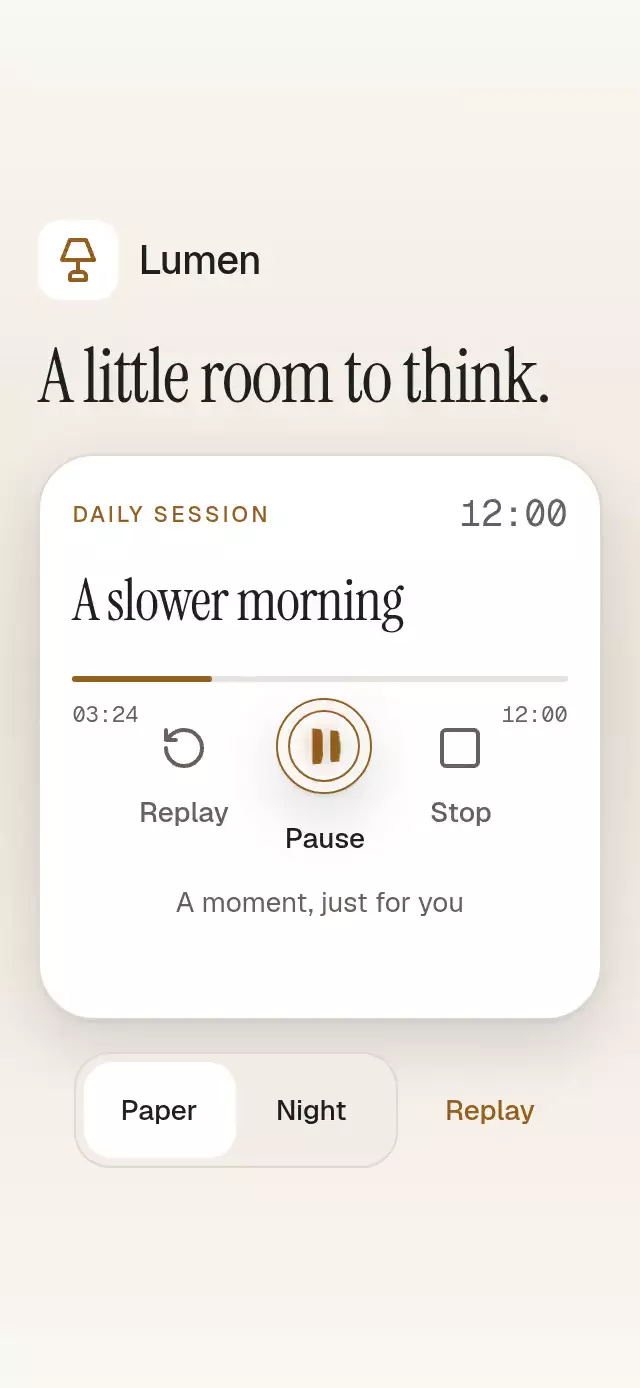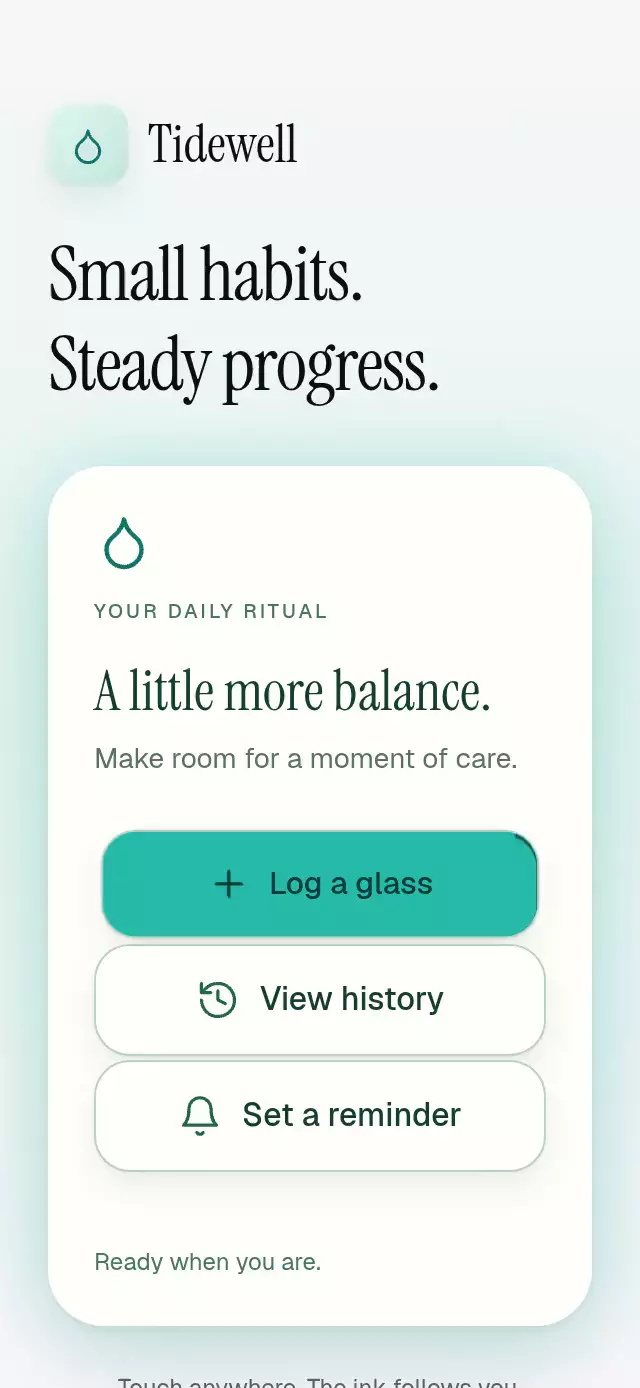
About this animation
An action button with a touch-origin ripple and configurable label, palette, font, and leading content.
Why this one
The radius comes from the farthest of the four measured corners, so wide and tall buttons receive complete coverage. An 80 ms traveling edge response is clipped inside the button, while the label stays still. Only one wave exists at a time; a new contact replaces it immediately. No button framework is required.
How it works
onLayoutstores the local button dimensions on the UI thread.- A Gesture Handler tap records the contact position and calculates the maximum corner distance with
hypot. - A linear clock drives a 2 pt circle to that distance in 360 ms through the
(0.23, 1, 0.32, 1)curve. - A Skia shader intersects the wave with the rounded button edge. Comparing the current radius with the radius 80 ms earlier lights only the edge the front has just reached.
- Release fades the ink in 180 ms; cancellation uses 120 ms. Pressure has an independent spring with explicit mass. Holding preserves the ink without repeating the action.
- The ref previews the effect without firing business callbacks. The demo alone owns its five-second autoplay timers.
Install
npx expo install @shopify/react-native-skia@2.14.0 react-native-gesture-handler@~3.3.0 react-native-reanimated@4.7.1 react-native-worklets@0.13.0Copy this folder, excluding demo/ and icons.ts, into your app. Place your screen under GestureHandlerRootView and configure Reanimated for your Expo project. On web, initialize CanvasKit before importing/rendering the component (for example using Skia's WithSkiaWeb or your existing lazy Skia loader). The demo also uses the already-installed expo-linear-gradient@~58.0.3 and the catalog's loaded fonts. Icons: Lucide (ISC).
Usage
import { OriginRippleButton } from './origin-ripple-button';

<OriginRippleButton
  label="Save changes"
  accessibilityLabel="Save changes"
  onPress={saveChanges}
  style={{ flex: 0 }}
/>
const button = useRef<OriginRippleButtonRef>(null);
<OriginRippleButton
ref={button}
label="Continue"
accessibilityLabel="Continue to the next step"
onPress={continueToNextStep}
variant="outline"
colorScheme="dark"
rippleOpacity={0.2}
fontFamily="YourInterfaceFont"
testID="continue"
style={{ flex: 0, width: '100%' }}
/>
// A visual preview, without calling continueToNextStep:
button.current?.rippleAt(0.2, 0.7);Props
| Prop | Type | Default | Purpose |
|---|---|---|---|
label | string | Required | Visible copy; whitespace falls back to the accessible name. |
accessibilityLabel | string | Required | Accessible action name. Supply a meaningful nonempty value. |
onPress | () => void | Required | One callback per successful release or accessibility activation. |
disabled | boolean | false | Disables interaction and imperative previews; dims the material. |
variant | 'filled' | 'outline' | 'filled' | Accent fill or surface with a border. |
rippleOpacity | number | 0.16 | Clamped to 0–0.3; nonfinite values fall back to 0.16. |
colorScheme | 'light' | 'dark' | 'auto' | 'auto' | Complete default palette, following the device in auto mode. |
palette | OriginRipplePalette | Theme palette | Complete override: background, surface, text, muted, border, accent, success, error. Takes precedence over scheme. |
filledTextColor | string | '#073B35' | Filled label and ripple ink. Set for contrast with a custom accent. |
fontFamily | string | System | Action typography. |
titleFontFamily, monoFontFamily | string | Unset | Accepted integration tokens; this button has no title or numeric content. |
leading | ReactNode | Unset | Optional decorative icon. No separate action or accessible name. |
onInteractionStart | () => void | Unset | Physical-contact/accessibility notification for interrupting external previews. |
style | StyleProp<ViewStyle> | Unset | Root layout override. Root uses flex: 1; use flex: 0 for intrinsic button height. |
testID | string | 'origin-ripple-button' | Root ID, with -action and -ink suffixes. |
There are no internal status messages or label objects: all visible action text is provided by label; all demo copy is explicitly supplied through the demo scene's labels object. Reserved typography props introduce no hidden content. Filled foreground color and icon colors remain the caller's contrast responsibility.
Ref
rippleAt(xFraction, yFraction): clamps fractions to[0, 1]; each nonfinite coordinate uses the center. Plays and fades feedback without callingonPress. Before layout or while disabled, it safely does nothing.reset(): cancels the current clock and fades ink out; restores pressure without callbacks.
No data IDs, arrays, exercise or session APIs are involved. The component has no controlled business state. Consumers own action results and announcements.
Compatibility
Targets Expo SDK 58, React Native 0.88.0, Reanimated 4.7.1, worklets 0.13.0, Gesture Handler 3.3, and Skia 2.14.0. Uses installed modules supported by the project's Expo Go environment; no new native package is added.
Implementation notes
All important copy stays in normal flow, the demo scrolls on short screens, and the upper-right viewer corner contains no controls. Autoplay starts at 600 ms and the first edge response finishes at 1040 ms. The effect is a clipped radial shader with a distance-based edge band, not a rectangular overlay. Only one label is rendered in each action; there is no overlapping transition copy.
Accessibility
The component measures its own space and adds no safe-area padding. The action is at least 56 pt tall and 48 pt wide. Text wraps in normal flow with font scaling enabled. The demo uses a scroll container, a 480 pt maximum column, wrapping controls, and no interactive content in the upper-right viewer area. Test the target app at 320×568, 390×844, 430×932, 1024×1366, 844×390, and a 300×400 embedding, including 200% font scaling.
Reduced motion replaces the radial wave and pressure scale with a stationary 200 ms ink fade and removes the traveling edge. Accessibility activation uses the center. Canceled/moved-away gestures never call onPress; gesture release owns activation. Web keyboard activation uses the accessibility/zero-detail click path. The demo cancels autoplay on real contact and announces meaningful action results; autoplay itself makes no announcements or business calls.