About this animation
A dusk-to-night toggle with a rolling pumpkin and flying bats, with configurable size and scene colors.
Why this one
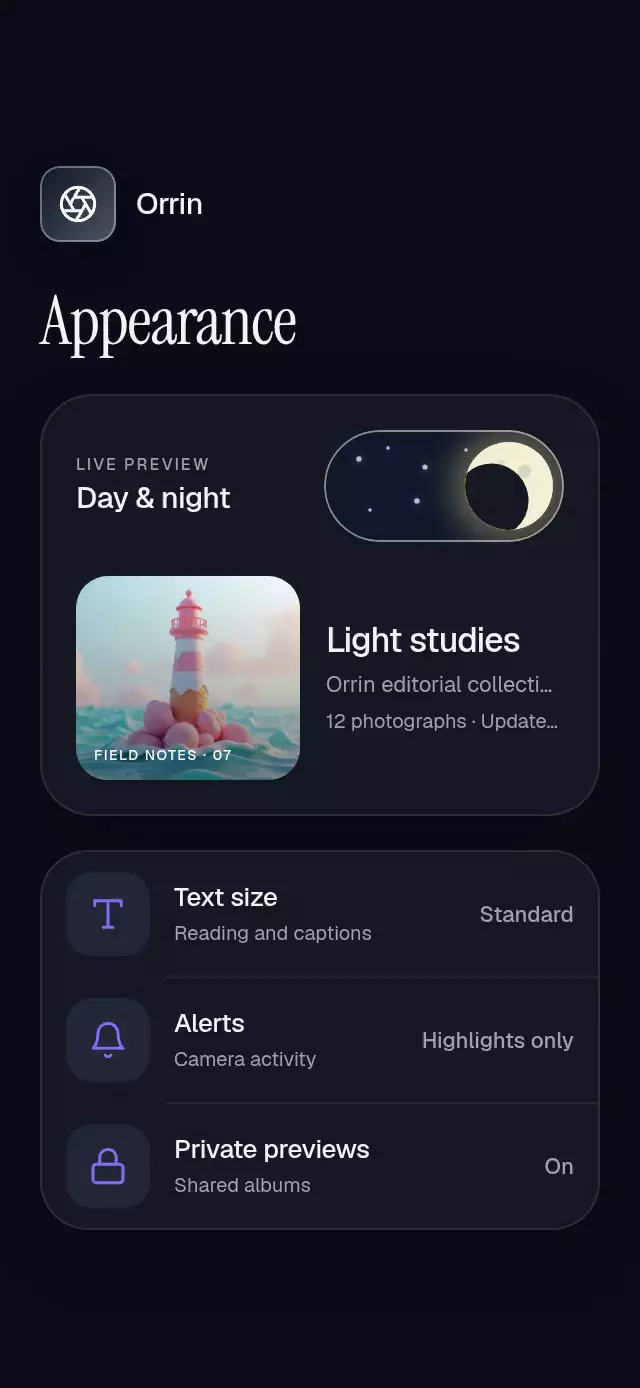
The thumb is a character and the track tells a story. A five-lobed pumpkin rolls through a full turn while clouds give way to a crescent moon and nine twinkling stars. The carved face appears only on arrival, with warm candlelight; switching off leaves a small puff of smoke. Every scene color is replaceable.
How it works
- One UI-thread
progressdrives the thumb position, full rotation, sky gradient, clouds, moon, and stars. - Exclusive Gesture Handler pan and tap gestures share the entire switch hit area. Releasing a drag projects its velocity and settles with an interruptible spring (
damping: 16,stiffness: 240,mass: 1). - Pressure and squash have independent shared values, so releasing a touch cannot cancel the scene transition.
- Arrival at the on endpoint reveals the carved path through an expanding clip in 220 ms. A smooth sum of incommensurate sine waves varies candlelight between 0.85 and 1. Three bats emerge behind the pumpkin with 9 Hz wing flaps and different flight arcs.
- All artwork is local Skia geometry. There are no bitmap assets, network requests, fonts, or application-level imports in the component.
Install
In an Expo SDK 58 project:
npx expo install @shopify/react-native-skia react-native-reanimated react-native-worklets react-native-gesture-handlerTested dependency targets: Skia 2.14.0, Reanimated 4.7.1, Worklets 0.13.0, Gesture Handler ~3.3.0. Wrap your app in GestureHandlerRootView. Use the standard Reanimated/Worklets configuration for your Expo project. On web, initialize CanvasKit before importing this module (for example, through Skia's WithSkiaWeb lazy entry point). The demo additionally uses SDK-compatible expo-blur and expo-linear-gradient.
Usage
import { PumpkinNightToggle } from './pumpkin-night-toggle';

<PumpkinNightToggle defaultValue={false} onValueChange={setSpookyMode} />;
Controlled, compact, and themed:
const [enabled, setEnabled] = useState(false);

<PumpkinNightToggle
  value={enabled}
  onValueChange={setEnabled}
  size={0.6}
  accessibilityLabel="Night mode"
  colors={{
    sunset: ['#F7D5A0', '#CB8B82'],
    night: ['#10233E', '#234467'],
    pumpkin: ['#E8B963', '#A86B32'],
    stem: '#5E8264',
    light: '#FFF1BC',
    bats: '#081321',
    stars: '#E7F7FF',
    clouds: '#FFF2D8',
    smoke: '#ADBDCC',
    rim: '#E7F7FF',
  }}
/>;
Props
| Prop | Type | Default | Description |
|---|---|---|---|
value | boolean | — | Controlled committed state; parent must accept a request to change it. |
defaultValue | boolean | false | Initial uncontrolled state. |
onValueChange | (value: boolean) => void | — | One notification per requested state change. |
size | number | 1 | Scale of the 132 × 64 pt scene. Nonfinite values use 1. |
colors | Partial<PumpkinNightToggleColors> | Seasonal palette | Sunset/night/pumpkin gradient pairs; stem, light, bats, stars, clouds, smoke, and rim colors. |
disabled | boolean | false | Blocks all state requests and dims the switch. |
accessibilityLabel | string | Spooky mode | Screen-reader label. |
style | StyleProp<ViewStyle> | — | Outer layout override. |
testID | string | — | Root test identifier. |
The ref exposes setValue(boolean) and toggle(), following the same controlled/uncontrolled and disabled rules as touch. The demo's autoplay uses this ref; the component has no autoplay logic.
The control defaults to 132 × 64 pt, scales down to the available width, and reserves a minimum 48 × 48 pt hit area. Decorative flights extend up to 36 × size pt above the track and 24 × size pt to either side. Keep that space unclipped if you want to show the complete flight. The host screen owns safe-area padding. No text or fonts are rendered by the reusable control.
Compatibility
Targets Expo SDK 58, React Native 0.88.0, Reanimated 4.7.1, and Skia 2.14.0. Uses modules bundled with this project's Expo Go SDK. Supports iOS, Android, and web.
Accessibility
Exposes accessibilityRole="switch", a customizable label, and checked/disabled states. Screen-reader activation and touch both toggle the switch. Reduced motion replaces rolling with stationary endpoint crossfades, removes squash, flights, smoke, twinkle, and blur, and uses a 200 ms scene transition. The parent may choose any complete palette independently of the device color scheme.
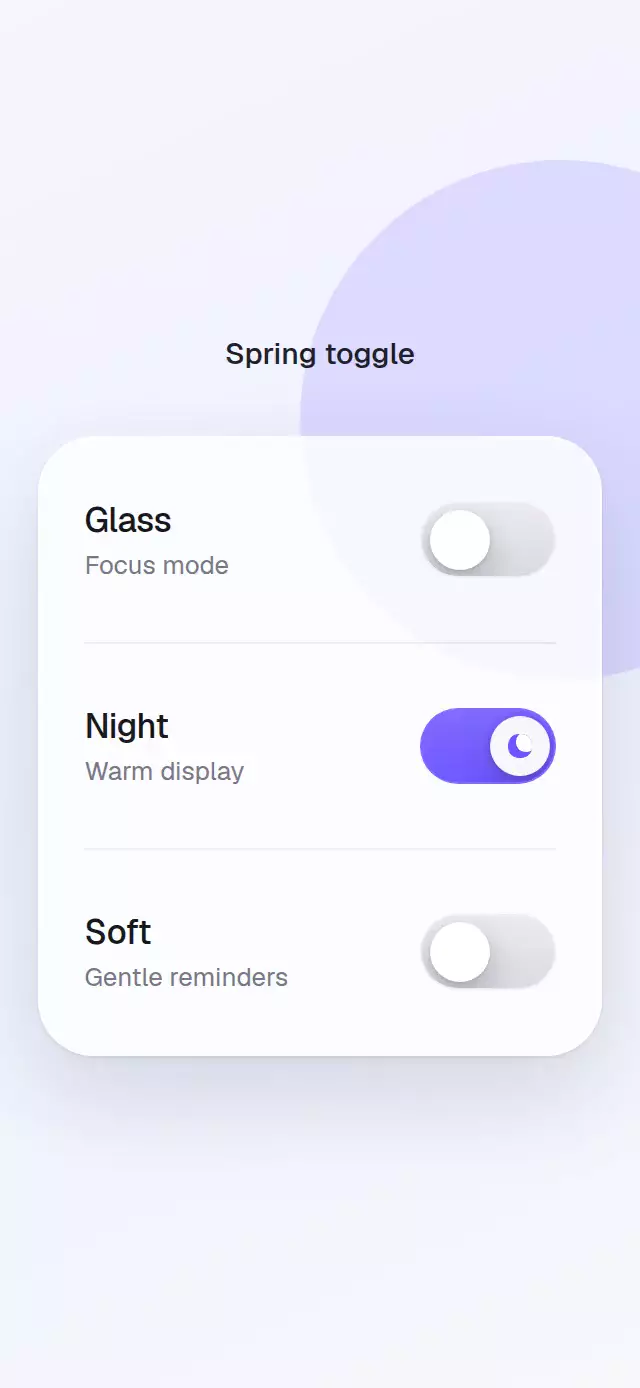
The demo adapts to portrait, landscape, and a 300 × 400 pt host by compacting its layout while keeping all four switch targets at least 48 pt tall.