About this animation
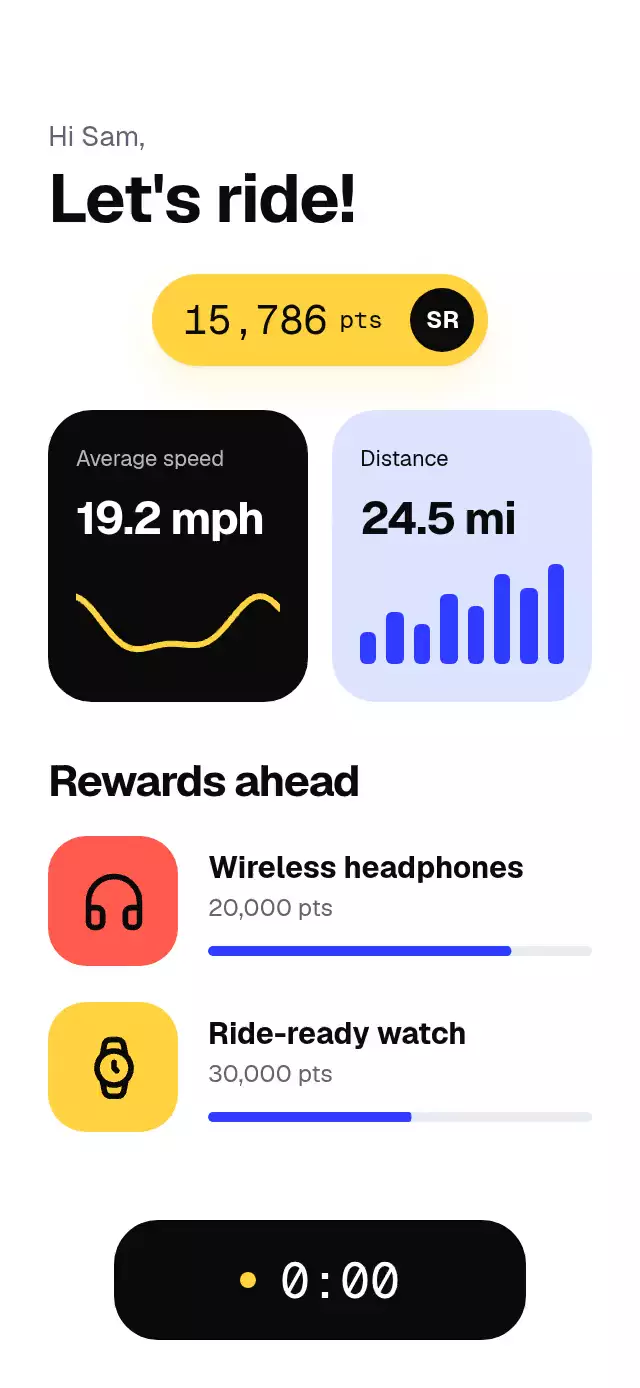
Illustration-to-dashboard onboarding with a coin-to-balance transition and configurable artwork, palette, typography, and copy. The riding rewards dashboard retains speed, distance, and reward data supplied by your app.
Why this one
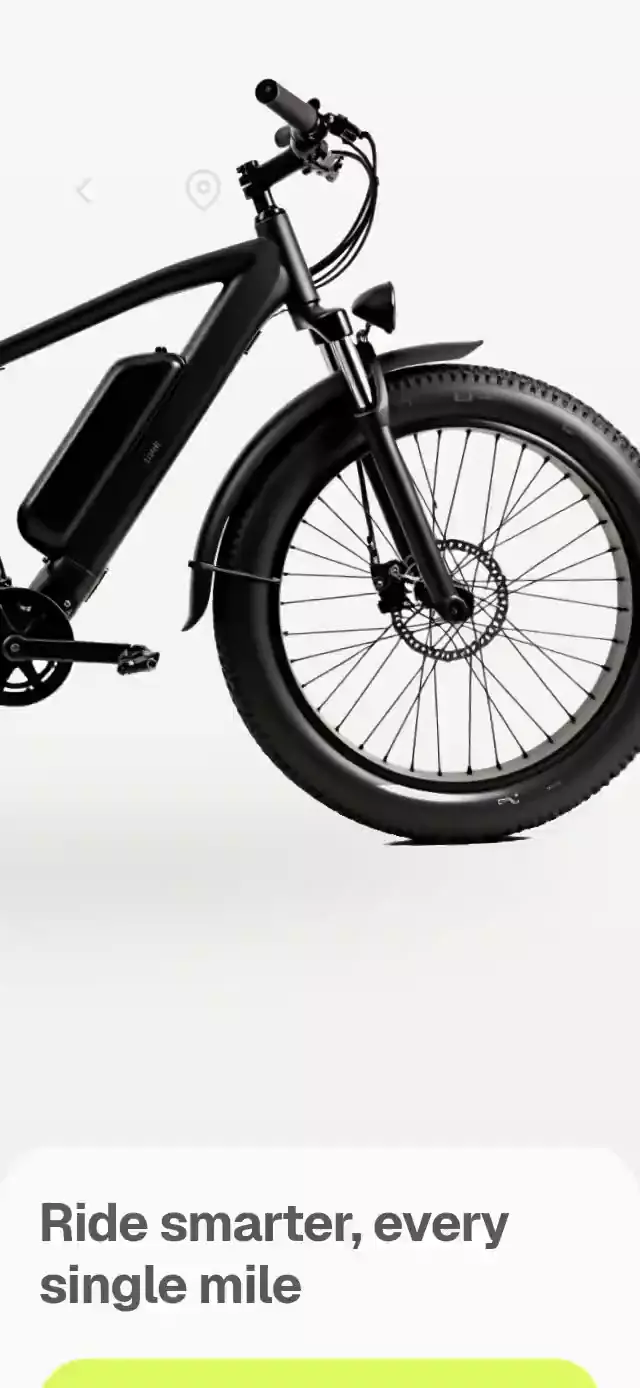
The welcome artwork moves with a pedaling rhythm instead of sitting still. The rider crosses the sky-to-ink boundary, and the coins become the very points shown in the dashboard. Two reward targets, staggered distance bars, a drawn speed curve, and a button that contracts into a live stopwatch make the next screen feel like a working product.
How it works
onLayoutmeasures the host. Content is limited to 480 pt wide; the transparent artwork is limited to 334 pt, preserving 3× density for the included 1024 px asset.- A UI-thread clock drives 2° rider tilt, 4 pt vertical motion, cloud parallax, and spinning coins. The artwork is intentionally a single illustration: the pedaling is suggested by the whole rider's rhythm, not separately articulated legs.
next()advances a single transition shared value over 580 ms. Coins converge into the balance and disappear as the dashboard becomes visible. Each balance column rolls only near its carry, ending on an exact digit with independently sized comma separators.- A dashboard entrance value draws the Skia curve, grows eight distance bars, and fills each reward track. Controls remain available during transitions.
startRide()contracts the button with a critically damped spring, starts a UI-thread stopwatch, and changes the curve continuously. React receives elapsed time only when the whole second changes.- The demo waits 2.5 seconds, enters the dashboard, starts the ride after another 2 seconds, shows it for 2 seconds, and resets. Physical touch or accessibility activation cancels all pending autoplay timers.
Install
npx expo install expo-image @shopify/react-native-skia react-native-gesture-handler react-native-reanimated react-native-workletsCopy this folder without demo/. Wrap your application in GestureHandlerRootView and configure Reanimated/worklets as required by your Expo SDK. For web, load CanvasKit before importing the Skia component, using your app's Skia loading boundary. This component does not import any project theme, demo asset, or catalog code.
Usage
import { RideRewardsWelcome } from './ride-rewards-welcome';

<RideRewardsWelcome
  illustration={require('./rider.webp')}
  balance={15786}
  stats={{
    speed: '19.2 mph', distance: '24.5 mi',
    speedLabel: 'Average speed', distanceLabel: 'Distance',
  }}
  rewards={[
    { icon: 'headphones', name: 'Wireless headphones', points: 20000, progress: 0.79 },
    { icon: 'watch', name: 'Sports watch', points: 30000, progress: 0.53 },
  ]}
/>
const ride = useRef<RideRewardsWelcomeRef>(null);
<RideRewardsWelcome
ref={ride}
illustration={myArtwork}
balance={myBalance}
stats={myStats}
rewards={myRewards}
copy={{ welcome: 'Welcome\nto your next ride', greeting: 'Hi Alex,' }}
palette={{ surface: '#15151C', ink: '#F4F4F8', inverse: '#0B0B10', muted: '#B4B4C4' }}
pedalTilt={1.5}
transitionDuration={580}
onStart={beginTracking}
/>
// External controls: ride.current?.next(), .startRide(), .reset().The host supplies safe-area padding. Both screens scroll when content does not fit, including landscape, large fonts, and a 300×400 host. The top-right 48 pt of the dashboard heading remain reserved for the catalog viewer's close button. Supply a transparent illustration with enough source pixels for your intended size. The demo loads Geist Bold locally; the reusable component loads no fonts.
Props
| Prop | Type | Default | Purpose |
|---|---|---|---|
illustration | ImageSourcePropType | Required | Local transparent rider artwork |
balance | number | Required | Nonnegative integer points target |
stats | RideStats | Required | Formatted values and labels |
rewards | RideReward[] | Required | Lucide icon, name, target points, progress and optional tile color |
copy | Partial<RideCopy> | Neutral English copy | Welcome, body, greeting, heading, rewards, start, nextLabel, riding, announcements, pointsUnit and initials |
palette | Partial<RidePalette> | Bold light palette | sky, surface, ink, muted, inverse, accent, coin, coral and track; override all roles for your theme |
fontFamily | string | System | Body typeface |
titleFontFamily | string | Body face | Separately loaded bold face |
monoFontFamily | string | System | Balance and stopwatch typeface |
formatPoints | (number) => string | US separators | Reward point formatting |
formatTime | (number) => string | m:ss | Stopwatch formatting |
transitionDuration | number | 580 | Transfer duration in ms |
pedalTilt | number | 2 | Rider tilt amplitude in degrees |
onStart | () => void | — | Once per ride; integrate real ride tracking here |
onInteraction | () => void | — | Stops the demo's autoplay on interaction |
style | StyleProp<ViewStyle> | — | Root overrides |
testID | string | ride-rewards-welcome | Root, -next and -start identifiers |
The imperative ref exposes next(), startRide(), and reset(). Starting an active ride does nothing; reset returns to welcome and clears elapsed time. The speed values are supplied data; the live curve is illustrative, not a sensor feed.
Compatibility
Built against Expo SDK 58, React Native 0.88.0, Reanimated 4.7.1, worklets 0.13.0 and Skia 2.14.0. Uses the project's installed native stack, with no added modules. Supports iOS, Android, and web. Expo Go requires an SDK-compatible client containing these modules; otherwise use a development build.
Accessibility
Both actions have button roles, configurable labels, activation actions, and at least 48×56 pt hit areas. Important state changes announce dashboard entry and ride start. Hidden screens are removed from the accessibility tree and hit testing. Reduced motion disables rider movement, clouds, coins, rolling digits, curve sweeps and staggered bars, using a 200 ms screen fade instead; the stopwatch still measures elapsed seconds. Font scaling stays enabled, and content can scroll.
Icons: Lucide (ISC), copied from the repository kit. The Spoke demo uses a wordmark only, as specified, with no logo or monogram.