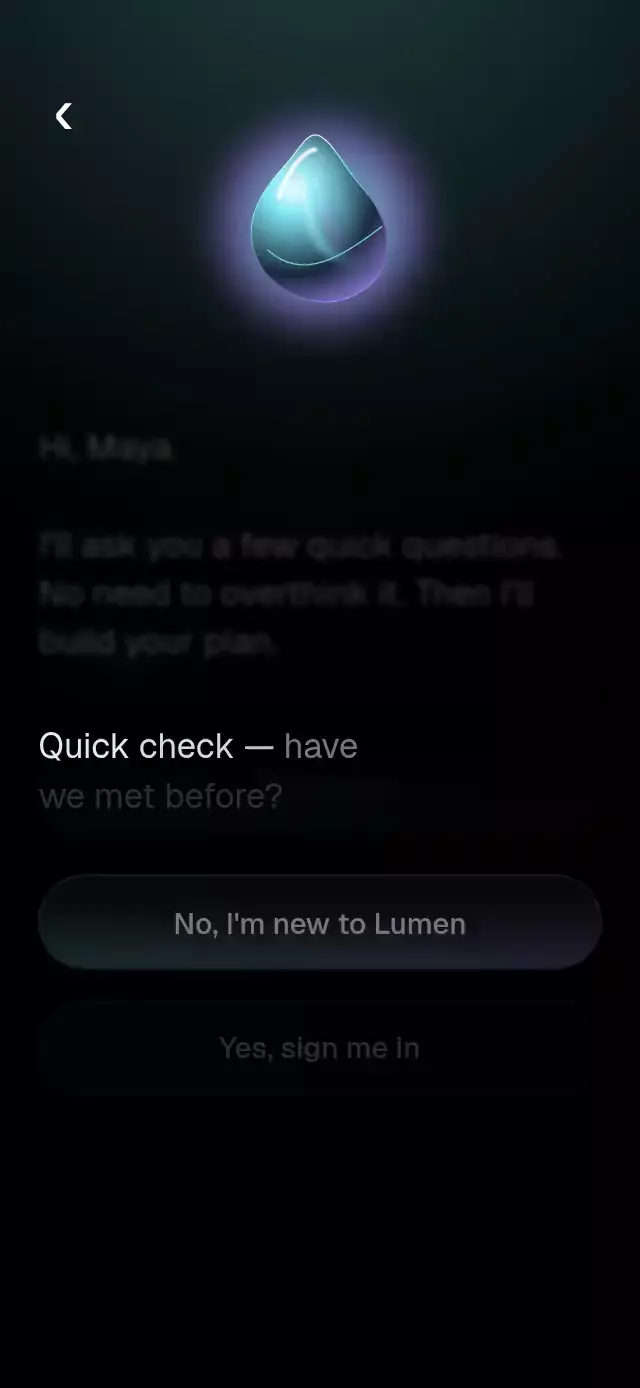
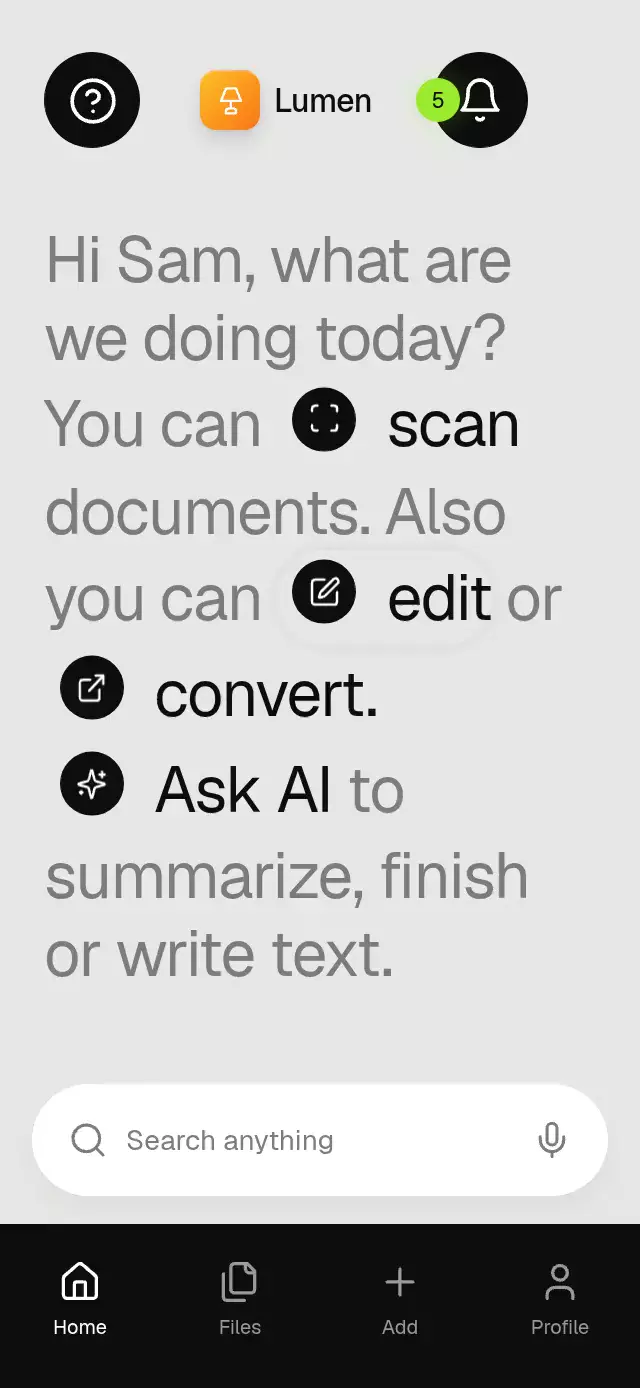
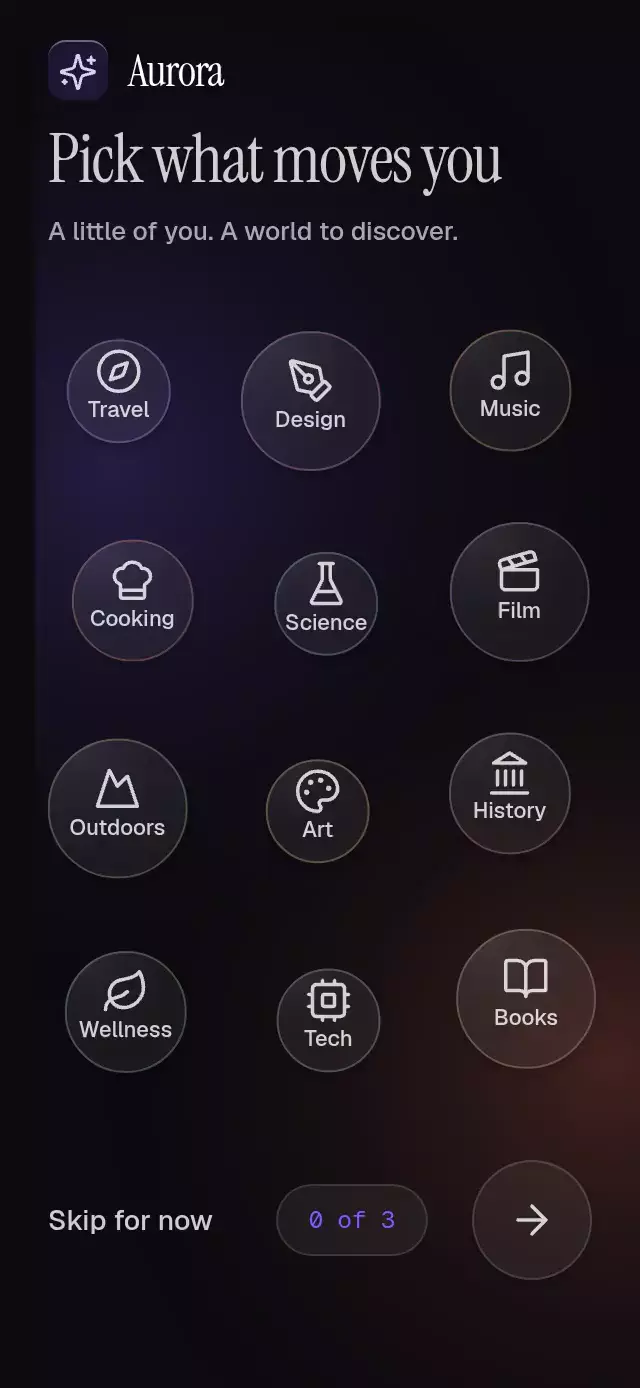
About this animation
A guided tour with a morphing spotlight and following coachmarks, with configurable steps, navigation labels, accent color, and fonts.
Why this one
The opening travels between targets and changes its shape instead of replacing disconnected tooltips. The tour starts with the whole screen visible, contracts around the first target, and finishes by opening the veil across the entire screen. A breathing highlighted element and an amber light edge give each stop a quiet sense of attention.
How it works
- Measure the container with
onLayout. Pass target bounds as fractions of that container, including padding around the actual control. - A continuous UI-thread
stepinterpolates position, dimensions, and corner radius. A single rounded rectangle becomes a pill, circle, or note-shaped opening. - Skia combines the screen rectangle and opening as two contours with
FillType.EvenOdd. Their overlap stays transparent without boolean path operations, which are unavailable in web CanvasKit. The actual product screen remains visible through the hole; there is no painted replacement of the highlighted element. - Target travel uses an interruptible 520 ms timing curve,
Easing.bezier(0.65, 0, 0.35, 1). The glass coachmark follows 40 ms later with the same curve, with a moving arrow and a faded, blurred text transition. Native iOS falls back to the text fade where React Native's blur filter is unsupported. - Tapping Next or the highlighted target advances. Skip and Finish expand the hole beyond the container and reveal the completion toast. Tapping the veil does nothing.
- Reduced motion replaces spatial transitions with a brief fade and removes breathing. The coachmark receives native accessibility focus and announces each step.
Install
npx expo install @shopify/react-native-skia expo-blur react-native-reanimated react-native-workletsCopy SpotlightCoachmarks.tsx and index.ts into your project. Configure Reanimated according to your Expo SDK. For web, initialize CanvasKit before rendering Skia (for example, a lazy WithSkiaWeb boundary). The component uses BlurTargetView and dimezisBlurViewSdk31Plus for Android glass; older Android versions use the readable tint fallback.
Usage
import { SpotlightCoachmarks } from './spotlight-coachmarks';

<SpotlightCoachmarks
  steps={[
    {
      x: 0.06, y: 0.2, width: 0.88, height: 0.08, radius: 28,
      title: 'Find anything', body: 'Search your saved content in one place.',
    },
  ]}
>
  <YourProductScreen />
</SpotlightCoachmarks>
Personality knobs and external control:
const tour = useRef<SpotlightCoachmarksRef>(null);

<SpotlightCoachmarks
  ref={tour}
  steps={measuredSteps}
  accentColor="#8B5CF6"
  damping={28}
  stiffness={240}
  fontFamily="YourRegularFont"
  mediumFontFamily="YourMediumFont"
  monoFontFamily="YourMonoFont"
  onComplete={saveOnboardingCompletion}
>
  {({ step, pulse }) => <ProductScreen tourStep={step} tourPulse={pulse} />}
</SpotlightCoachmarks>

// Call these from event handlers, never during render.
tour.current?.next();
tour.current?.finish();
tour.current?.reset();
Use stable step data for the duration of a tour. Keep target geometry aligned to your product layout. The render function exposes shared values for target breathing without React state updates per frame. The component fills its parent; the parent must have a measured height.
Props
| Prop | Type | Default | Description |
|---|---|---|---|
steps | SpotlightStep[] | Required | Ordered target bounds, radius, title, and body. |
children | ReactNode or render function | Required | Screen beneath the real cutout. |
accentColor | string | #F59E0B | Light edge and primary action. |
fontFamily | string | System | Body and secondary action font. |
mediumFontFamily | string | System | Heading and primary action font. |
monoFontFamily | string | System | Step counter font. |
damping | number | 28 | Opening spring damping, clamped to a damping ratio ≥ 0.85. |
stiffness | number | 240 | Opening spring stiffness; target travel stays at 520 ms. |
nextLabel | string | Next | Advance action. |
skipLabel | string | Skip tour | Complete early action. |
finishLabel | string | Finish | Last step action. |
replayLabel | string | Replay tour | Restart action. |
completionLabel | string | You're all set | Completion toast copy. |
onStepChange | (index: number) => void | — | Reports advances to another step. |
onComplete | () => void | — | Completion or skip callback, once per run. |
style | StyleProp<ViewStyle> | — | Container styling. |
testID | string | — | Root test identifier. |
The opening spring defaults to damping 28, stiffness 240, and mass 1 (damping ratio ≈ 0.90). Opening and press springs clamp overshoot; buttons compress to 0.97 and return to 1 without bouncing. With reduced motion, press scale stays at 1.
The ref exposes next(), finish(), and reset(). Normalized target bounds use the local container coordinate system; radius is in points. Keep supporting copy short enough for the 90-point text area (two or three lines at mobile widths). Long localized copy requires increasing the coachmark height and placement clearance.
Compatibility
Designed for Expo SDK 58, React Native 0.88.0, Reanimated 4.7.1, Skia 2.14.0, and expo-blur 58.0.5. Supports iOS, Android, and web. No new native dependencies, network assets, haptics, or app-specific imports.
Accessibility
All actions have roles and labels with minimum 44-point hit areas. Underlying content is hidden from screen readers while the tour is active; it becomes available again after completion. The coachmark receives native focus (guarded on web) and announces “Step 1 of 4.” Reduced motion disables the opening sweep, morph travel, pulse, and text blur. Next provides a button alternative to tapping the spotlight.
Demo and timeline
The included Lumen library uses five original note previews, a search field, circular tag chip, filter chips, bottom navigation, and an amber create button. Geist, Geist Mono, and Instrument Serif are passed by the demo; the reusable component defaults to system fonts.
Autoplay: 0 ms opening contraction; 1,600 ms search-to-chip morph; 3,000 ms note; 4,400 ms create button; 5,900 ms final opening; 6,460 ms completion toast begins; 8,000 ms restart. Each target transition takes 520 ms, with the coachmark trailing by 40 ms. The highlighted screen element scales from 1 to 1.02 and back, while the edge breathes softly. Autoplay timers belong to the demo and are cleaned up on unmount.
Dependencies and assets
Runtime dependencies are listed in piece.json. React and React Native are host peer dependencies. The demo also uses installed expo-linear-gradient. No image assets. Icons: Lucide (ISC), copied from the repository kit into icons.ts; Lumen's lamp glyph and amber gradient come from the demo brand kit.
Limits
The veil intentionally intercepts background interaction; only the highlighted target and coachmark actions advance. The target overlay advances rather than triggering the underlying product action. Demo registration and lazy Skia loading are left to the host.