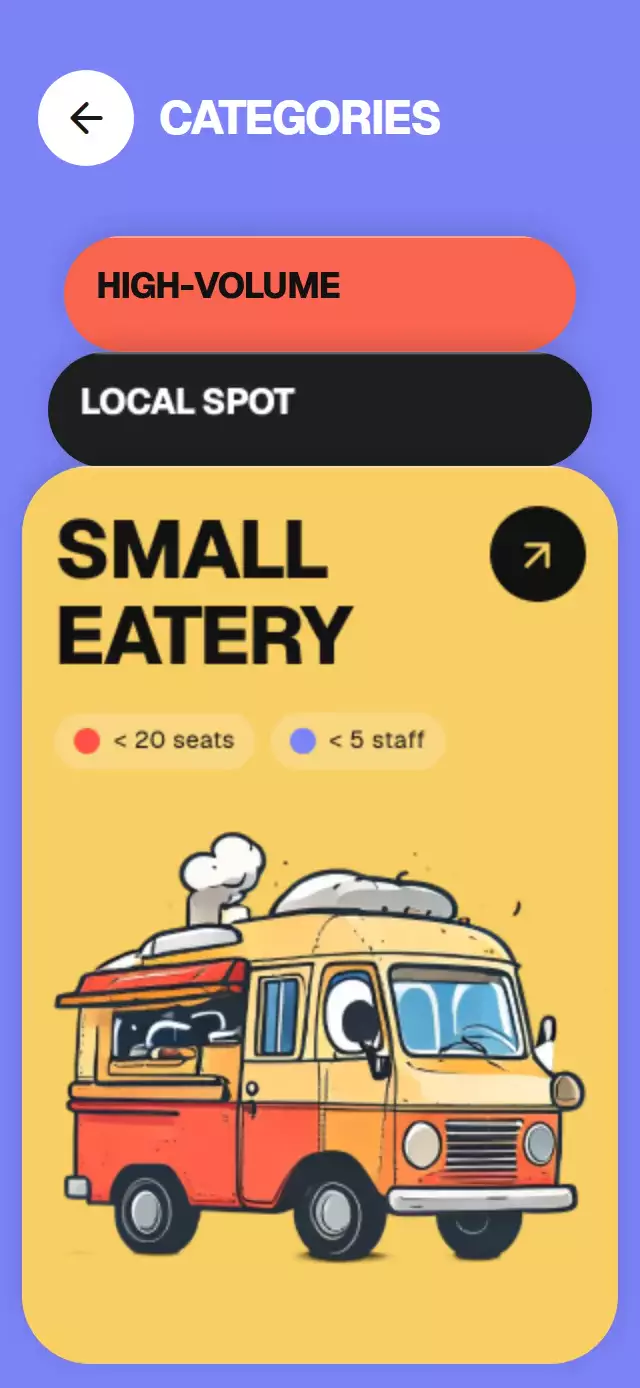
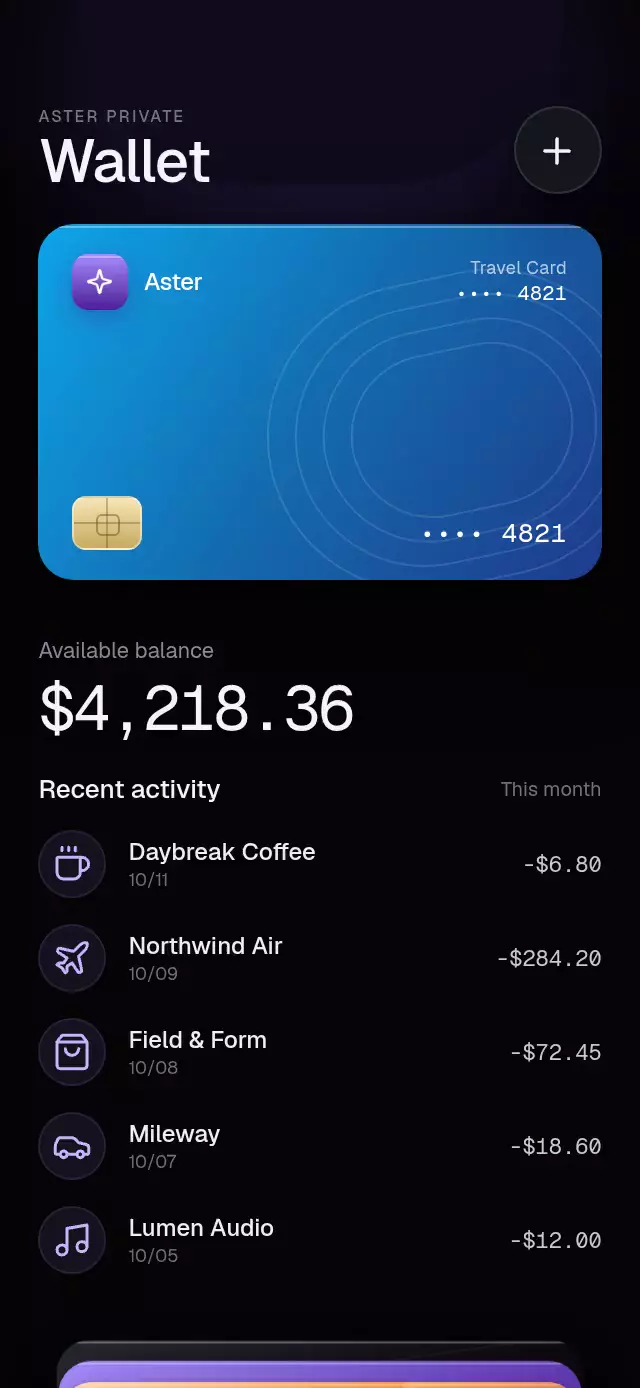
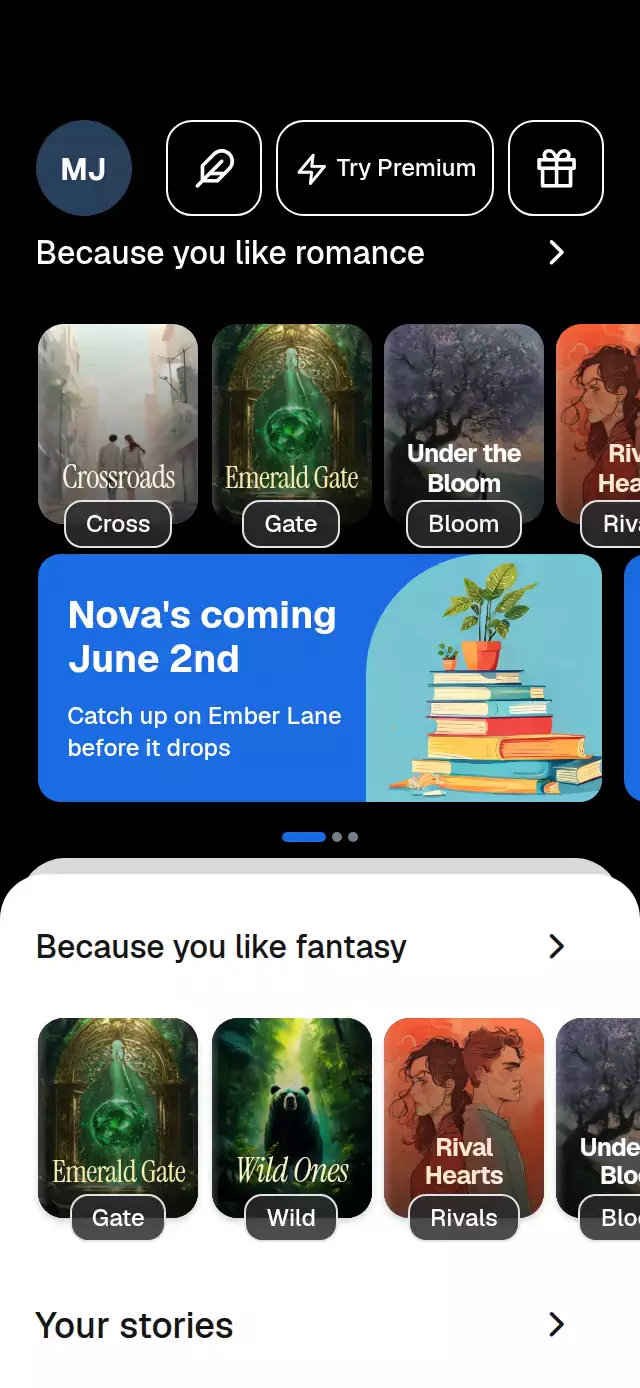
About this animation
A scroll-driven chapter deck that retains earlier cards in a recessed stack, with configurable chapters, title, accent color, and fonts.
Why this one
A weekly program usually disappears into a list. Here, each completed chapter stays in the deck: its photo softens to a 6-point blur and its surface recedes to 92% scale. A continuous progress ring connects the stack to the program, making both the next chapter and the path behind it visible.
How it works
- Measure the container with
onLayout; each card occupies 90% of its width and 66% of its height. - Convert the actual
ScrollViewoffset into one chapter progress,p, usinguseAnimatedScrollHandler. No React state updates occur per frame. - Use smoothstep transitions with resting poses. Anchor cards at 14% of the container height plus 12 points per index. Derive photo blur, dimming, and recession from the arrival of the next card.
- Spring the small arrival tilt with damping 43 and stiffness 180 (effective mass 4). Editorial copy enters over
(p - (c - 0.52)) / 0.4and leaves over(p - (c + 0.14)) / 0.28, keeping headlines separate. - Stack chapter backgrounds with entry opacity only. Gradient veils protect text. Draw the ring as a single trimmed Skia path; the web graphics module loads Skia lazily.
- Place the closing action in the scroll content. Native platforms may snap to chapters; web scroll remains continuous. The demo scrolls on a 2.6-second chapter clock, pauses at the close, fades to black, and resets. Touch or wheel input stops playback.
Install
Copy this folder without demo/ into your project.
npx expo install react-native-reanimated@4.7.1 react-native-worklets@0.13.0 expo-image@~58.0.17 expo-linear-gradient@~58.0.3 @shopify/react-native-skia@2.14.0Configure Reanimated/worklets for your Expo project. For web, make Skia's canvaskit.wasm available using the installed Skia package's web setup (npx setup-skia-web). Graphics.web.tsx waits for LoadSkiaWeb before evaluating the drawing module. Load your chosen fonts in the host app; the component falls back to system fonts.
Usage
import { StackingCardsScroll } from './stacking-cards-scroll';

const chapters = [
  {
    id: 'morning',
    image: require('./morning.jpg'),
    eyebrow: 'WEEK 01',
    title: 'Wake',
    subtitle: 'slower.',
    description: 'Spend 6 minutes arriving before the day begins.',
    sessions: ['Morning arrival · 6 min', 'A softer start · 6 min', 'Meet the light · 6 min'],
  },
];

export function Program() {
  return <StackingCardsScroll chapters={chapters} onStart={() => openFirstSession()} />;
}
Customize the material and control chapters through a ref:
const deck = useRef<StackingCardsScrollRef>(null);

<StackingCardsScroll
  ref={deck}
  chapters={chapters}
  accentColor="#BEDAC9"
  title="A little room to breathe"
  stackSpacing={10}
  blurRadius={4}
  fontFamily="MySans"
  titleFontFamily="MySerif"
  italicFontFamily="MySerifItalic"
  monoFontFamily="MyMono"
  onChapterChange={(index) => saveReadingPosition(index)}
/>;
// From an event handler:
deck.current?.goTo(1);
Props
| Prop | Type | Default | Description |
|---|---|---|---|
chapters | readonly StackingChapter[] | Required | Ordered cards; images remain outside the reusable component. |
title | string | 'Your program' | Fixed heading. |
header | ReactNode | undefined | Optional brand or other leading header content. |
closingTitle | string | 'Make a little time for yourself.' | Closing statement. |
closingCopy | string | 'One small practice. Every day.' | Closing supporting copy. |
actionLabel | string | 'Get started' | Action label. |
actionAccessibilityLabel | string | actionLabel | Accessible action label, defaulting to actionLabel. |
onStart | () => void | undefined | Called when the final action is pressed. |
onChapterChange | ( index: number, ) => void | undefined | Called once per active chapter change. |
onInteraction | () => void | undefined | Called on touch, drag, or wheel interaction to stop demo playback. |
fontFamily, titleFontFamily, italicFontFamily, monoFontFamily | string | System font | Body, headline, italic, and counter fonts. |
accentColor | string | '#A78BFA' | Primary highlight. |
backgroundColor | string | '#0E0B1F' | Base surface. |
cardHeightRatio | number | 0.66 | Card height relative to measured container. |
stackSpacing | number | 12 | Spacing between pinned card tops in points. |
blurRadius | number | 6 | Maximum photo blur of a covered card. |
snapToChapters | boolean | true | Enable chapter snapping on native platforms. |
style | StyleProp<ViewStyle> | undefined | Root style override. |
testID | string | undefined | Root test identifier. |
duration | number | 850 | Scroll hint half-cycle in milliseconds. Spring physics and reduced-motion timing are unchanged. |
fontFamily | string | undefined | Body typeface; system font when omitted. |
titleFontFamily | string | undefined | Editorial headline typeface. |
italicFontFamily | string | undefined | Italic headline typeface. |
monoFontFamily | string | undefined | Chapter counter typeface. |
Ref methods: goTo(index) and next() spring to a chapter, reset() returns to the top, and scrollToProgress(p) immediately sets the physical scroll for an external clock. Index chapters.length opens the close.
Compatibility
Targets Expo SDK 58, React Native 0.88.0, Reanimated 4.7.1, worklets 0.13.0, and Skia 2.14.0. Works with the installed Expo Go modules. Supports iOS, Android, and web. No additional native library is required.
Accessibility
Reduced motion removes zoom, tilt, blur, and arrival translation; chapter changes use 200 ms fades. Only the selected chapter is exposed to screen readers, with a heading role and readable session text. The 44-point progress-ring button provides a tap alternative to scrolling. The closing action has a configurable spoken label and a 56-point target. The decorative scroll hint cannot capture touches. All photos are local in the demo; caller-provided sources remain caller controlled.
Icons: Lucide (ISC). Aurora's demo glyph and gradient come from the project brand kit.
Review notes
Layout calculations reserve the upper-right viewer close area. At 390×844 and 320×694, the 90%-width cards leave horizontal margins and the 66%-height cards fit the two-line headline, supporting copy, and three session rows. The second card reaches its pinned position before 3 seconds of autoplay. Photo blur is applied to the image itself; only the specified dimming veil and loop blackout use covering surfaces.