About this animation
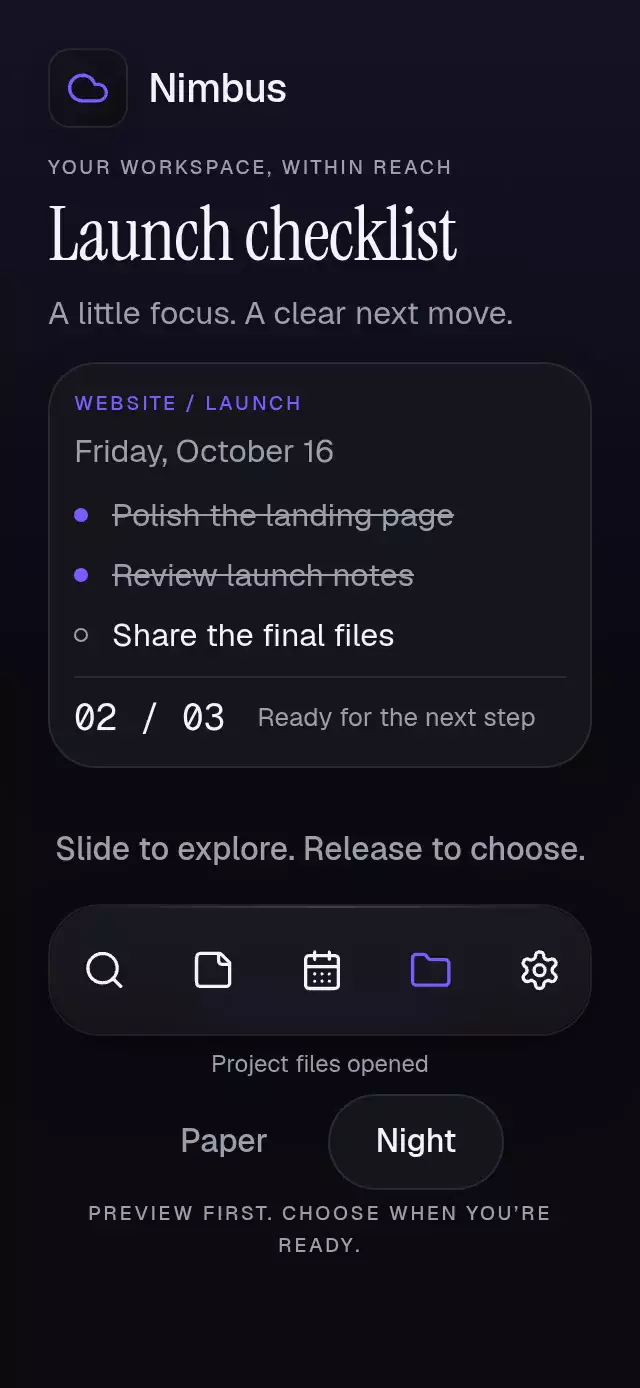
A floating tab bar with a stretching liquid indicator, with configurable tabs, indicator color, bar width ratio, and font.
How it works
onLayoutmeasures the bar independently of screen dimensions. Its width is capped at 460 points on tablets.- Leading and trailing shared indices use critically damped springs with explicit
mass: 1andovershootClamping. Rapid selection interrupts either spring from its current position. - A Skia runtime shader sums two elliptical Gaussian fields into one connected metaball. Separation is bounded to keep the liquid bridge intact. Edge lighting belongs to the material itself.
- A single tap recognizer races a horizontal pan. Both use the same selection function, and drag release selects the nearest tab. Content does not slide, scale, or blur.
BlurTargetViewsamples page content for the glass bar on Android. Older Android versions use Expo's translucent fallback.- The web wrapper loads CanvasKit before importing the shader component, so the piece needs no special catalog registration.
Install
npx expo install @shopify/react-native-skia expo-blur expo-image react-native-gesture-handler react-native-reanimated react-native-workletsWrap the app in GestureHandlerRootView and configure Reanimated/worklets for your Expo SDK. For web, serve canvaskit.wasm at /canvaskit.wasm, or update locateFile in LiquidIndicator.web.tsx to your asset location. Icons: Lucide (ISC), bundled paths rendered by expo-image.
Usage
import { Text, View } from 'react-native';
import TabIndicatorLiquid from './tab-indicator-liquid';

const tabs = [
  { id: 'library', label: 'Library', icon: 'images' as const, content: <Text>Your library</Text> },
  { id: 'search', label: 'Search', icon: 'search' as const, content: <Text>Explore photos</Text> },
];

export function PhotoTabs() {
  return <View style={{ flex: 1 }}><TabIndicatorLiquid tabs={tabs} /></View>;
}<TabIndicatorLiquid
ref={tabsRef}
tabs={tabs}
colorScheme="light"
indicatorColor="#6FA88D"
barWidthRatio={0.92}
bottomInset={34}
blurIntensity={65}
onIndexChange={handleSelection}
/>
// From an event handler: tabsRef.current?.goTo(1)The ref exposes goTo(index) and reset(). Index values are rounded and clamped; nonfinite requests are ignored. The callback fires once per changed destination, including a reset that changes the selection.
This is a full-container page switcher. The host owns safe-area insets: pass bottom spacing through bottomInset, and apply top spacing to page content. Reserve at least bottomInset + 88 points below scrollable content. Four tabs fit at 300 points; keep labels concise. Content can scroll in compact containers and landscape. The bar height can grow for scaled text; increase page bottom padding accordingly. All labels and page content come from tabs.
Props
| Prop | Type | Default | Purpose |
|---|---|---|---|
tabs | readonly LiquidTab[] | Required | ID, label, included Lucide icon name, and independent React content |
initialIndex | number | 0 | Initial selection |
accentColor | string | Theme ink | Active icon and label |
backgroundColor | string | Theme background | Container background |
colorScheme | 'light' | 'dark' | 'auto' | 'dark' | Glass, inactive ink, border, and default foreground/background |
indicatorColor | string | #A8BDB5 | Metaball tint |
fontFamily | string | System | Label typeface |
barWidthRatio | number | 0.92 | Container width ratio, clamped to 0.7–1, capped at 460 points |
bottomInset | number | 24 | Bottom spacing, including host safe area |
blurIntensity | number | 60 | Glass blur |
springDamping | number | 32 | Trailing spring damping; minimum 32, stiffness 240, mass 1 |
onIndexChange | (index: number) => void | — | Selection callback on the JS thread |
style | StyleProp<ViewStyle> | — | Root style |
testID | string | — | Root ID; tabs use ${testID}-tab-${tab.id} |
Accessibility
Tabs have a tab role, label, selected state, and activation action. With four tabs at 300 points, each target is at least 69×72 points. Inactive panes are excluded from accessibility and input. Reduced motion instantly relocates the indicator, disables pressure scaling and drag lag, and preserves only a 160 ms page fade. Autoplay stops under reduced motion. Taps provide an alternative to dragging.
Compatibility
Targets Expo SDK 58, React Native 0.88.0, Reanimated 4.7.1, worklets 0.13.0, Skia 2.14.0, and Gesture Handler 3.3. Uses bundled Expo Go modules.
Demo
Orrin is the fictional photography brand from the kit. Four editorial library pages reuse six local photographs, with a stationary forest-green backdrop, a featured moment, and two smaller collections. Autoplay first shows the liquid transition at 800 ms, then changes destinations every 2.4 seconds. Shared app fonts are used without additional font loading.
The reused villa images are 600×800 and need higher-resolution replacements before a final @3x visual approval. The coastline and dune heroes also need larger sources at the tablet width. Suggested replacements: a dusk desert villa, a sunlit villa, a coastal road, and sculptural sand dunes, each at least 1600×1600, no people, text, or logos, opaque JPEG/WebP. No images are generated by this polish pass.