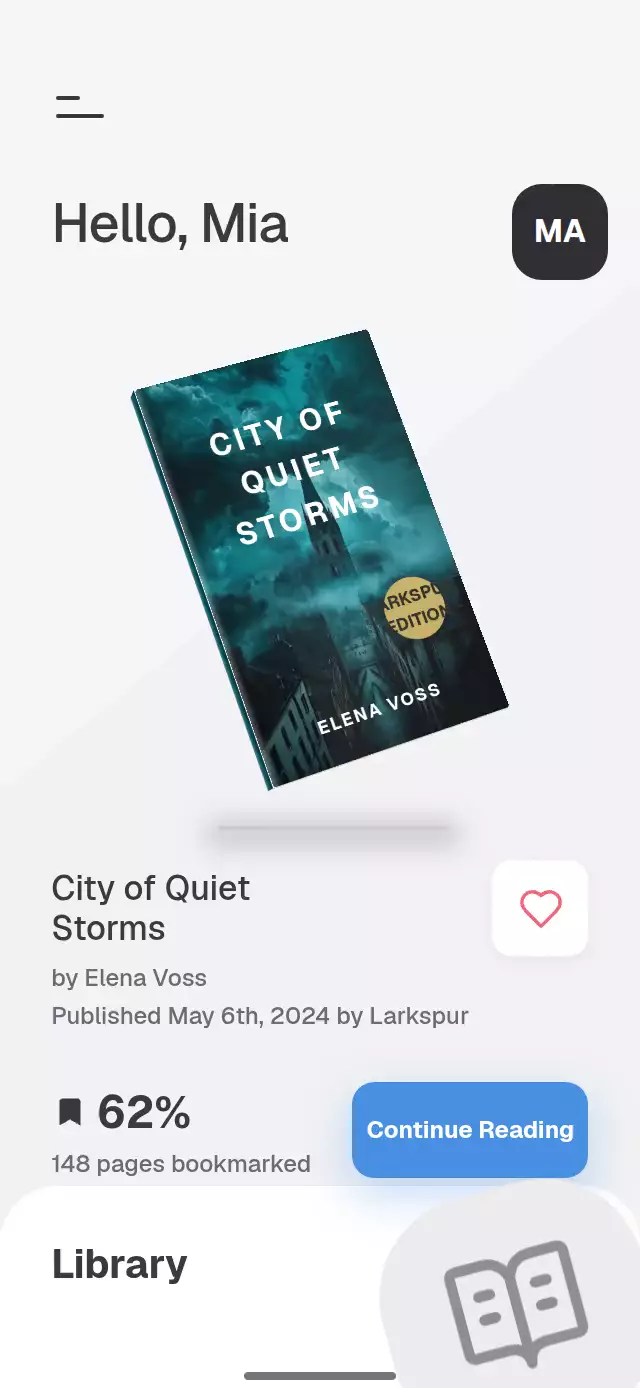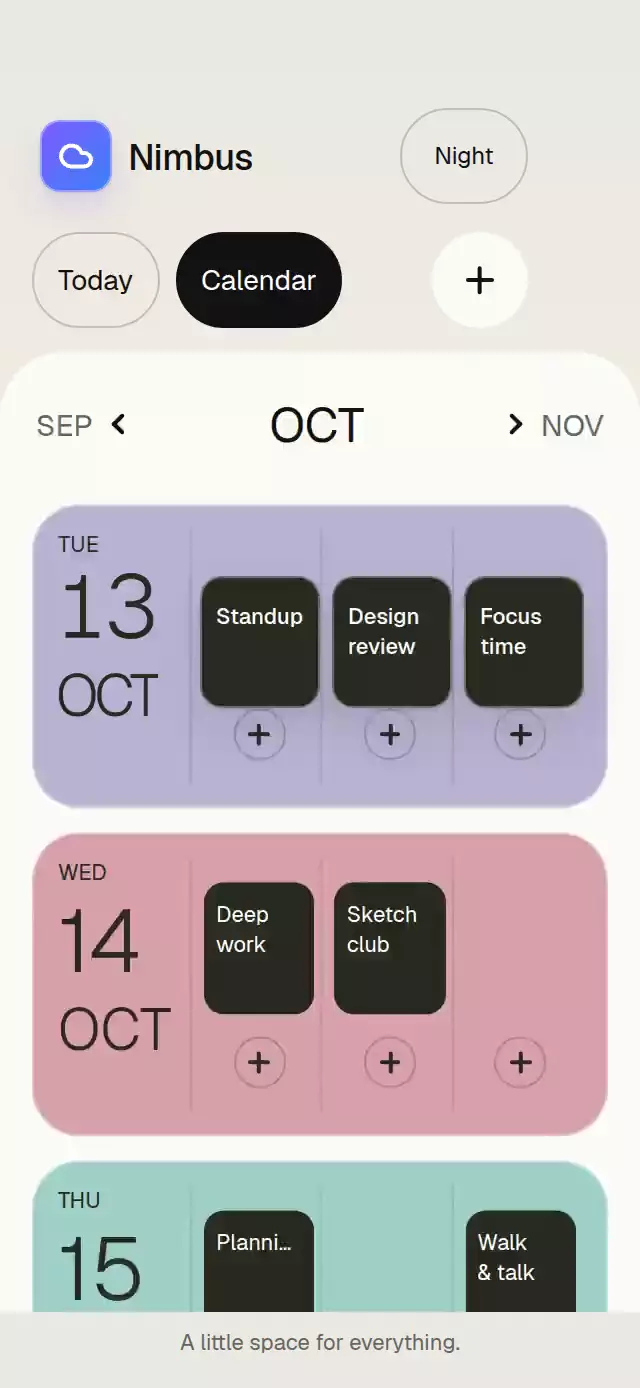
About this animation
Related guides
A daily planner that morphs its date and tasks into a calendar, with configurable tasks, day data, palette, and fonts.
Why this one
Today and Calendar usually feel like unrelated screens. Here the same day number, month, and task surfaces travel into their calendar positions, so the relationship is visible. Initial avatars, a fanned paper stack, two time zones, and a warm/night palette give the demo its own identity.
How it works
onLayoutmeasures the host, caps the board at 520 points, and keeps longer content in a vertical scroll view. The host supplies safe area insets.- One UI-thread
progressvalue drives the date's position, size, color, task geometry, secondary copy, and staggered calendar rows. The shared date travels continuously. Today copy fades out over progress 0–0.22; calendar rows enter at 0.68–1. Task surfaces reposition while hidden, then reveal their compact titles at 0.82–1. These disjoint windows also prevent overlaps when reversing or interrupting a gesture. - Tap either tab or drag horizontally across the selector. Release projects velocity and settles with a spring using explicit mass; another gesture can interrupt it.
- A separate continuous month position drives adjacent pages. Month arrows provide the same operation without dragging.
getMonthDayssupplies real monthly schedules; without it, the provided schedule is reused with new month labels. - Drag the front task down or tap a task to cycle the stack. Its position uses continuous interpolation between order slots. Only settled selections cross to React, never animation frames.
- Reduced motion replaces flights with a 200 ms staged fade. The demo invokes the imperative API: Today for 1.5 seconds, Calendar, next month, previous month, Today, then repeats at 7.2 seconds.
Install
npx expo install @shopify/react-native-skia react-native-gesture-handler react-native-reanimated react-native-workletsWrap your app in GestureHandlerRootView and configure Reanimated/Worklets for your Expo SDK. On web, initialize CanvasKit before importing the component, using Skia's documented deferred loading pattern. The catalog integrator must register this demo with its withSkia loader. No photos or remote assets are needed. Icons: Lucide (ISC). Add controls and month chevrons render their Lucide line geometry with native views at a consistent 2-point stroke. Only the white brand cloud uses a Canvas, so hidden neighboring months do not allocate WebGL contexts.
Usage
import { View } from 'react-native';
import TodayAgendaMorph from './today-agenda-morph';

export function Planner() {
  return (
    <View style={{ height: 600 }}>
      <TodayAgendaMorph onAddEvent={(day, hour) => openEditor(day, hour)} />
    </View>
  );
}
import { useRef } from 'react';
import { TodayAgendaMorph, type TodayAgendaMorphRef } from './today-agenda-morph';
const planner = useRef<TodayAgendaMorphRef>(null);
// In your render:
<TodayAgendaMorph
ref={planner}
tasks={tasks}
days={days}
getMonthDays={(offset) => schedules[offset] ?? days}
fontFamily="YourRegularFont"
lightFontFamily="YourLightFont"
mediumFontFamily="YourMediumFont"
colorScheme="auto"
palette={{ taskColors: ['#E3B96C', '#AFC1B8', '#B9B3D3'] }}
labels={{ plan: 'Your day, thoughtfully planned' }}
onModeChange={(mode) => saveViewPreference(mode)}
/>;
// In an event handler:
planner.current?.setMode('calendar');
planner.current?.goToMonth(1);Connect onAddEvent to your own editor; this component does not store or create events. Dates and times are display strings, so formatting remains caller-controlled. Set date and the first days row to the same day. Match first-day event taskId to each task and place it in the corresponding column to preserve shared surfaces. There are at most three morphing tasks and three hour columns; each column shows its first event. Month offsets are bounded to −12…12 relative to date.
Props
| Prop | Type | Default | Purpose |
|---|---|---|---|
date | AgendaDate | 10/13/2026 | Weekday, day, month, numeric prefix, month index, and year. |
timezones | { time, city }[] | Chicago / Lisbon | Two caller-formatted time zones. |
tasks | AgendaTask[] | Three generic tasks | Titles, short chip titles, AM/PM times, duration, initials, and optional colors. |
days | AgendaDay[] | Four generic days | Colored rows with three hour columns and events. |
getMonthDays | (offset) => AgendaDay[] | Reuse days | Schedule provider for relative months. |
months | string[] | JAN…DEC | Twelve month labels. |
labels | Partial<Labels> | Today / Calendar / Today's plan | Structural text and accessibility instructions. |
palette | Partial<AgendaPalette> | Warm pastels | Complete surface, ink, border, active, chip, task, and day palette. |
colorScheme | 'light' | 'dark' | 'auto' | 'light' | Full theme selection. |
fontFamily | string | System | Interface typeface. |
lightFontFamily | string | System | Large date and time typeface. |
mediumFontFamily | string | System | Task title typeface. |
springStiffness | number | 300 | Mode and month spring response. |
springDamping | number | 34 | Spring damping with explicit mass 1. |
onModeChange | (mode) => void | — | Selected view changes. |
onMonthChange | (offset) => void | — | Snapped month changes. |
onAddEvent | (day?, hour?) => void | — | Main add or a day/hour add action. |
style | StyleProp<ViewStyle> | — | Host styling. |
testID | string | today-agenda-morph | Root and stable control identifiers. |
Calendar month labels stay on one line at 29 points in the 66-point date column. Compact event titles use at most two lines, separated at the first word boundary; each line truncates with an ellipsis if needed, so a long word never wraps internally. Screen readers receive the complete title. Today time labels scale with the measured host width.
The ref exposes setMode('today' | 'calendar') and goToMonth(offset).
Compatibility
Expo SDK 58, React Native 0.88.0, Reanimated 4.7.1, Worklets 0.13.0, Skia 2.14.0. Uses modules available in Expo Go. Supports iOS, Android, and web. Web needs CanvasKit initialization.
Accessibility
Tabs expose selection state and instructions. Controls provide 48-point targets and screen-reader activation actions. Tasks announce their complete title, AM/PM range, and duration; tapping cycles the stack. The calendar hides inactive controls from accessibility, and the add callback identifies its day/hour. Reduced motion uses a staged fade without date flights, row translations, or stack travel. Content scrolls in shorter hosts rather than shrinking controls.