About this animation
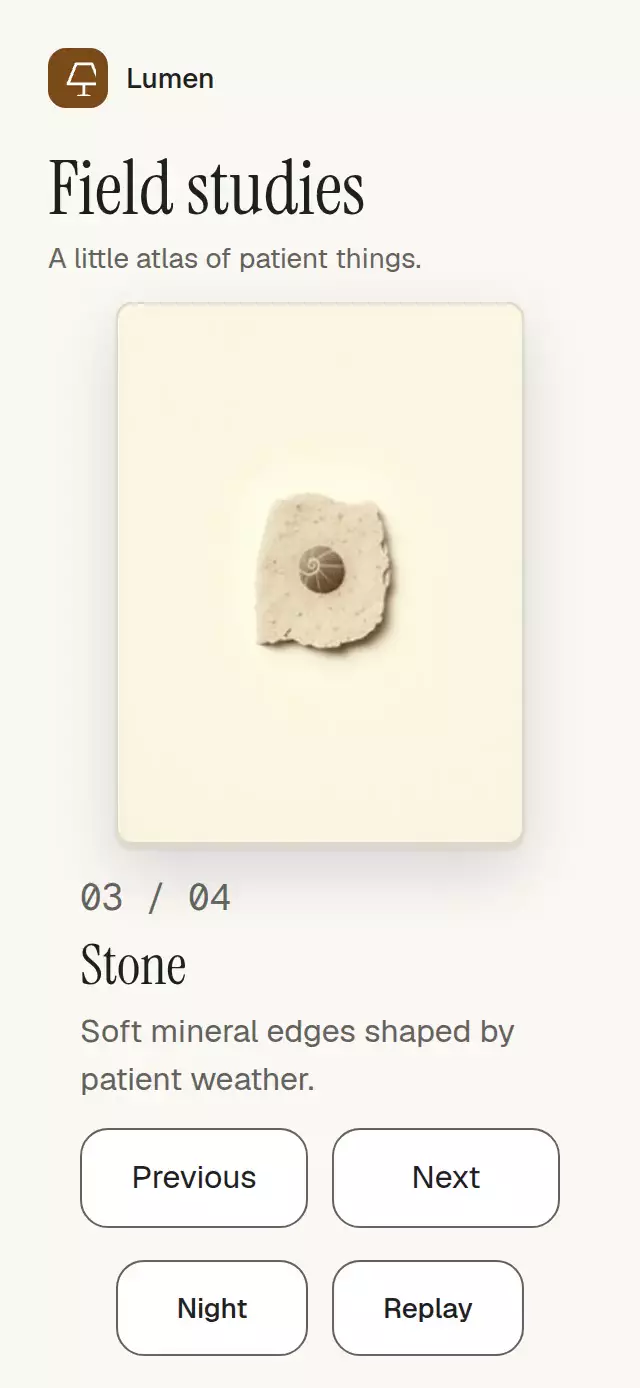
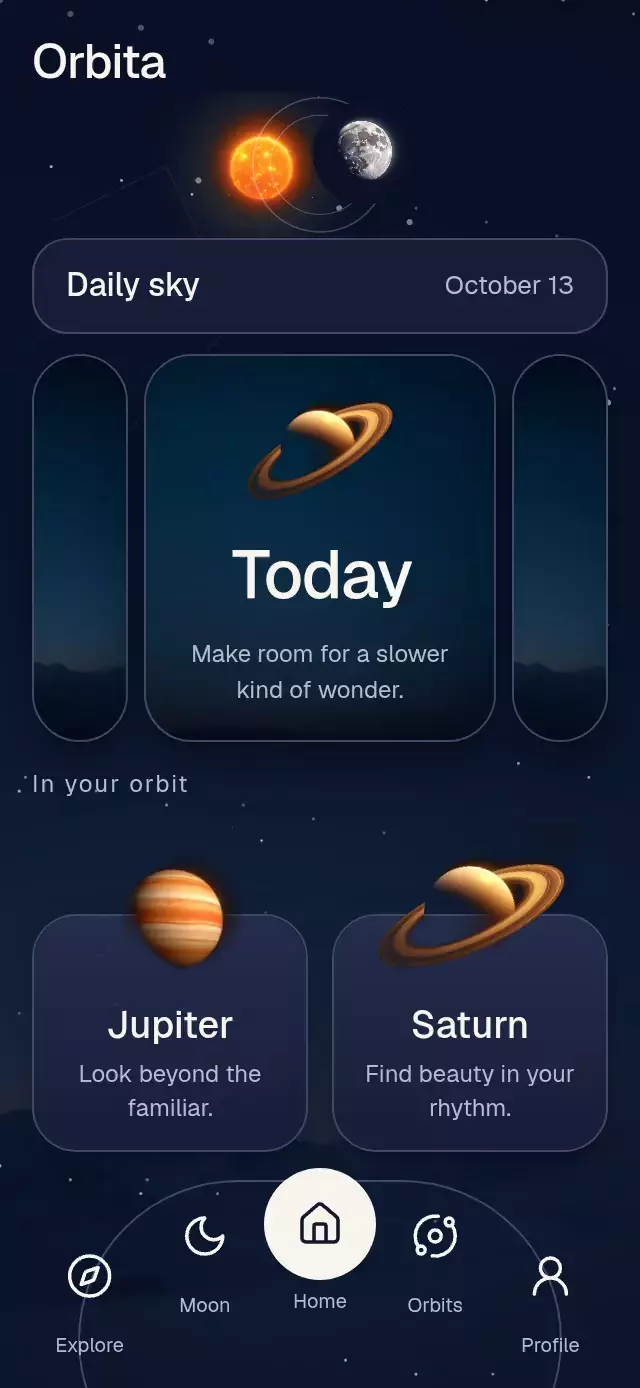
An editorial card sequence with animated reveals and configurable card content, colors, and fonts.
Why this one
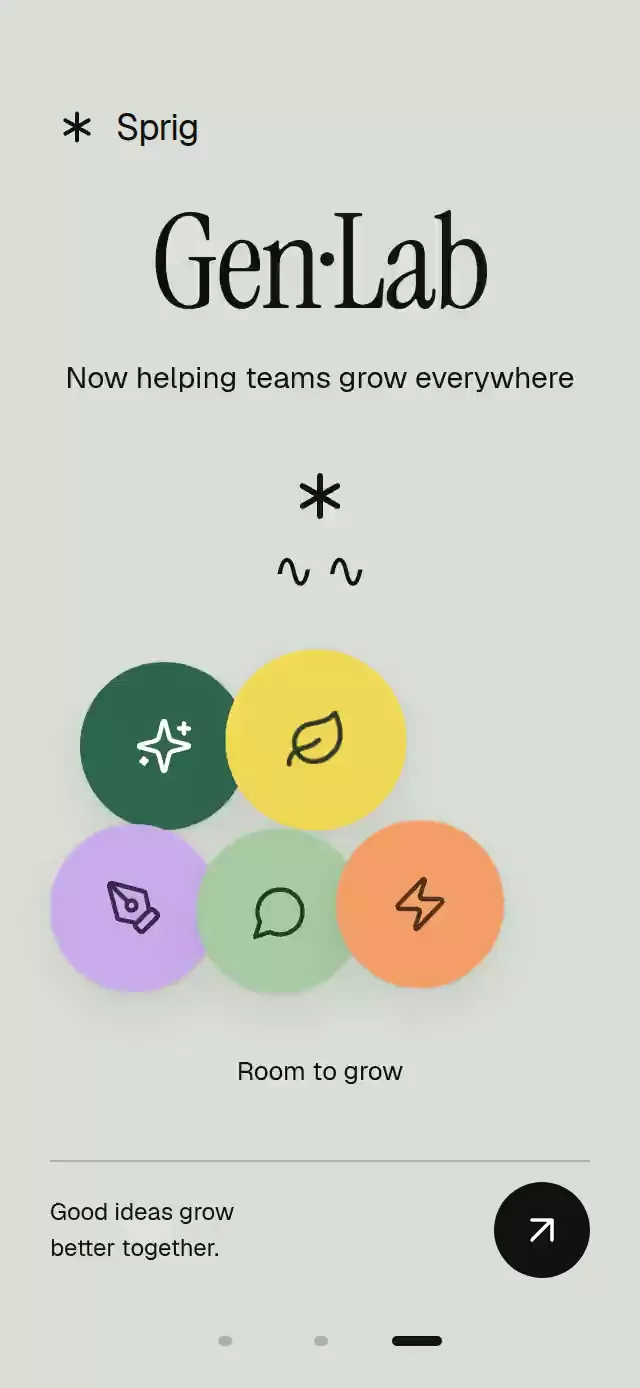
The data has its own physical signature: an actual ink path writes itself while digits roll and usage bars fill. Layered arches fan out around an abstract botanical illustration. Five tool bubbles land with one small rebound and reveal their meaning on tap. The artwork is vector geometry; there are no remote assets, portraits, or overlay blocks masquerading as effects.
How it works
- A single continuous paging shared value follows the horizontal pan, projects release velocity, and springs to the nearest page. Tap the page controls to navigate without swiping.
- Crossing into a scene restarts one entry timeline. A piecewise arc-length mapping trims the Skia handwriting at different speeds; digit columns settle exactly on the final integer.
- Arches rotate from their bottom edge. Bubbles derive staggered landings from the same entry timeline and settle after one low rebound.
- A separate press value gives immediate 0.97 feedback. Selection springs independently, so touches never corrupt paging progress.
- The demo calls the imperative API: first scene at 0 seconds, second at 3.2, third at 6.1, bubble selection at 8.1, replay at 10.8. Physical interaction cancels demo timers.
Install
npx expo install @shopify/react-native-skia react-native-gesture-handler react-native-reanimated react-native-workletsUse a GestureHandlerRootView in the host. Follow the installed Skia version's CanvasKit initialization for web; mount this component after CanvasKit is ready. Copy this folder without demo/. Icons: Lucide (ISC); source paths are included in icons.ts.
Usage
import { EditorialStatCards } from './editorial-stat-cards';

const cards = [{
  type: 'stat' as const,
  title: 'Ready to make',
  value: 98,
  suffix: '%',
  rating: 'Rated by creators',
  description: 'Ready in one pass',
  footer: 'Make something new.',
  actionLabel: 'Continue',
  bars: [{ label: 'Image limit', value: 75, valueLabel: '75%', color: '#C9ABEB' }],
}];

<EditorialStatCards cards={cards} onAction={(index) => openPlan(index)} /><EditorialStatCards
ref={cardsRef}
cards={cards}
brand="Your studio"
fontFamily="YourBodyFont"
serifFontFamily="YourDisplayFont"
revealDuration={1000}
colors={{ background: '#17251C', ink: '#F2F3EA', muted: '#BCC8BC',
line: '#526354', track: '#354638', button: '#F2F3EA', buttonInk: '#17251C' }}
/>
// cardsRef.current?.goTo(1); cardsRef.current?.replay();
// cardsRef.current?.selectIcon(1);Props
| Prop | Type | Default | Purpose |
|---|---|---|---|
| cards | EditorialCard[] | required | Ordered stat, studio, or cluster scenes; all copy, bar labels/values/colors, icon labels/colors/ink, and ornaments live here. Values clamp to 0–99 for statistics and 0–100 for bars. |
| brand | string | Studio | Wordmark beside a Lucide asterisk. |
| colors | Partial<EditorialColors> | sage palette | Background, ink, muted, line, track, lilac, green, pale, button, buttonInk. Supply the complete palette for a fully custom theme. |
| fontFamily | string | system | Body typography. |
| serifFontFamily | string | system | Display typography. Load fonts in the host. |
| revealDuration | number | 1150 | Entry duration in milliseconds. |
| onAction | (index) => void | — | Footer action callback. |
| onIndexChange | (index) => void | — | Active scene changes. |
| onInteraction | () => void | — | Physical touch or accessibility action; stop host autoplay here. |
| pageLabel | (index) => string | Go to card N | Navigation accessibility copy. |
| style | StyleProp<ViewStyle> | — | Root container override. |
| testID | string | editorial-stat-cards | Stable root and page/action/icon identifiers. |
EditorialStatCardsRef: goTo(index) clamps to the available scenes, replay() returns to scene zero and restarts its entrance, selectIcon(index) selects a cluster label. Supply up to five cluster icons. No images are required or fetched.
Compatibility
Embedded component with flex: 1; the host owns safe area insets. Content uses a centered maximum width of 440 points. Every scene scrolls vertically if needed, including a 300×400 slot or landscape. Controls retain a 48-point minimum hit area. Header reserves the viewer's upper-right corner. At 320×694 the statistic uses a compact 76×1.18 display size; taller containers use 88×1.18.
Targets Expo SDK 58, React Native 0.88.0, Reanimated 4.7.1, worklets 0.13.0, and Skia 2.14.0. These modules are available in the project's Expo Go environment. Supports iOS, Android, and web.
Accessibility
All navigation, footer actions, and bubbles have button roles and configurable labels. Pages outside the active scene are hidden from accessibility and touch. Statistic digits expose one semantic final value. Scene changes and selected labels are announced. Gesture Handler taps provide alternatives to horizontal pans, with explicit accessibility activation actions. Reduced motion removes spatial paging, fan motion, falling bubbles, rolling digits, and handwriting sweeps in favor of a 200 ms fade.