About this animation
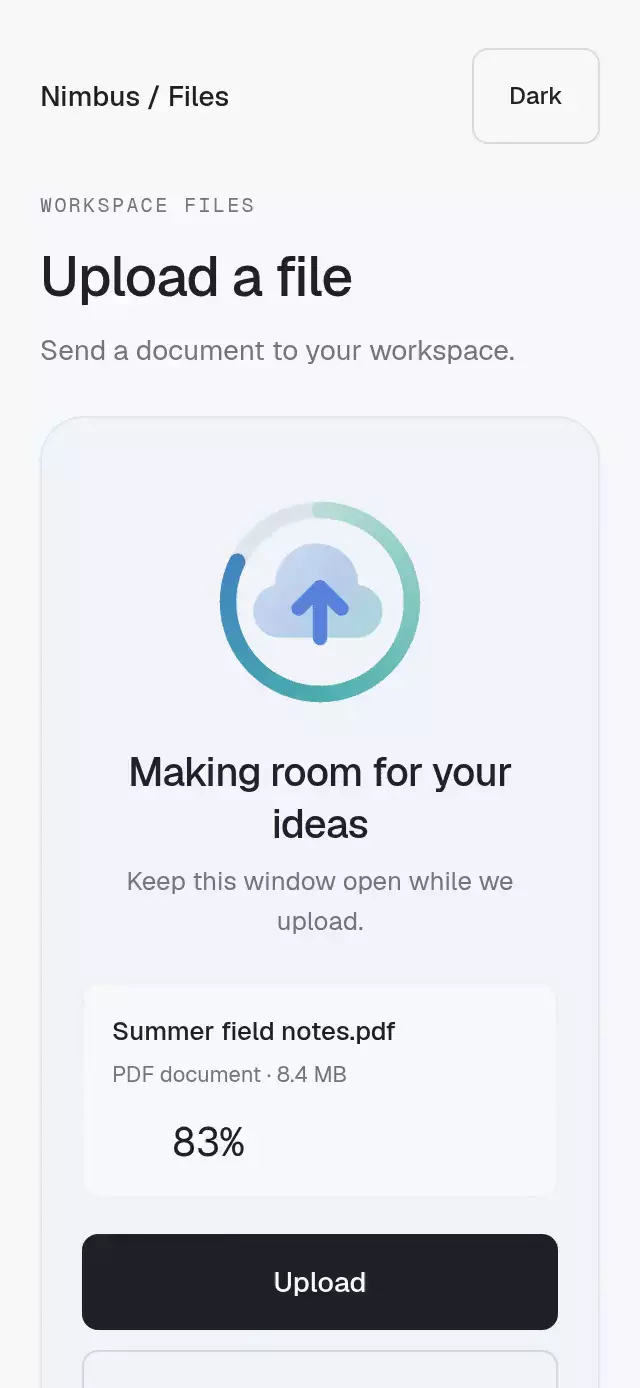
A three-file upload queue with liquid fills and completion morphs, with configurable files, initial progress, gradient colors, and fonts.
Why this one
Most upload indicators separate an ordinary bar from a decorative illustration. This component keeps the hero, rolling percentage, row bars, bubbles, completion morph, internal shine, and toast on the same progress values. The selected file can change at any time, and its liquid level transitions with an interruptible spring.
How it works
- Each file owns one Reanimated shared progress value.
- A spring-driven selected position interpolates between those values so the hero can change files without snapping.
- Skia clips two offset sine waves and rising bubbles to a document silhouette, while the visible outline uses the Lucide file icon.
- The same selected progress moves a masked percentage roller and calms the waves as the upload approaches completion.
- Only after the liquid reaches 100%, a separate completion value morphs the document into a stroked circle and check.
- File rows derive their bars and mini wave caps from their own progress; the final completion raises an accessible toast.
Icons: Lucide (ISC) and Feather (MIT).
Install
npx expo install @expo/vector-icons @shopify/react-native-skia expo-linear-gradient react-native-reanimated react-native-workletsFor Skia on web, follow Expo's Skia setup and make sure CanvasKit assets are available to the bundler.
Usage
import { LiquidUploadProgress } from './LiquidUploadProgress';

const files = [
  { id: 'brief', name: 'Project Brief.pdf', size: '8.4 MB', kind: 'document', speed: '2.2 MB/s', timeLeft: '6 sec left' },
  { id: 'assets', name: 'Launch Assets.zip', size: '21.7 MB', kind: 'archive', speed: '1.9 MB/s', timeLeft: '14 sec left' },
  { id: 'audio', name: 'Voice Memo.m4a', size: '3.1 MB', kind: 'audio', speed: '2.0 MB/s', timeLeft: '4 sec left' },
] as const;

<LiquidUploadProgress files={files} />;
const ref = useRef<LiquidUploadProgressRef>(null);
<LiquidUploadProgress
ref={ref}
files={files}
accentStart="#7C5CFF"
accentEnd="#3B82F6"
onAllComplete={() => saveUploadReceipt()}
/>;
// Starts the built-in staggered demonstration sequence.
ref.current?.replay();Props
| Name | Type | Default | Description |
|---|---|---|---|
files | readonly [LiquidUploadFile, LiquidUploadFile, LiquidUploadFile] | Required | Exactly three files shown in the upload queue. |
initialProgress | readonly [number, number, number] | [0, 0.06, 0] | Initial progress for each file. |
accentStart | string | '#7C5CFF' | First gradient color. |
accentEnd | string | '#3B82F6' | Second gradient color. |
textColor | string | '#151622' | Main text color. |
mutedColor | string | '#777988' | Secondary text color. |
surfaceColor | string | '#FFFFFF' | Card surface color. |
borderColor | string | '#E7E8EF' | Card border color. |
fontFamily | string | undefined | Font family for interface copy. |
mediumFontFamily | string | undefined | Medium font family for labels. |
monoFontFamily | string | undefined | Monospaced font family for changing figures. |
onSelectedFileChange | (index: number) => void | undefined | Called when a file becomes selected. |
onAllComplete | () => void | undefined | Called when all files finish uploading. |
accessibilityLabel | string | 'File upload progress' | Screen-reader label for the upload region. |
style | StyleProp<ViewStyle> | undefined | Optional style for the outer container. |
testID | string | undefined | Test identifier applied to the outer container. |
duration | number | 3900 | Second file upload duration during replay, in milliseconds. Spring physics and reduced-motion timing are unchanged. |
The ref exposes replay(), select(index), and setProgress(index, progress).
Compatibility
- Expo SDK 58, React Native 0.88, Reanimated 4.7, Worklets 0.13, and Skia 2.14.
- iOS: supported.
- Android: supported.
- Web: supported.
- Works in Expo Go because all native dependencies are included by the current Expo SDK project.
Accessibility
Every row and replay control has a 44-point minimum hit area, role, label, and selected state. Screen readers receive upload state without traversing the decorative percentage roller. Reduced Motion removes waves, bubbles, springs, and the moving shine, leaving stable progress levels and short toast fades.