About this animation
Related guides
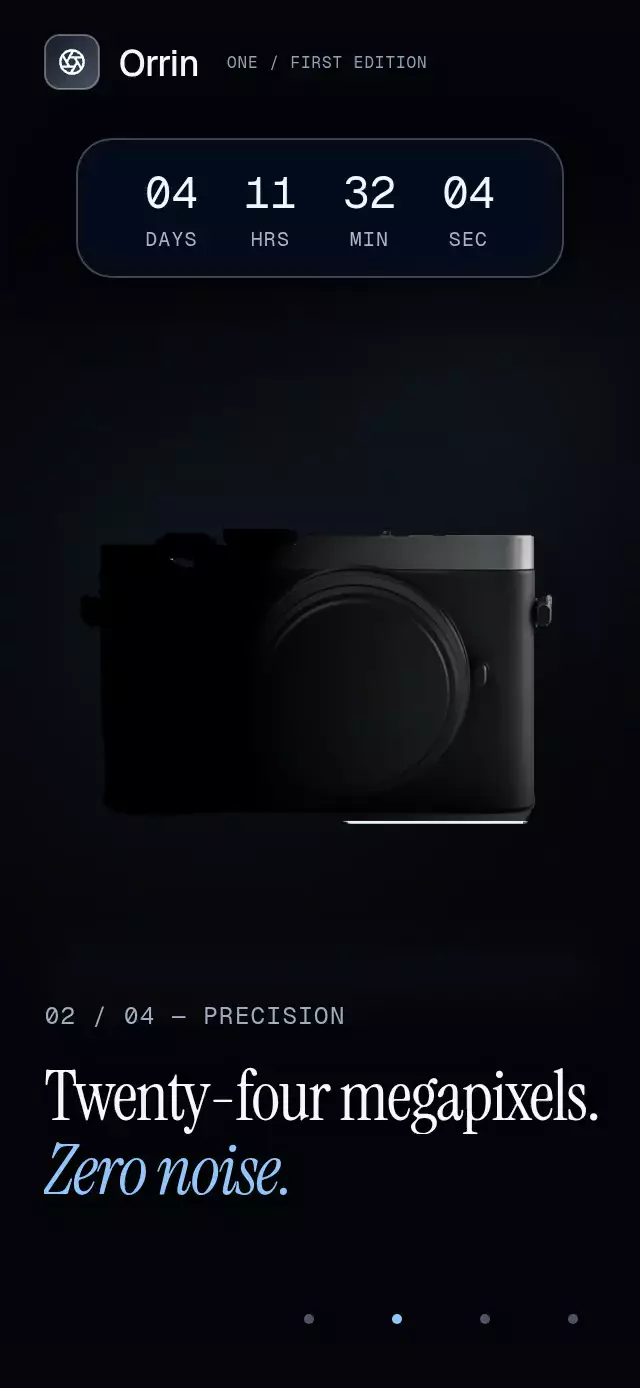
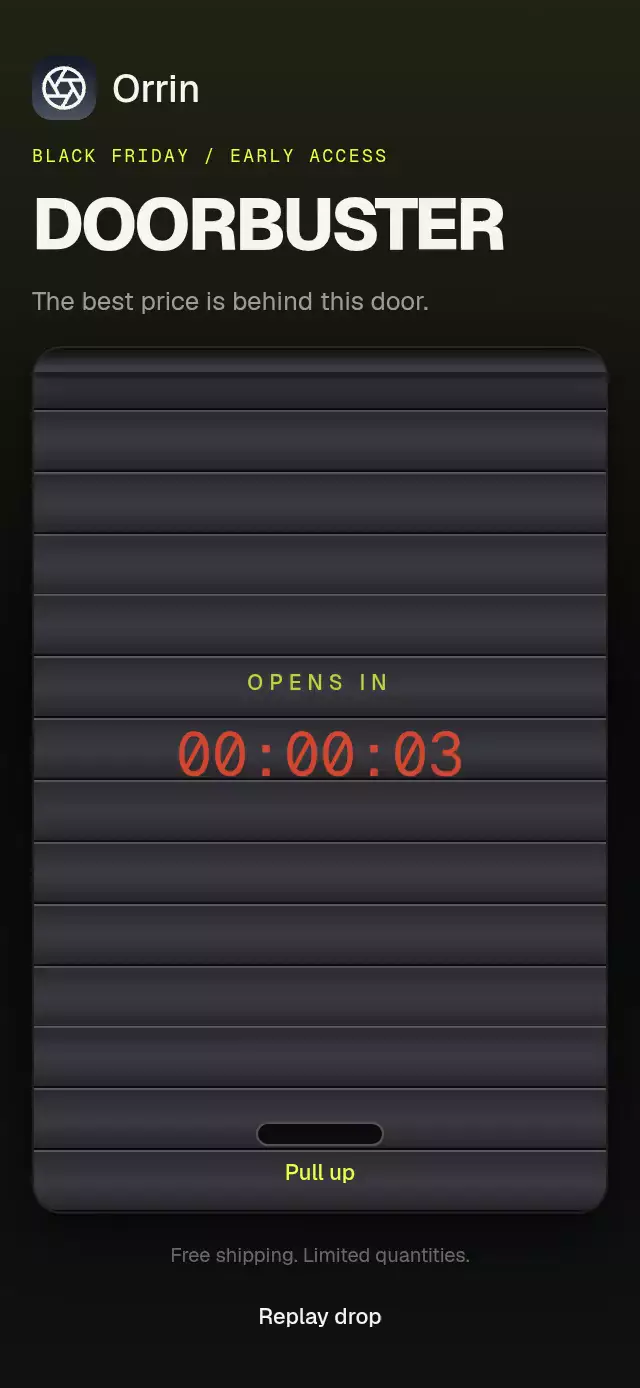
A product-drop countdown with calendar-style digit flips and configurable product image, copy, accent color, and fonts.
Why this one
Most countdowns treat every digit as one rolling strip or replace the entire clock on each tick. This version gives each time unit its own physical two-part card, so only the value that changes moves and hour or minute cards flip naturally on carry. At zero, the clock leaves instead of lingering: the launch message becomes “It’s live,” the notification action grows into a purchase action, and a restrained Lucide sparkle burst marks the exact moment the product becomes available.
How it works
- One Reanimated shared value represents elapsed countdown seconds and the final reveal.
- Each unit derives its current and next values from the same timeline, so unchanged cards remain completely still.
- The outgoing upper half rotates from 0° to −90° around its fold while the incoming lower half rotates from 90° to 0° with a slight overshoot.
- A moving shadow is clipped inside the rotating half, preserving the card material without placing an effect block over the content.
- At zero, the clock fades upward while the heading and CTA crossfade into their live variants; the forwarded ref keeps autoplay outside the reusable component.
Icons: Lucide (ISC).
Install
npx expo install expo-image expo-linear-gradient @shopify/react-native-skia react-native-reanimated react-native-workletsFor web, use the CanvasKit setup documented by React Native Skia. Expo projects configured for React Native Skia load it through the installed package.
Usage
import FlipCardCountdown from './MorphingDigitCountdown';

export function Launch() {
  return (
    <FlipCardCountdown
      hours={0}
      minutes={0}
      seconds={12}
      title="Reserve drops in"
      productName="Seasonal reserve kit"
      price="$18"
    />
  );
}
Customize the product and control the sequence:
import { useRef } from 'react';
import FlipCardCountdown, {
  type MorphingDigitCountdownRef,
} from './MorphingDigitCountdown';

export function ProductDrop() {
  const countdown = useRef<MorphingDigitCountdownRef>(null);

  return (
    <FlipCardCountdown
      ref={countdown}
      accentColor="#D96A3A"
      brand="Studio Market"
      productDescription="Coffee, creamer, and toasted spice syrup."
      productImage={require('./reserve-kit.jpg')}
      productName="Autumn Reserve"
      secondDuration={1000}
      shopLabel="Shop now · $18"
      title="Autumn Reserve drops in"
      onActionPress={(isLive) => (isLive ? openProduct() : saveReminder())}
      onComplete={() => announceLaunch()}
    />
  );
}
The forwarded ref exposes start(secondDurationOverride?), pause(), reset(), and complete().
Props
| Prop | Type | Default | Description |
|---|---|---|---|
brand | string | 'Studio Market' | Wordmark in the top bar. |
eyebrow | string | 'LIMITED DROP' | Context shown before zero. |
title | string | 'Reserve drops in' | Pre-launch heading. |
liveTitle | string | 'It’s live' | Heading shown after zero. |
liveEyebrow | string | 'LIVE NOW' | Status shown only after zero. |
hours | number | 0 | Starting hours, clamped to 0–99. |
minutes | number | 0 | Starting minutes, clamped to 0–59. |
seconds | number | 12 | Starting seconds, clamped to 0–59. |
productImage | ImageSourcePropType | Warm gradient | Product illustration. |
productName | string | 'Reserve kit' | Product title. |
productDescription | string | 'Small-batch seasonal set' | Product detail line. |
price | string | '$18' | Displayed price. |
notifyLabel | string | 'Notify me' | Pre-launch CTA label. |
shopLabel | string | 'Shop now · ${price}' | Live CTA label. |
accentColor | string | '#D96A3A' | CTA, status, and sparkle color. |
backgroundColor | string | '#F5E9DA' | First stop in the scene gradient. |
secondDuration | number | 1000 | Milliseconds allotted to each tick. |
fontFamily | string | System font | Labels and controls. |
digitFontFamily | string | fontFamily | Tabular countdown numerals. |
titleFontFamily | string | System font | Editorial headings and product title. |
notifyAccessibilityLabel | string | Reminder description | Accessible pre-launch action label. |
shopAccessibilityLabel | string | Shop description | Accessible live action label. |
onActionPress | (isLive: boolean) => void | — | Reports whether the reminder or shop action was pressed. |
onComplete | () => void | — | Called once at zero. |
style | StyleProp<ViewStyle> | — | Outer-container style. |
testID | string | — | Outer-container test identifier. |
Compatibility
- Expo SDK 58
- React Native 0.88
- Reanimated 4.7, Worklets 0.13, React Native Skia 2.14
- iOS: supported
- Android: supported
- Web: supported
- Works in Expo Go because these native modules are included in Expo SDK 58
Accessibility
The clock is announced as one concise remaining-time label rather than six separate digits. The CTA has a 44-point hit target, a state-specific accessible label, and press-in feedback. With reduced motion enabled, the component moves directly to the live state without 3D flips, translation, bounce, or spark travel.