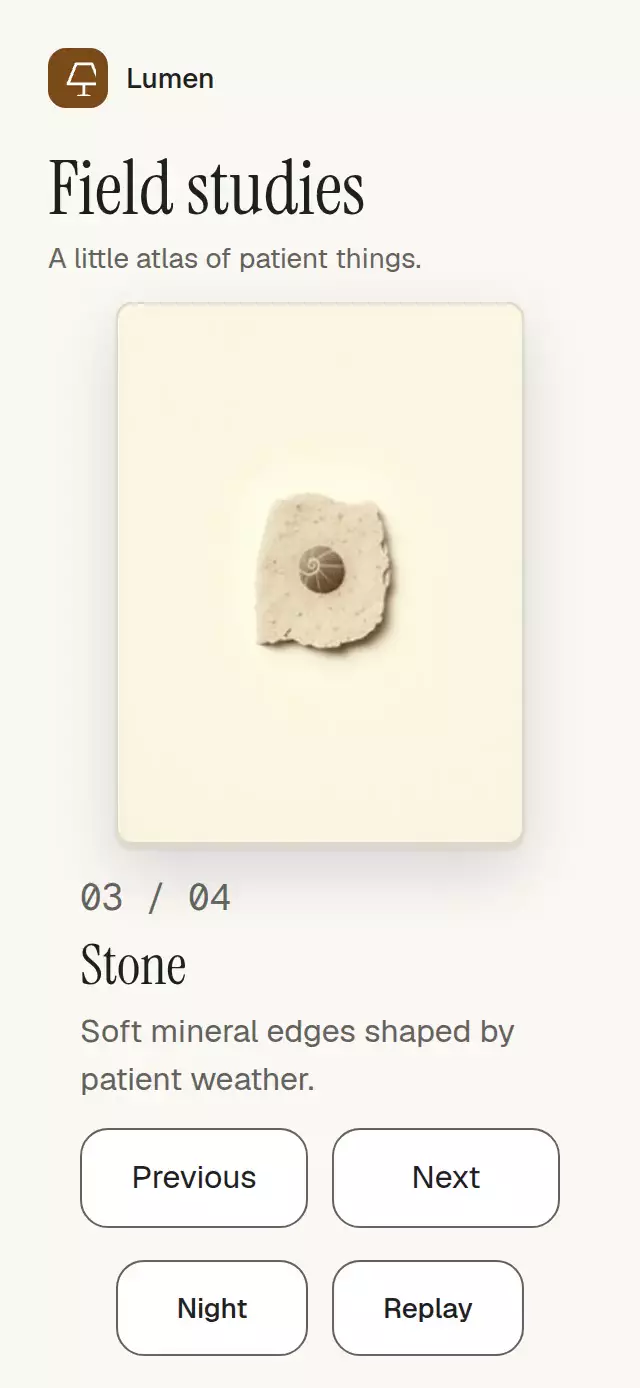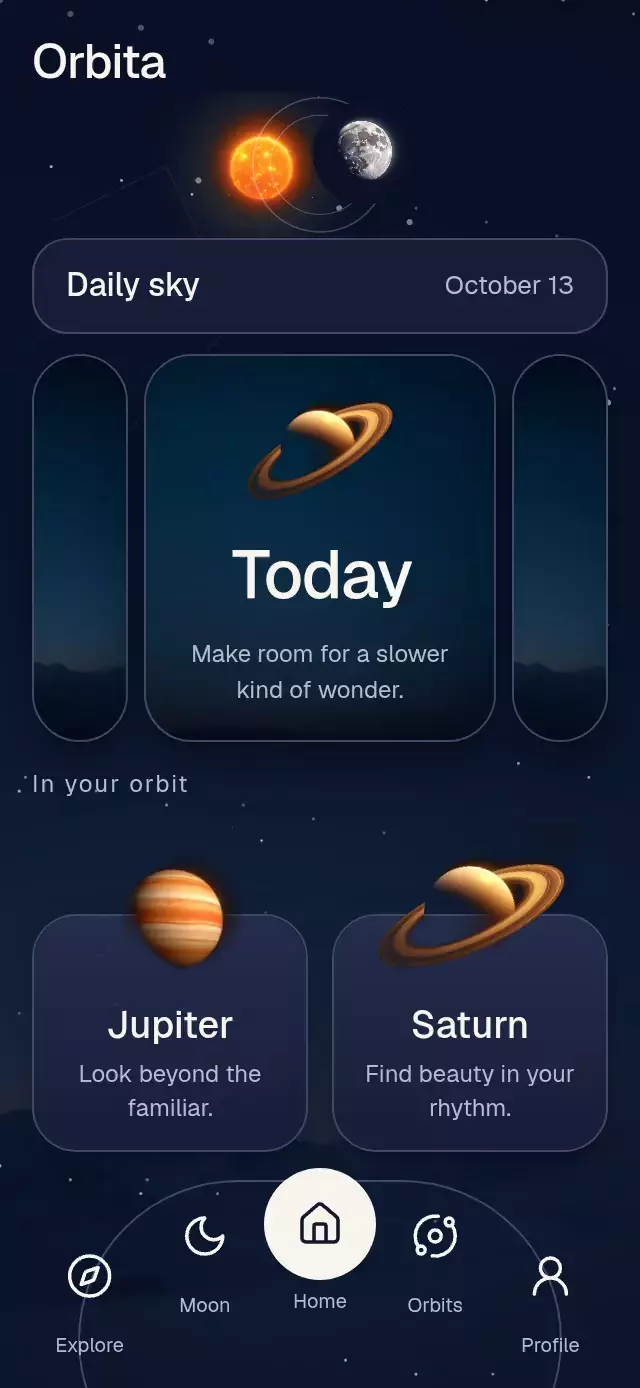
About this animation
A scene carousel whose circular portals expand into session timers, with configurable scenes, portal size ratio, accent color, and fonts.
Why this one
The scene opens along one continuous, interruptible path. A turning planet ties selection to place, slow artwork zoom keeps each scene alive, and scene-specific mist, embers, and light motes add atmosphere. The timer has a draggable clock cursor plus accessible buttons. No audio files or playback engine are included; connect pause and timer callbacks to your app.
How it works
onLayoutmeasures the host container. The portal diameter defaults to 72% of its width, centered at 30% of its height.- One continuous carousel position drives portal spacing, neighboring scale, image parallax, and planet rotation. Velocity projects the next snap, with a nearly critically damped spring.
- A separate opening progress expands the circular clip to twice the container diagonal. Artwork interpolates to screen dimensions while the planet exits and the title fades.
- The ring brightens for 120 ms, the opening takes 420 ms, and timer controls fade in over the following 400 ms. A downward drag can interrupt and reverse the opening.
- A clock gesture sets 5–60 minutes. UI-thread digit columns roll only during carry; state and callbacks update at integer changes.
- The demo advances twice at 1.2-second intervals, begins opening at 2.8 seconds, sets 25 minutes, closes, and repeats. Touch cancels autoplay.
Install
Copy this folder without demo/ into your project, then install SDK-compatible versions:
npx expo install @shopify/react-native-skia expo-image expo-linear-gradient react-native-gesture-handler react-native-reanimated react-native-workletsUse a GestureHandlerRootView at the app root. For web, initialize CanvasKit before rendering this component with Skia's documented web loader (WithSkiaWeb), and serve its WASM asset. This component imports Skia and must be loaded after that initialization.
Icons: Lucide (ISC). Paths are copied from the project kit into icons.ts.
Usage
import PortalScenePicker from './portal-scene-picker';

<PortalScenePicker
  scenes={[
    {
      id: 'forest',
      image: require('./assets/forest.jpg'),
      title: 'FOREST LIGHT',
      subtitle: 'A quiet place',
      particles: 'motes',
    },
  ]}
/>;
With personality controls and imperative playback:
const picker = useRef<PortalScenePickerRef>(null);

<PortalScenePicker
  ref={picker}
  scenes={scenes}
  portalRatio={0.72}
  openDuration={420}
  zoomIntensity={0.06}
  accentColor="#60A5FA"
  fontFamily="YourInterfaceFont"
  titleFontFamily="YourTitleFont"
  monoFontFamily="YourMonoFont"
  onPauseChange={setAudioPaused}
/>;

// Call from an event handler or effect.
picker.current?.goTo(2);
picker.current?.open();
picker.current?.setMinutes(25);
picker.current?.close();
Import useRef from React and PortalScenePickerRef from this folder in the second example. Local artwork belongs to your app; the reusable component imports no demo assets or project theme.
Props
| Prop | Type | Default | Purpose |
|---|---|---|---|
| scenes | readonly PortalScene[] | Required | IDs, images, titles, subtitles, and optional particle kind |
| initialIndex | number | 0 | Initial scene, clamped to the list |
| header | ReactNode | — | Host brand or product heading |
| portalRatio | number | 0.72 | Portal diameter, clamped to 0.5–0.82 of width |
| openDuration | number | 420 | Opening and closing milliseconds |
| zoomIntensity | number | 0.06 | Slow zoom amount, clamped to 0–0.15 |
| accentColor | string | #60A5FA | Atmosphere and selection ring |
| fontFamily | string | System | Interface font |
| titleFontFamily | string | fontFamily | Scene title font |
| monoFontFamily | string | System | Timer and subtitle font |
| onIndexChange | (index: number) => void | — | Selection changes |
| onOpenChange | (open: boolean) => void | — | Immersive mode requests |
| onTimerChange | (minutes: number) => void | — | Integer timer changes |
| onPauseChange | (paused: boolean) => void | — | Host playback integration |
| onInteraction | () => void | — | User interaction, including autoplay cancellation |
| style | StyleProp<ViewStyle> | — | Container style; provide a bounded height |
| testID | string | — | Root test identifier |
Ref methods: goTo(index), open(), close(), setMinutes(minutes).
Compatibility
Designed for Expo SDK 58, React Native 0.88.0, Reanimated 4.7.1, Worklets 0.13.0, Gesture Handler 3.3, and Skia 2.14.0. Uses installed Expo Go modules. Supports iOS, Android, and web.
Accessibility
Scene portals and controls expose button roles, labels, and activation actions. The timer exposes adjustable semantics, current minutes, increment/decrement actions, and visible 44-point alternatives to dragging. Scene transitions announce their state, and pause status uses a polite live region. No important text or control sits in the upper-right viewer-close area.
Reduced motion disables zoom, particles, globe pulsing, parallax, and spatial scene transitions. Selection uses a 200 ms change and the immersive scene fades in; digits show integers without rolling. No blur or trails are used.