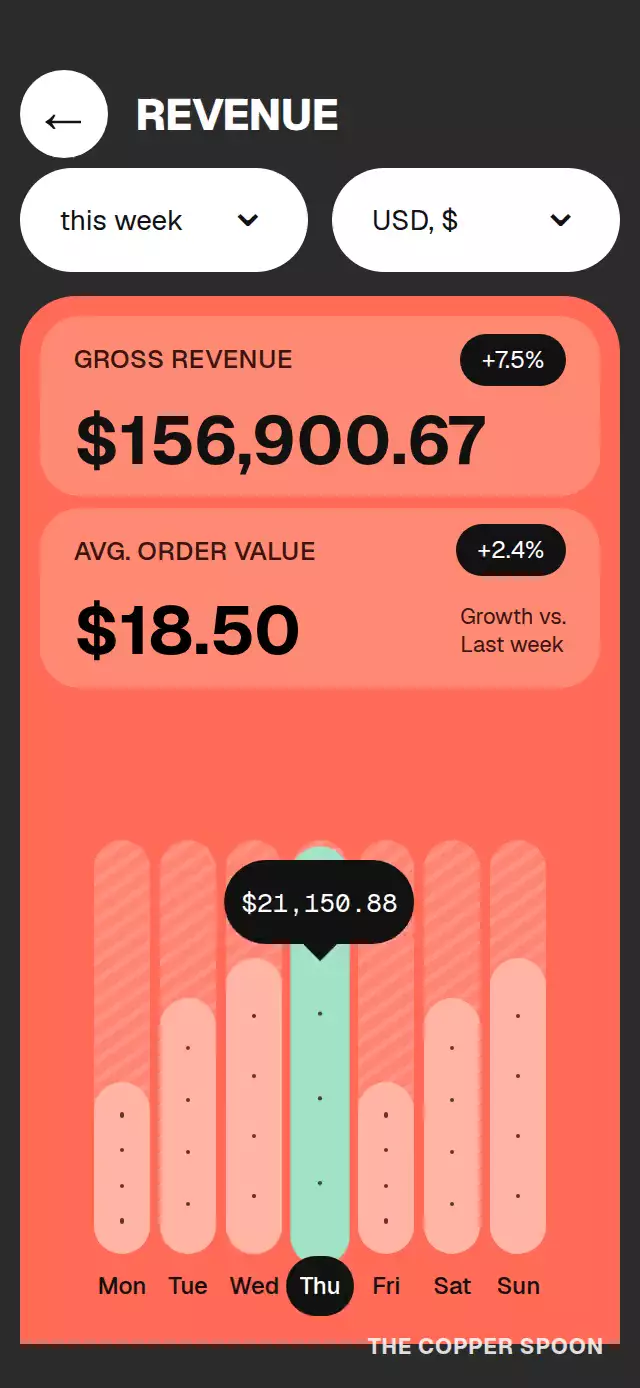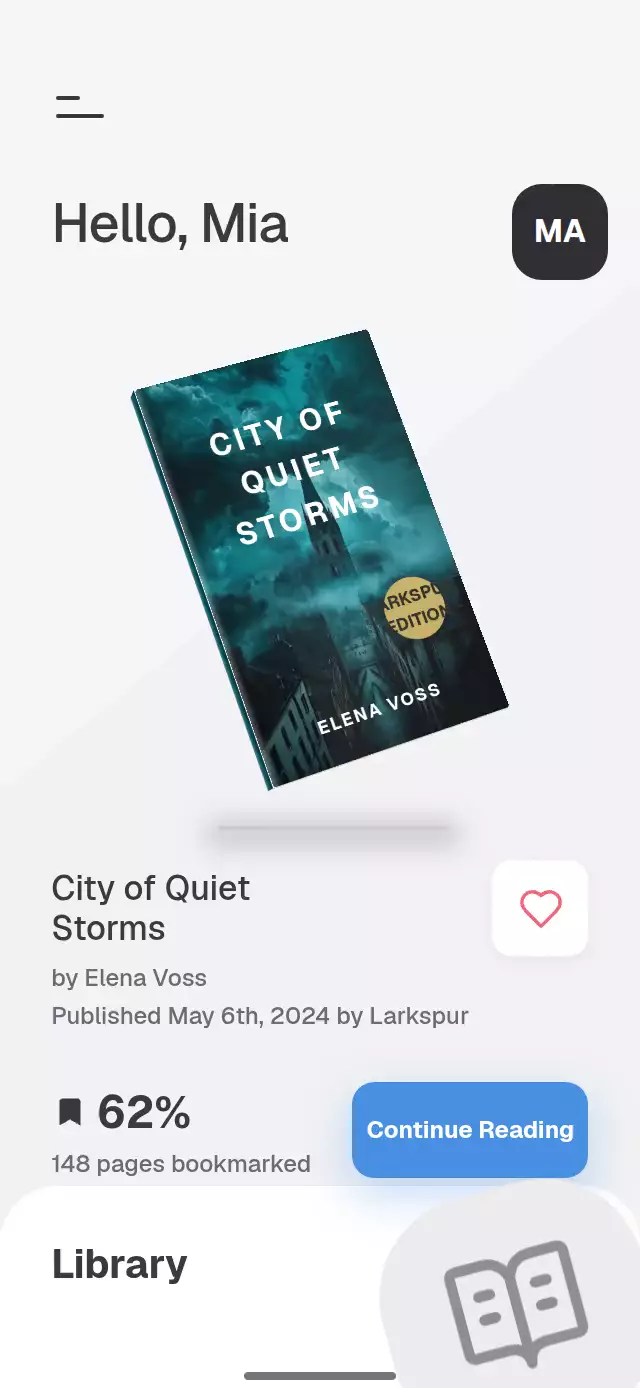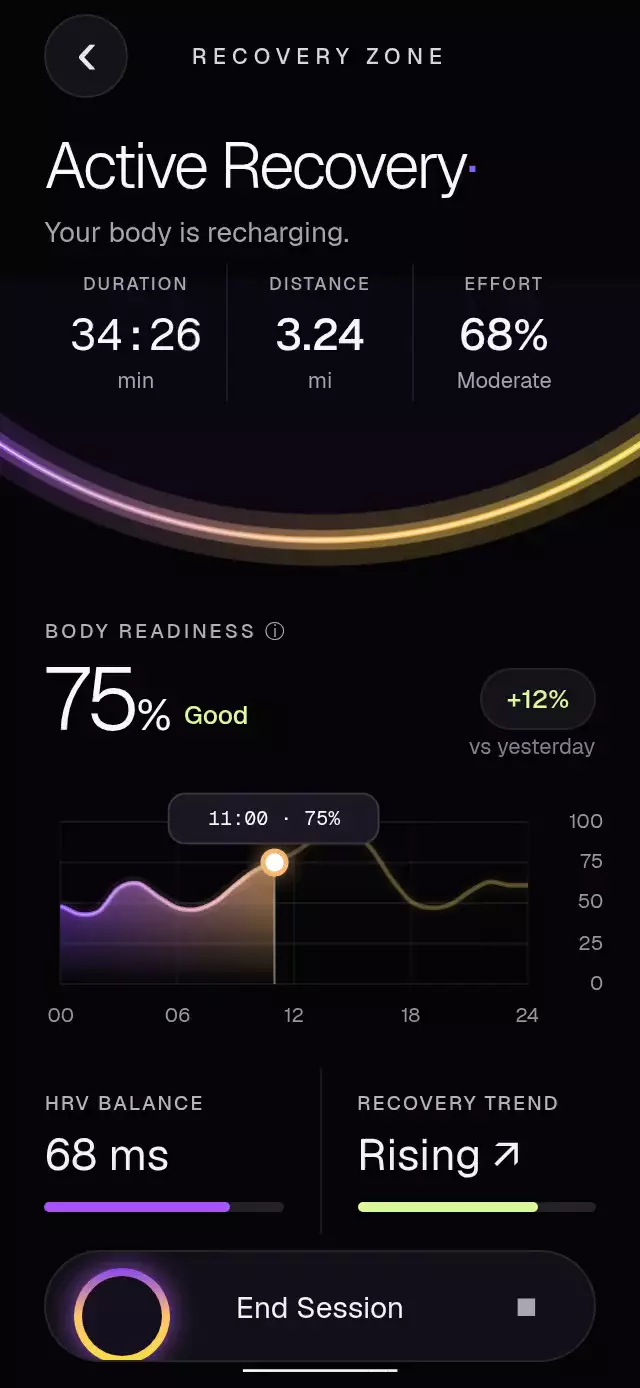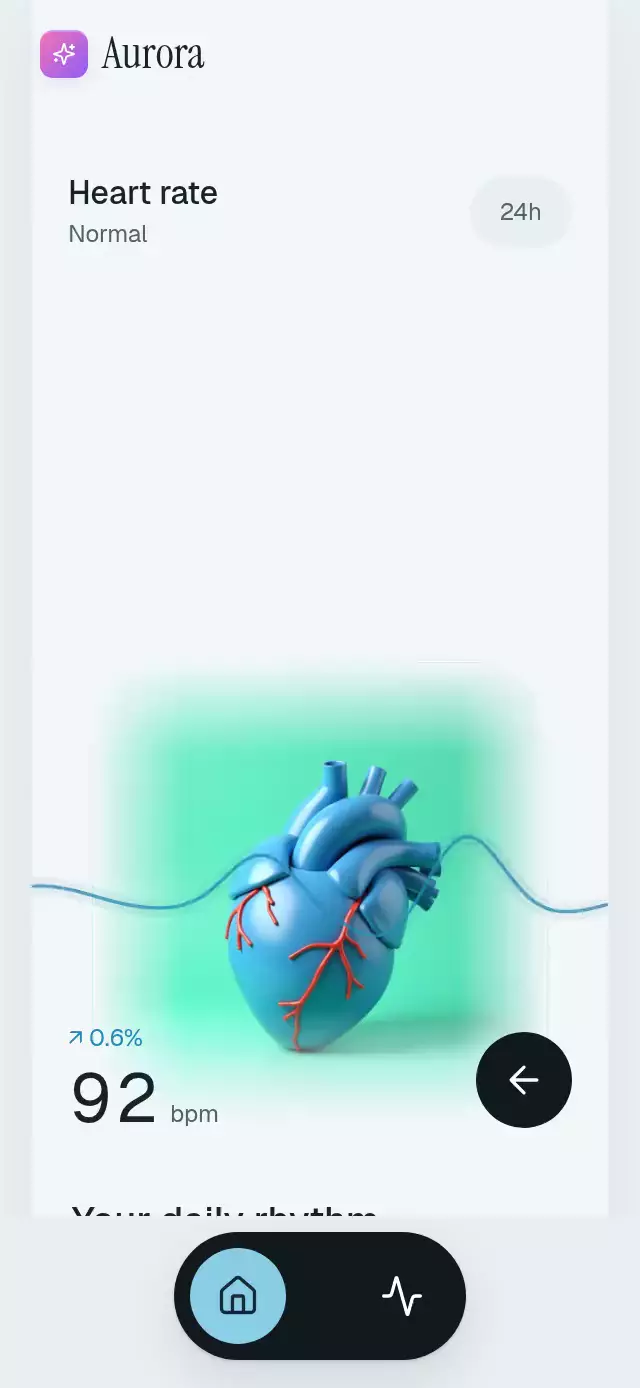
About this animation
A heart-rate dashboard with synchronized beats and expanding charts, with configurable heart image, health stats, colors, and fonts.
Why this one
The data determines the motion: one continuous UI-thread phase drives both a double lub-dub and a traveling sinusoidal pressure envelope. Rate changes ease into the new tempo without restarting the beat. The heart stays anchored while its surrounding card expands. The demo uses original artwork and Aurora branding; all health values are simulated.
How it works
onLayoutmeasures the host; the dashboard caps its width at 480 pt and scrolls in smaller or landscape containers. The host supplies safe-area insets.- A frame callback integrates bpm into a continuous phase. Two narrow Gaussian peaks create the double beat; a Skia path derives the traveling wave from the same phase.
- A dedicated expansion shared value controls card geometry, heading placement, detail visibility, and the chart's drawing progress. The hero never changes its anchor.
- Rate columns translate independently through ten exact 42 pt digit slots. Every transition lands on an integer slot; React updates only when data or a view changes.
- Activity progress staggers the bars. Day controls change the formatted metrics and ease each bar toward its new height. Small screens scroll the seven 48 pt day targets horizontally.
- The demo drives the public ref on a 14.5-second loop: beats, rate change, expansion, collapse, activities, next day, dashboard. Any touch stops the loop.
Install
npx expo install @shopify/react-native-skia expo-image expo-linear-gradient react-native-gesture-handler react-native-reanimated react-native-workletsUse a GestureHandlerRootView in your app. Skia web requires the host's CanvasKit initialization and wasm asset, as in Expo's Skia setup. No additional native module or haptics dependency is needed.
Usage
import PulseHeartDashboard from './pulse-heart-dashboard';

<PulseHeartDashboard heartImage={require('./heart.jpg')} bpm={88} />;
const dashboard = useRef<PulseHeartDashboardRef>(null);
<PulseHeartDashboard
ref={dashboard}
heartImage={require('./heart.jpg')}
bpm={() => latestReading()}
sourceInterval={4000}
beatIntensity={0.045}
labels={{ greeting: 'Hello, Alex', initials: 'AT' }}
colors={{ background: '#172327', surface: '#223139', ink: '#F4F7F8', muted: '#BBC9CF' }}
stats={{ calories: '1,290/2,340 kcal', weight: '198 lbs', variation: '↗ 0.6%' }}
onOpenHeart={() => trackHeartOpen()}
/>;
dashboard.current?.setBpm(92);
dashboard.current?.openHeart();
dashboard.current?.showActivities();Props
| Prop | Type | Default | Purpose |
|---|---|---|---|
heartImage | ImageSourcePropType | Required | Your local or remote heart artwork; use at least 795 px for the maximum rendered pulse size. |
bpm | number | (() => number) | 88 | Controlled reading or polling source; updates clamp to 35–200. |
sourceInterval | number | 4000 | Source polling interval in milliseconds, minimum 1000. |
stats | HeartStats | Generic sample metrics | Formatted calories, weight, and variation. |
week | readonly HeartDay[] | Seven sample days | Each record provides label, date, steps, kcal, value (0–1), and change, with optional bars for the selected day’s weekly comparison. An empty list displays no bars. |
labels | Partial<HeartLabels> | English labels | Override every structural label, hours, units, greeting, initials, and accessibility action. |
colors | Partial<HeartPalette> | Cool light palette | Background, surface, ink, muted, blue, wave, orange, olive, control, onControl, onBlue. Set the complete palette for a custom theme. |
fontFamily | string | System | UI typeface. |
mediumFontFamily | string | UI family | Heading typeface; supply its weight-specific font name. |
monoFontFamily | string | Heading family | Rolling digit typeface. |
beatIntensity | number | 0.06 | Beat enlargement, clamped to 0–0.09. |
onOpenHeart | () => void | — | Expansion callback on JS. |
onViewChange | (view) => void | — | Dashboard, heart, or activities selection. |
onInteraction | () => void | — | Touch interaction callback for pausing host automation. |
style | StyleProp<ViewStyle> | — | Root container override; root defaults to flex 1. |
testID | string | pulse-heart-dashboard | Root identifier and stable control suffixes. |
Ref: setBpm(n), openHeart(), closeHeart(), showActivities(), showDashboard(), nextDay(). A controlled bpm prop updates when its value changes; an imperative reading remains until the next prop/source update. Theme selection belongs to the host.
Compatibility
Expo SDK 58, React Native 0.88.0, Reanimated 4.7.1, Worklets 0.13.0, Skia 2.14.0. Expo Go compatible. Supports iOS, Android, and web.
Accessibility
Interactive controls have button roles and labels. Day targets are at least 48 pt wide; navigation controls are 48×48. View changes are announced, hidden views are removed from the accessibility tree, and the heart exposes an accessibility tap. Reduced motion stops the heartbeat and wave travel, removes digit rolling and bar growth, and uses 200 ms view fades. All interactions have tap controls; no drag gesture is required.
Icons: Lucide (ISC), copied from the project kit. The original demo image is supplied separately in demo/assets/; the reusable component imports no demo or shared project resources.