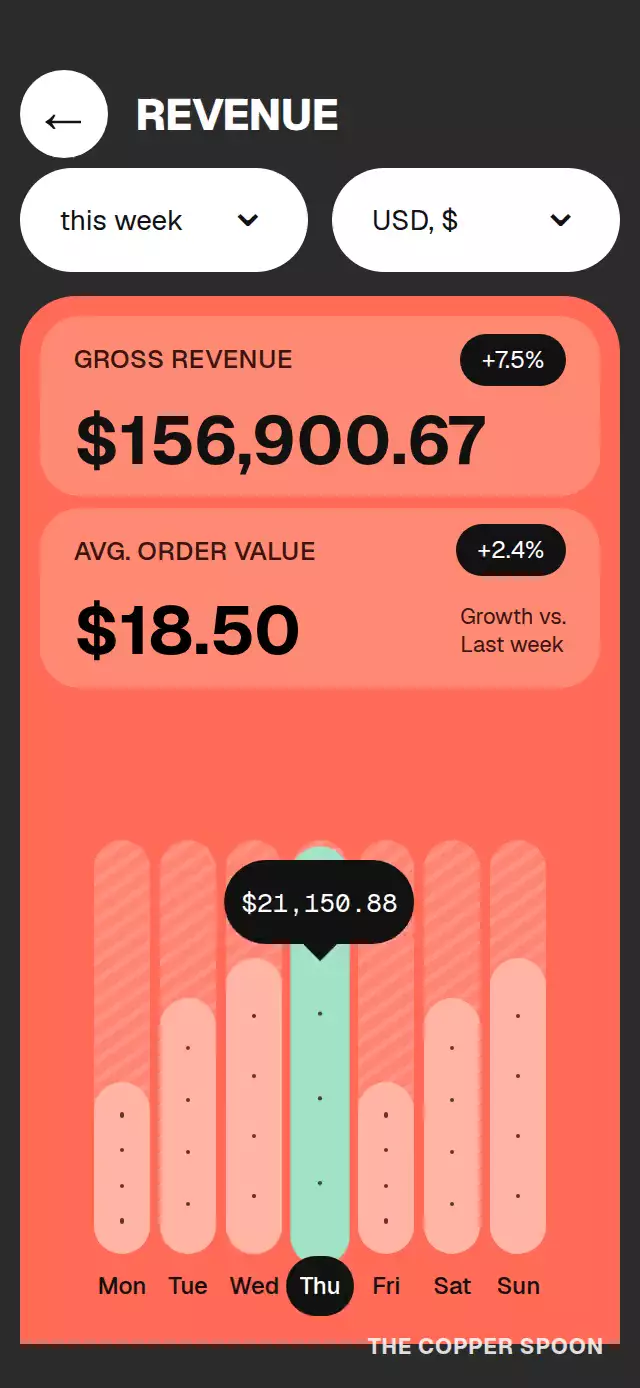
About this animation
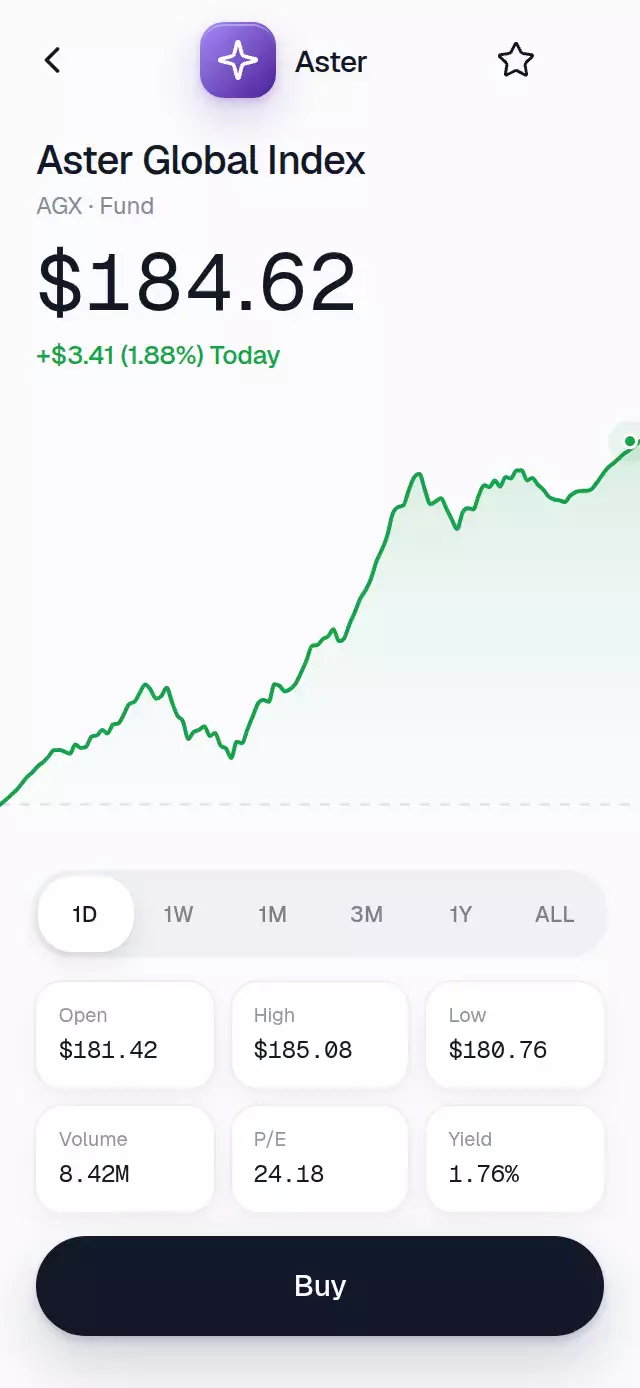
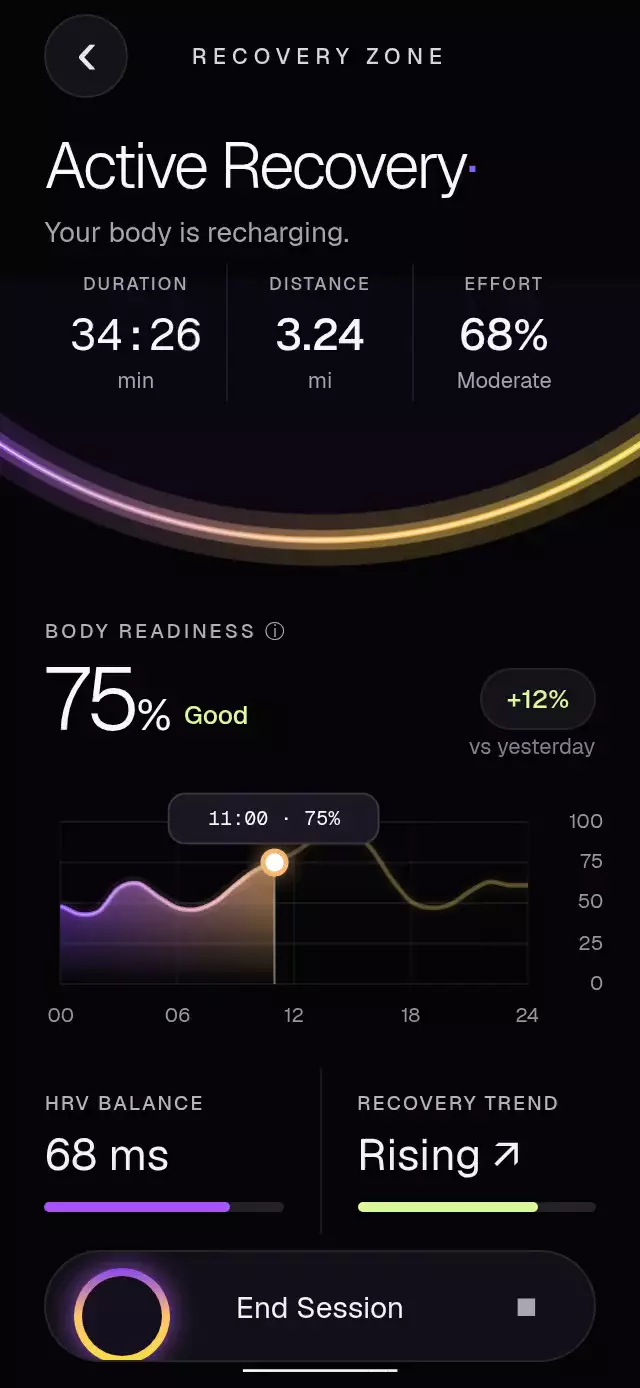
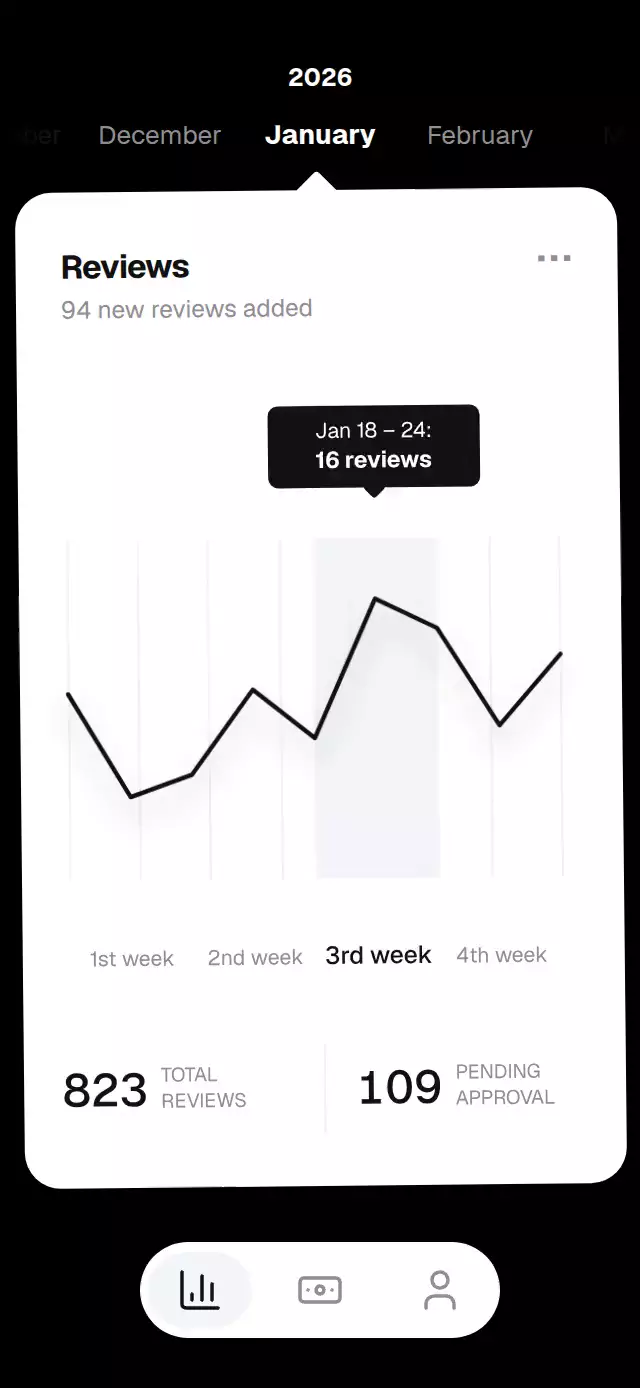
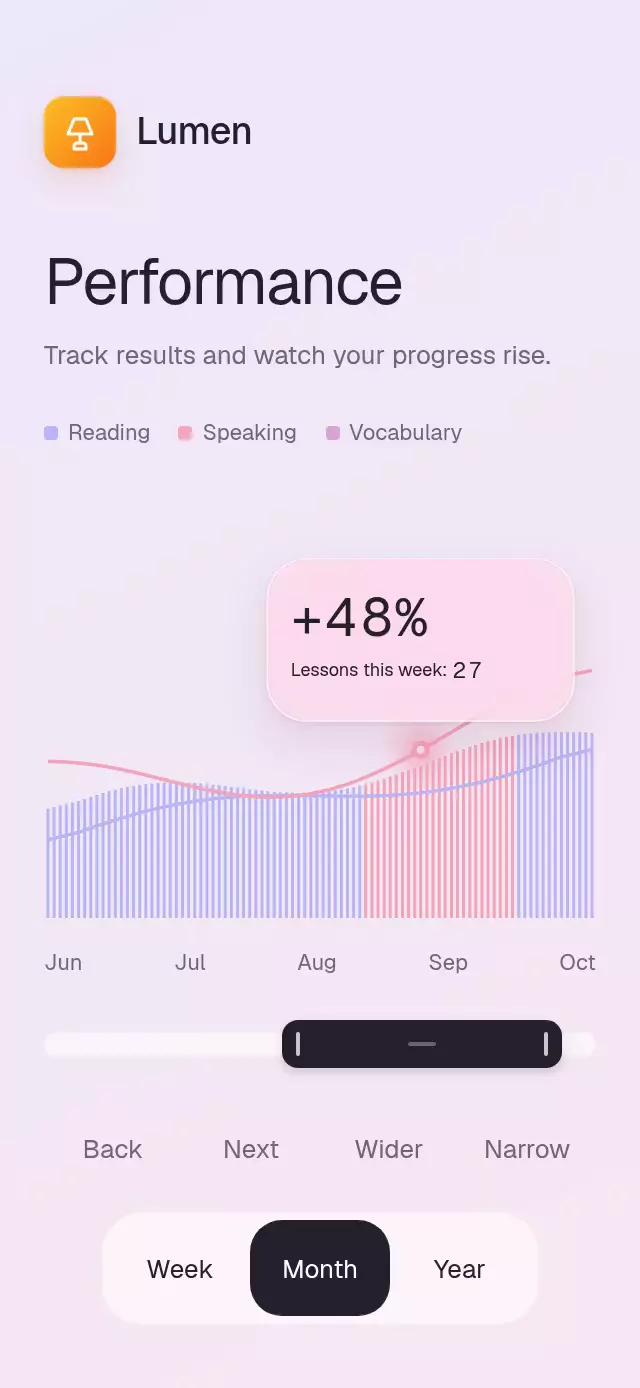
An interactive revenue chart with draggable daily values and configurable chart colors, labels, periods, and money formatting.
How it works
One continuous day shared value drives the active bar color and scale, the bubble position, and the selected day label. A pan gesture follows the finger directly on the UI thread and springs to the nearest day on release. The bubble translates horizontally on a fixed baseline, while preformatted amounts crossfade independently inside its fixed bounds. Scrubbing does not update React state or restart a timing animation on each gesture event. Period data changes in place so the chart retains its layout and selection.
Install
npx expo install react-native-gesture-handler react-native-reanimated react-native-workletsUsage
import RevenueBarScrubber, { type RevenueBarScrubberRef } from './RevenueBarScrubber';
import { useRef } from 'react';

export function RevenueScreen() {
  const chart = useRef<RevenueBarScrubberRef>(null);
  return <RevenueBarScrubber ref={chart} periods={weeklyPeriods} />;
}
The ref exposes selectDay(index) and setPeriod(id). The component is embeddable and does not apply safe area insets.
Props
| Prop | Type | Description |
|---|---|---|
title | string | Heading shown above the selectors. |
periods | RevenuePeriod[] | Period labels, totals, deltas, average order values, and seven daily values. |
currencyLabel | string | Currency selector label. |
initialDay | number | Initially selected day from 0 to 6. |
labels | { gross, aov, growth } | Metric labels. |
colors | { background, card, cardSoft, bar, barActive, ink } | Complete dashboard palette. |
formatMoney | (value: number) => string | Currency and number formatter. |
onPeriodChange | (id: string) => void | Called after choosing a period. |
onDayChange | (index: number) => void | Called after selecting a day. |
onBack | () => void | Back button action. |
style | StyleProp<ViewStyle> | Optional root style. |
testID | string | Root test identifier. |
Compatibility
- Expo SDK 58, React Native 0.88, Reanimated 4.7, and Worklets 0.13.
- iOS, Android, and web are supported.
Accessibility
Period and day controls are labeled buttons. The back control has a descriptive label. Reduced motion selects days immediately, switches amounts without a crossfade, and removes moving stripe texture.
Why this one
The chart makes each day's value directly inspectable: drag across the bars and the active day, highlight, and amount move together without navigating away from the dashboard.